26
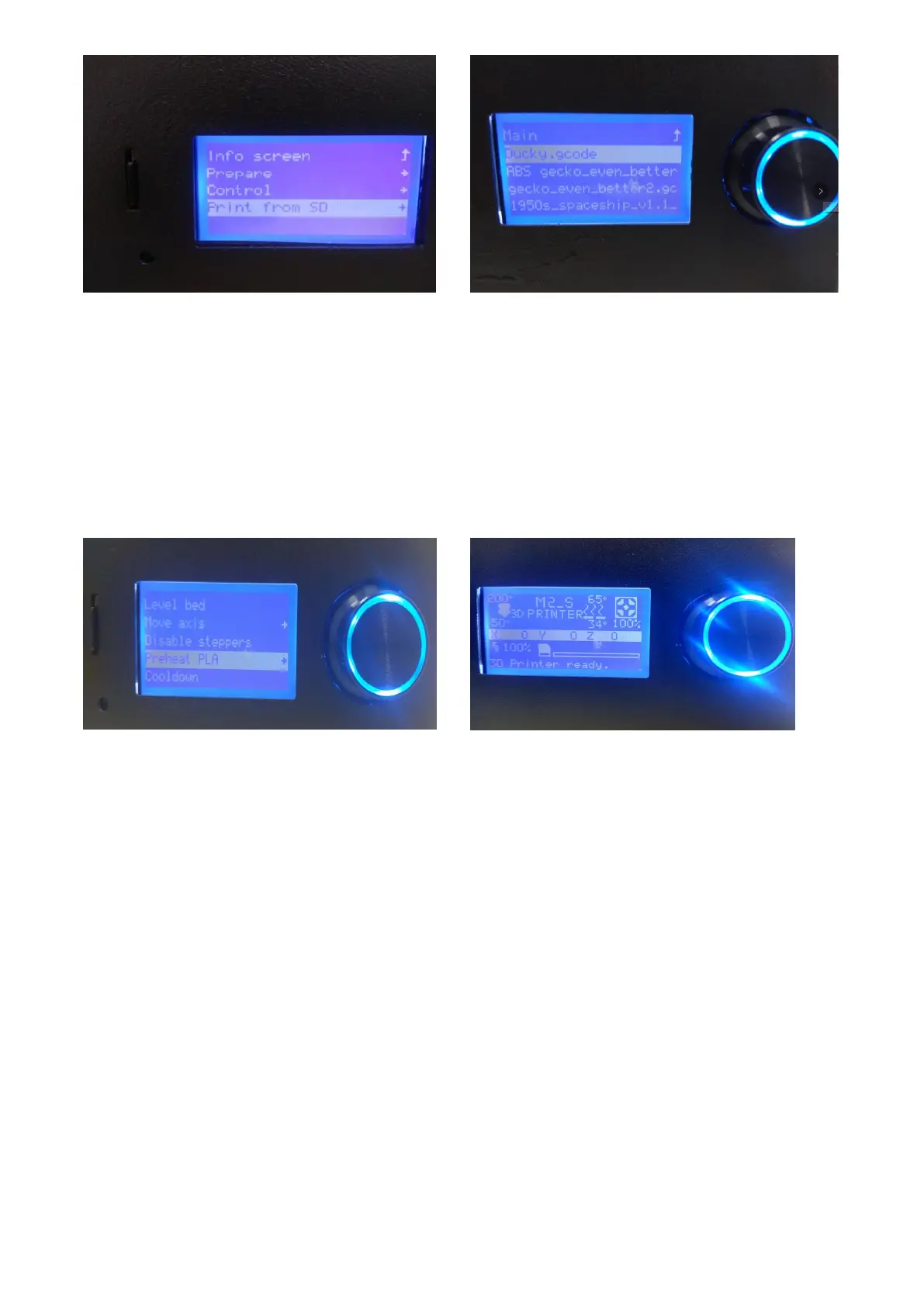
Select the first item of "Print from SD" from the Start menu to enter the file list of the SD card. This
list gives all the gcode format files in the SD card root directory in reverse chronological order. Select
the file you want to print, and then click the OK button to start printing.
Please note that the length of the file name cannot be more than 19 characters, otherwise it cannot
be recognized by the printer.
5.1.4 Printer Preheat
When you are printing PLA model, the temperature of the heating plate needs to rise to 100
degrees; it will take 5-10 minutes or longer, depending on the ambient temperature.
After printer starts heating, LCD would display the real temperature of nozzle and printing platform.
At this moment, if needs to perform other operation, users can press the left button to return to
stat menu, and heating process will continue at the backstage. If needs to stop the printer heating,
users can enter to heating menu and choose “Stop-Heating”.
5.1.5 Debugging of Printer Function
Printer Temperature
In the start menu, choose the third item “Control”, enter to the secondary menu,choose the first
item” Temperature”, and enter the real Control interface of printer temperature. Press the left
button to return the last layer of menu.



 To Next Page