30
After adjust, if the gap between the nozzle and platform is not suitable, please repeat to adjust each
point.
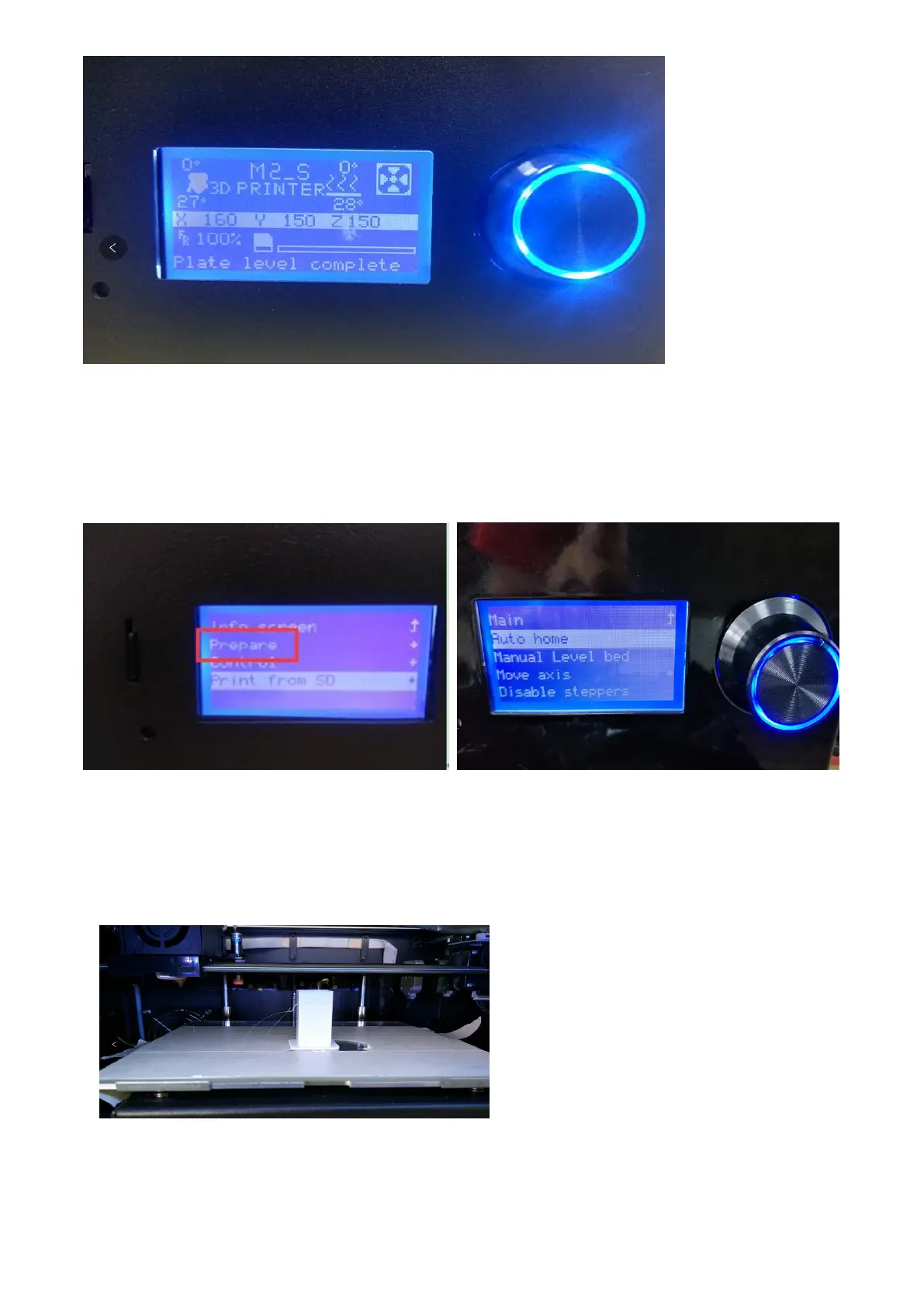
5.1.9 Auto Home.
In the start menu, select item 2 "Prepare", rotate the button and click to select "Auto home", the
printer nozzle and platform will automatically return to the home position.
5.1.10 Stop printing/ Pause printing
There are two ways to pause the printer.
1. Open the front door. To ensure safety during printing , the nozzle will automatically pause and
back to the home position when the front door is open.(this function can be closed in the menu
according to user’s option)
2. In the printing state, you can click the knob to enter the printer folder menu, and choose “Pause
print” or “Stop print”. After pausing the print, you can click “Resume print” to resume printing.



 To Next Page