29
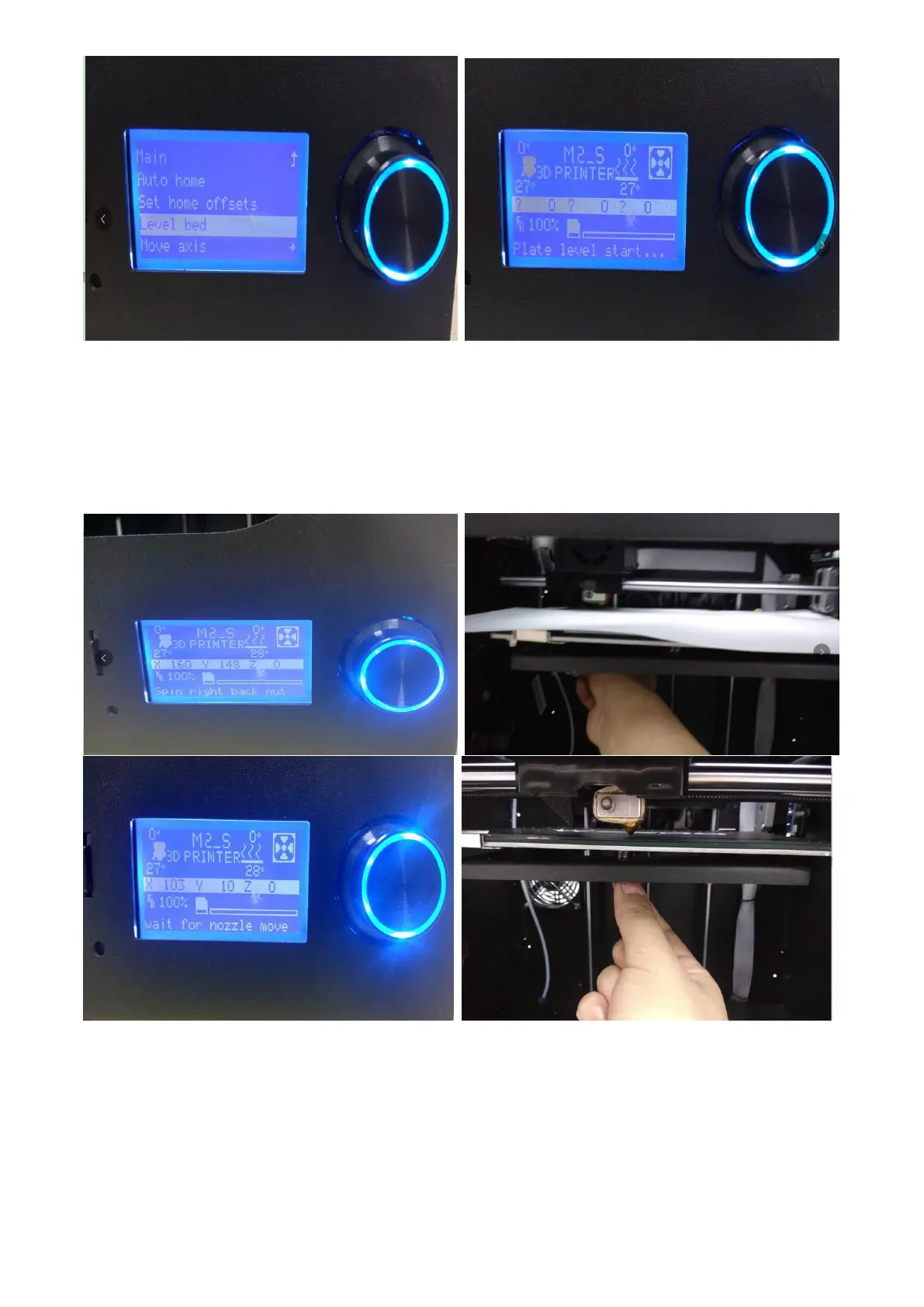
At this point, the printer will enter the following interface. When the printer nozzle moves to a fixed
point, start adjusting the spin button on the bottom of the platform and adjust the gap between the
platform and the nozzle until the A4 paper has a slight frictional resistance when sliding. After
adjustment, click the spin button to enter the next adjustment point until the four-point leveling is
completed (the same level is used for each level).



 To Next Page