7
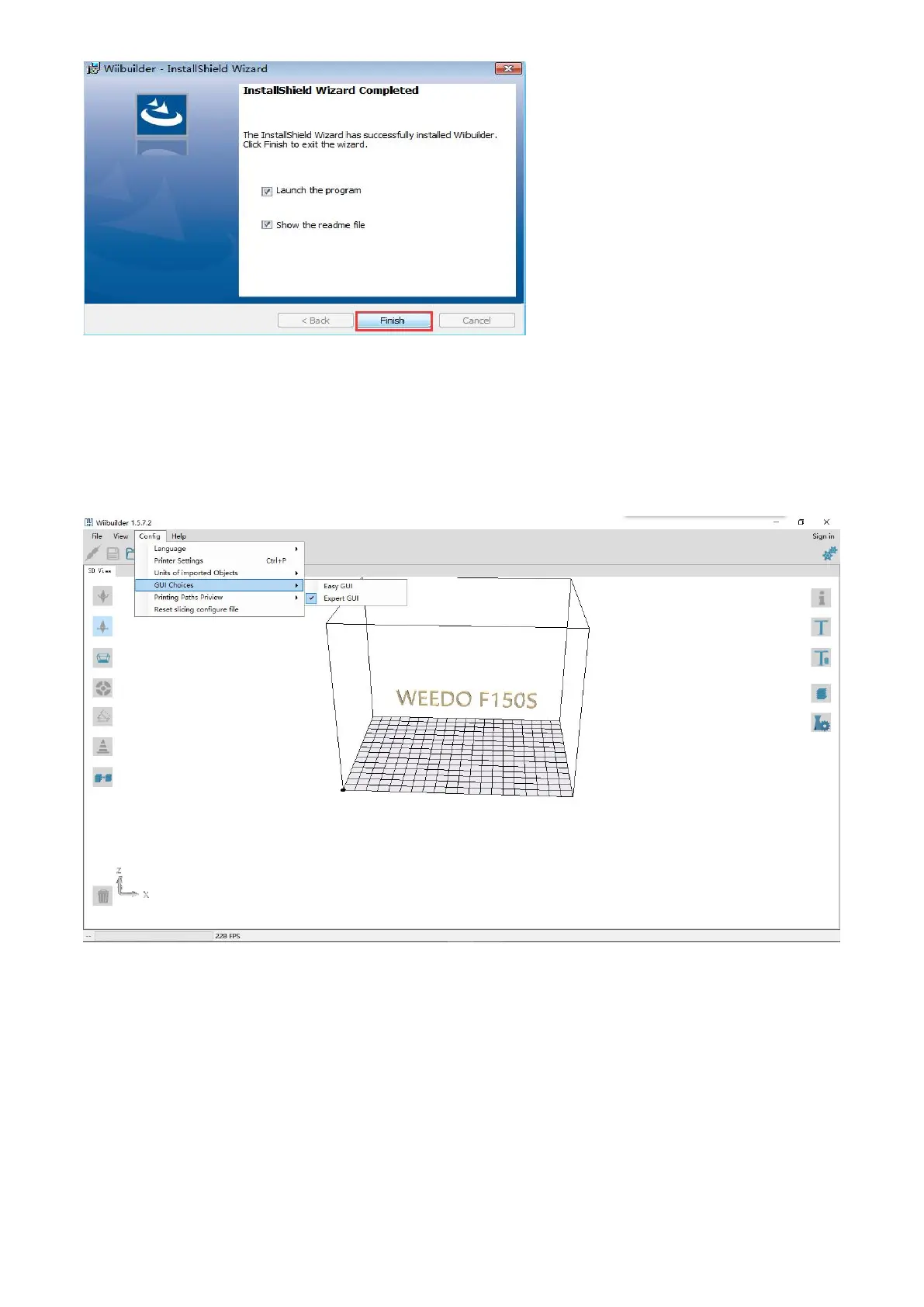
When you first time use Wiibuilder, you can set it up according to the software interface reminder.
When the software is started, parameters can be set up through the "configuration" menu in the
upper left corner of the software, choose “GUI choices" , “Easy GUI” is user interface, “Expert GUI"
is professional interface.
3.2 Wiibuilder Instructions for advanced settings
Open the Wiibuilder software, load the file that need to be printed, and click the "slicing" button in
the function bar on the top right side of the software.



 To Next Page