23
4.3 Printing preparation
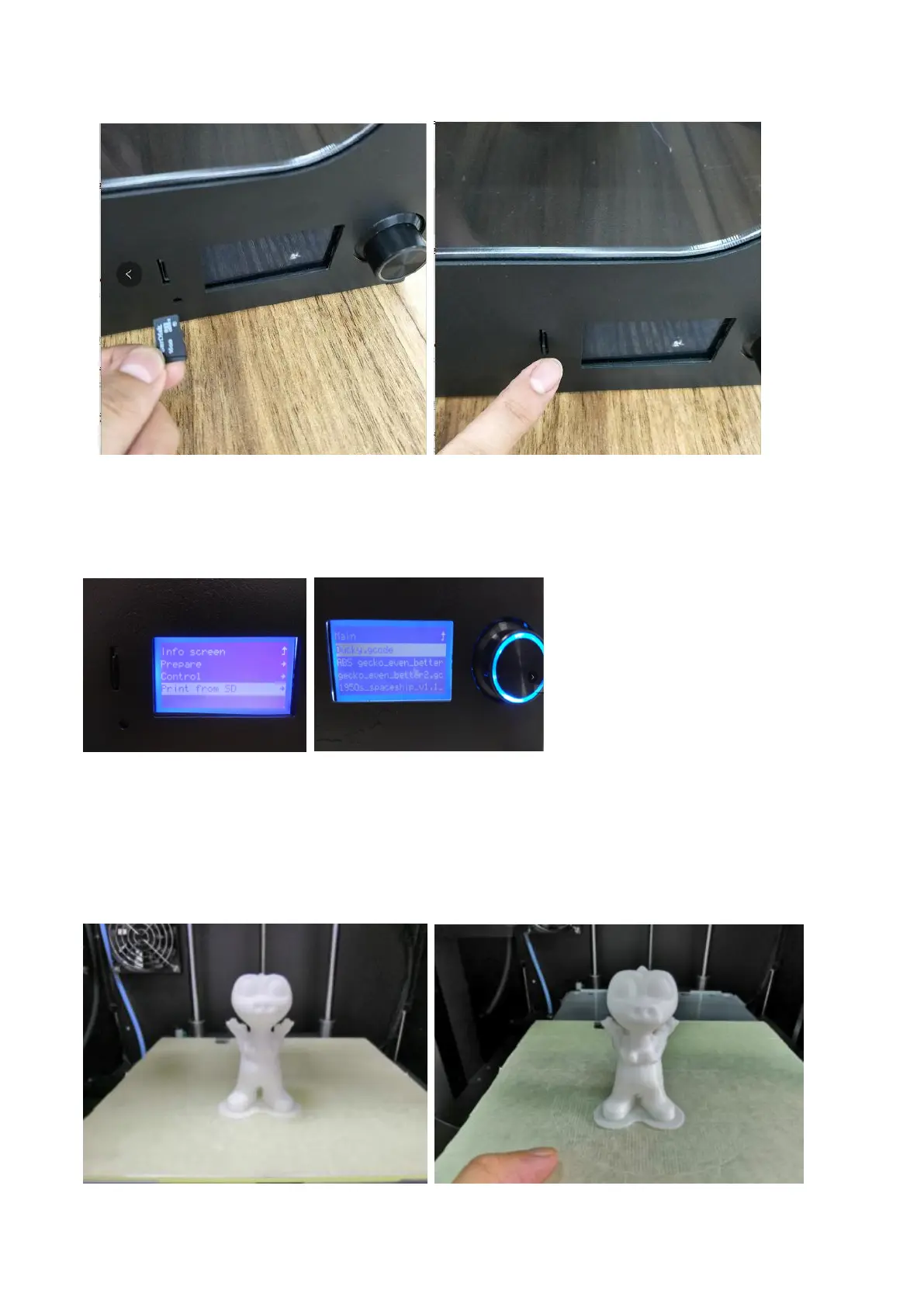
4.3.1 Take out the TF card from the accessory box and plug it to the card slot.
4.4 Printing Mode
On the operation panel, right turn the button to select "print the SD" – Ducky.gcode, press the
button to start printing.
4.5 Removing Model
After model is completed with printing,it uses the presented plastic scraper in accompany with
printer,to take it out along with the edge of model,or firstly disassemble the printing platform and
take out model



 To Next Page