112967530000/00/06.2023
5 Operating software
5.1 Touch display
The touch display lets you operate the printer’s operating
software and execute the following functions:
– Pause, continue or cancel print jobs
– Control the stand-alone operation with memory device
– Perform rmware update
Several functions and settings can also be controlled by
the M-Print
®
PRO software, see the operating instructions
for the software.
Settings changed on the touch display are the base setting
of the printer.
To adjust the print jobs, any adjustments should
take place in the software.
► To open a menu or select a menu item, tap on the rel-
evant icon.
► To scroll, move one nger up or down on the touch dis-
play.
5.2 Start screen
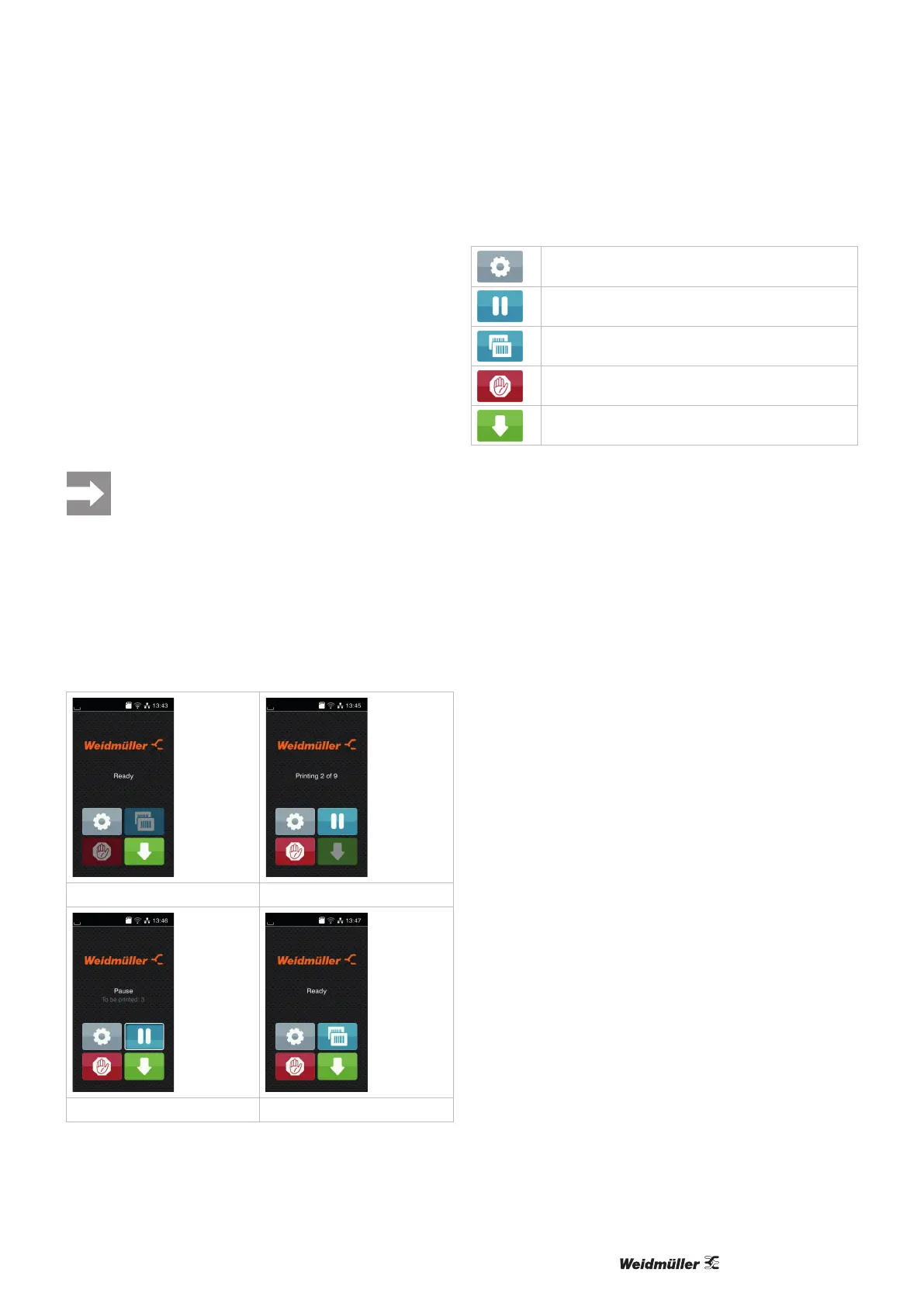
The start screen shows the relevant operating status.
After switching on During printing
In pause mode After a print job
Open the menu
Pause or continue a print job
Repeat last label
Cancel and delete all print jobs
Label feed
Figure 5.1 Buttons on the start screen



 To Next Page