232967530000/00/06.2023
9 Troubleshooting
9.1 Error display
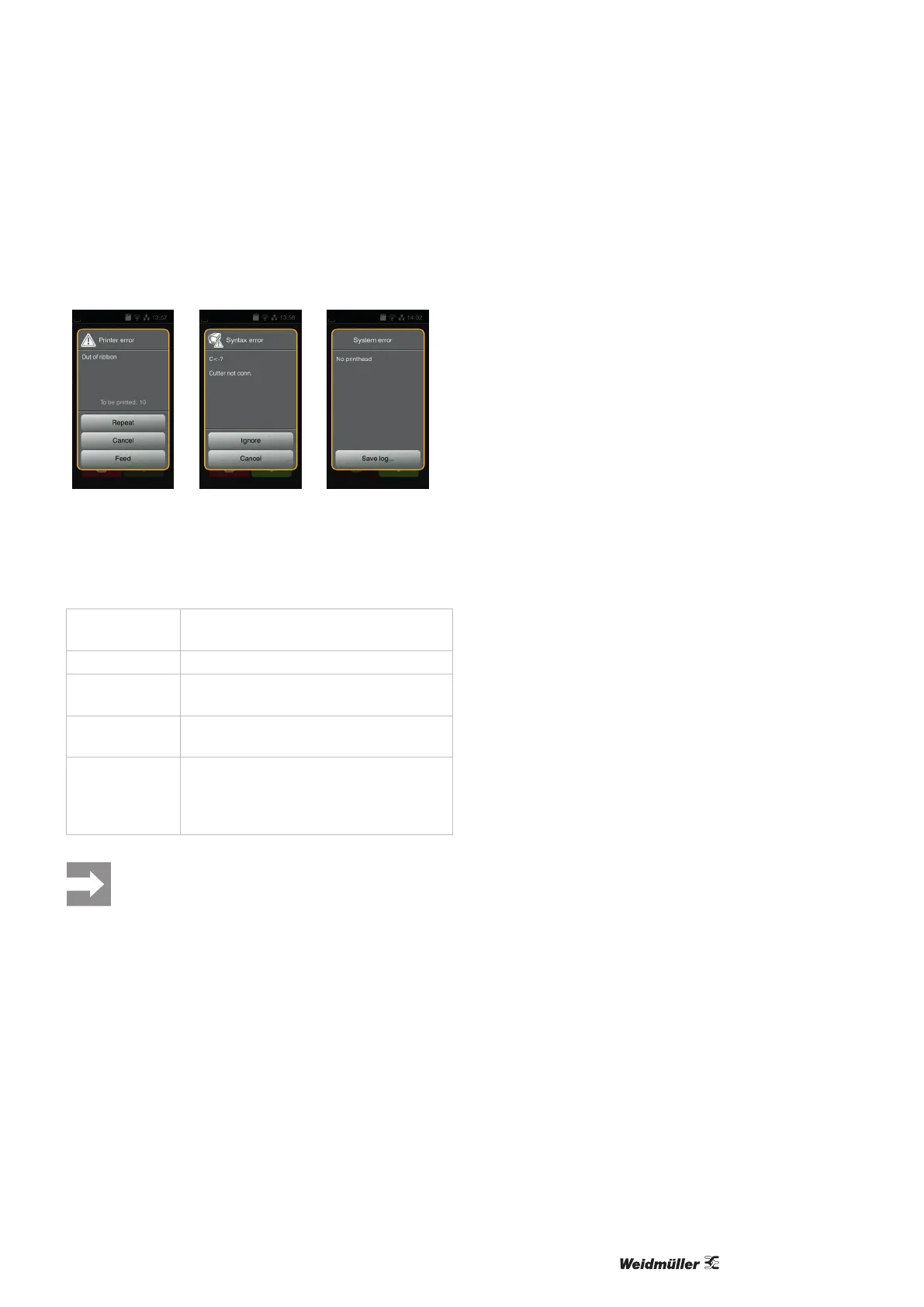
Any errors that occur are shown in the touch display.
Figure 9.1 Error displays
The error handling depends on the type of error, see chap-
ter 9.2.
The following options are available to continue operation:
Repeat
The print job is continued after eliminating the
cause of the error.
Cancel
The current print job is cancelled.
Feed
The label transport is re-synchronised. The
job can then be continued with Repeat.
Ignore
The error message is ignored. The print job is
continued, potentially with restricted function.
Save log
The error does not permit print operation.
Various system les can be saved on an
external memory device for more detailed
analysis.
The sections that were completed by the bottom
printhead before the error but not completed by
the top printhead are not repeated. This reduces
the total number of sections created in the print
job.
► If necessary, reprint these sections.
If the print job contains counters, the print job
would not continue with correct counter values
after pressing the Repeat button.
► In this case, end the print job with Cancel.
► Start the new print job with adjusted counter
values.



 To Next Page