______________
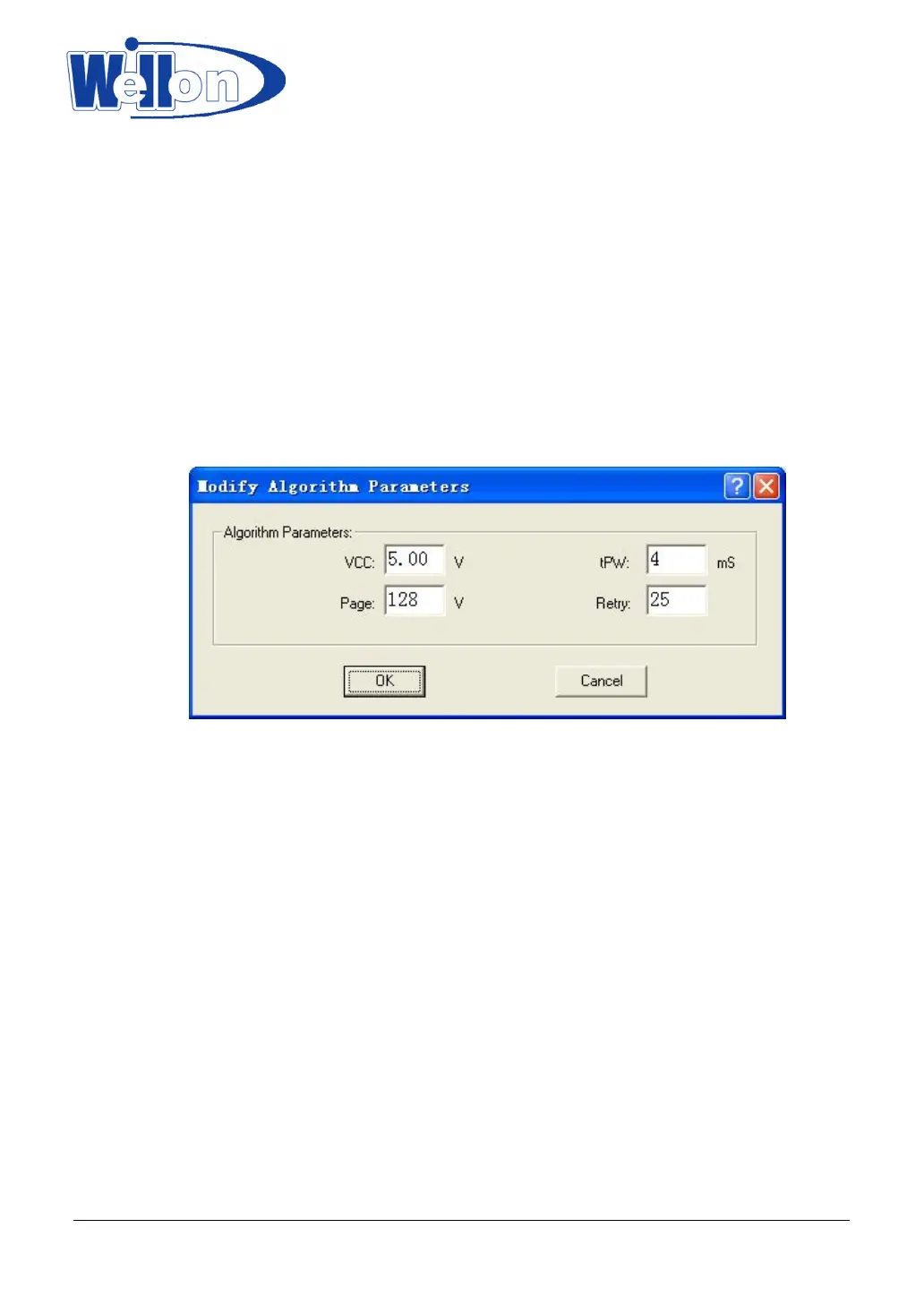
This option has been included for persons with in-depth technical knowledge of
the specific device that has to be programmed. The programming parameters of an
unknown device can be set here.
This option should only be used when the device is not supported by the system. Choose a device that uses
the same programming algorithm as the unknown device, and change the parameters according to
specifications only.
For the old devices, it can’t program successfully by the standard parameters. You can delay tPW, increase
VCC and VPP or add retry times to make it succeed.
Warning!
DO NOT play around with this option, as it can damage the inserted device!
10.3 Edit Auto
This command can be selected from the menu.
This menu “Edit Auto” sequences the automatic operations on device.
Usually, it’s Erase, Blank Check, Program, Verify and Secure.
10.4 Project
Project file will save the current environment.
The data to be saved includes:
1 The information of current device: for example, device type, manufacturer, pin number, VCC,
option/configuration setting, buffer data, data file name. (Note that buffer data can be change after it is
loaded. It can be different from the data file.)
2 Program environment Setting: Insertion Test, Verify Option, Edit Auto and so on.
3 Auto Setting
Tianjin Weilei Techonlogy Ltd.
www.weilei.com TEL:022-83945122
FAX:022-83945121 2018-03-08



 To Next Page