16
bn¯iS (BMIs) displays the number of times of the Height/BMI key has been pressed.
OFFS displays the number of times the scale has manually been powered off.
PrintS displays the number of dockets that have been printed from the scale.
SEndS displays the number of the SendData key has been pressed.
SEtUPS displays the number of times the setup menu has been entered into.
SErvES displays the number of times the service menu has been entered into.
CALS displays the number of times the scale has been span calibrated.
Menu will restart to SrvicE menu title when you have cycled through all the options.
Power off scale to exit Service Mode
Factory Mode
Device will enter factory mode by entering PIN 0294.
The scale will cycle through these parameters by pressing LB/KG key.
Functn
AdC.CFG gives the user the option of connecting to the measurement board via the display
board. If yes is pressed, this option will be enabled until the user progresses from the “_____”
screen.
SOFt displays the software version.
dAtE displays the software release date in US date format (MM.DD.YY)
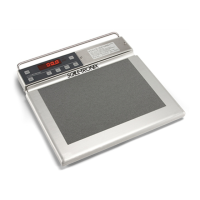
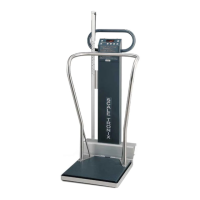
SCALE displays the scale model.
AutOFF* allows the user to configure the time in seconds until the scale powers off.
ACCont* allows the user to configure the scale to be continuously on if AC power is connected.
This overrides the AutOFF option.
FCt.UNt allows the user to configure the scale so that the units (display and print) cannot be
changed from “Set-Up” menu. (“ON” - the units cannot be changed in Setup mode)
UnitS* allows the user to configure the units the scale will be able to use in typical display mode.
Note: If all units are set to Off, the scale defaults to KILOS.



 To Next Page
 Loading...