DMP900 User Guide
6
3.1.2 Logging into the Web GUI
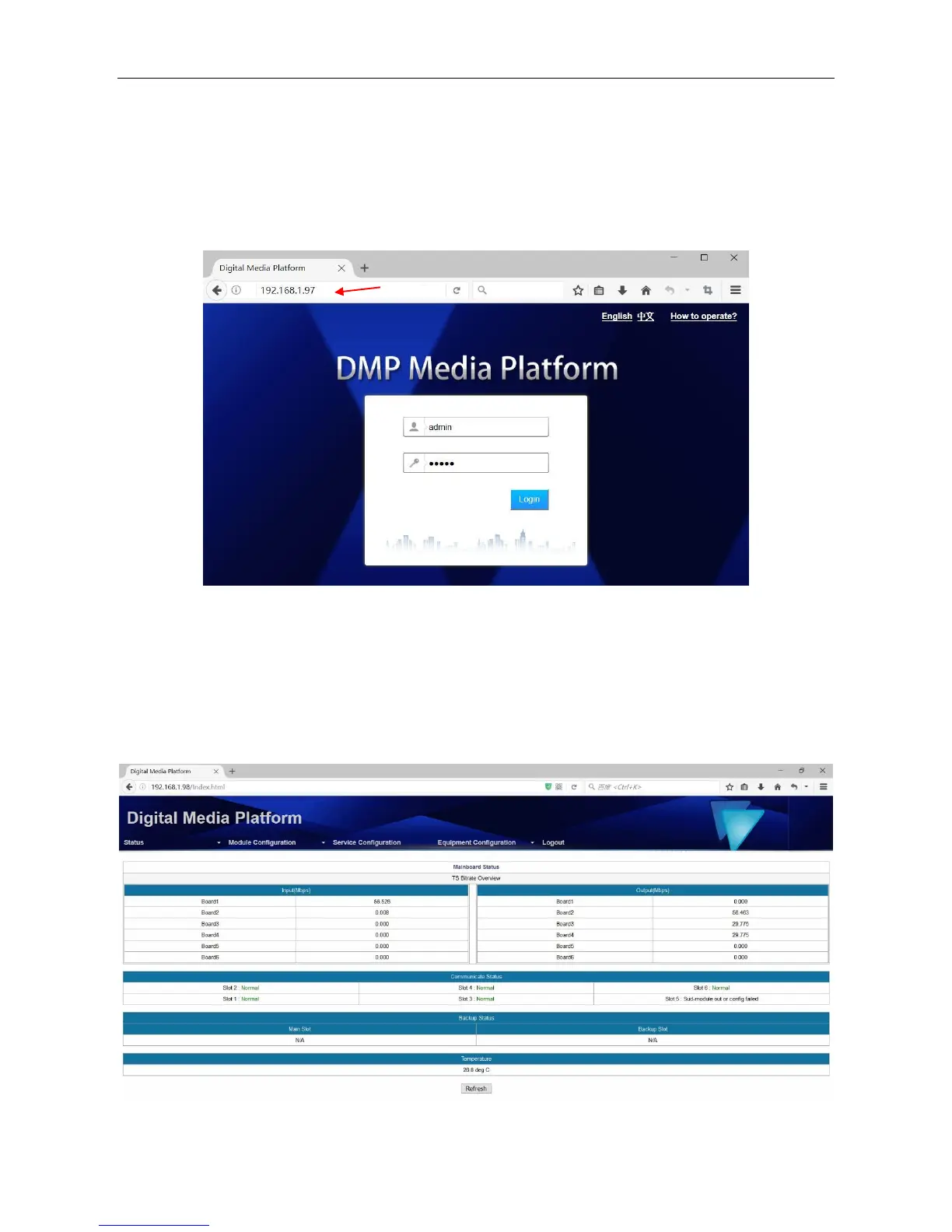
Type the DMP management IP address into the URL field of any recommended browser (IE8 or
above, Firefox, and Google Chrome) to access the logon page. By default, the admin user account
is admin with password admin. Click Login or strike Enter on the keyboard to login to the GUI.
After a successful login, you will always enter the status overview page, where you can check the
real-time status of:
The input and output rate of each slot
The running status of each module
The temperature in the chassis



 To Next Page