DMP900 User Guide
16
License page is where to check and update licenses. Note slot 0 refers to the Mainboard.
Updating License
1. Click Browse to select a license file.
2. Click the circle to select a slot number, then click Export License to save the license in the
computer. Better name the license files as dmp98main.License, so that you know which license
is for which module in which unit.
3. Send the license file to our sales for update.
4. Once you have the new license file. Click Browse to select a license file in the computer, then
click Upgrade License to enter update process. When the update process succeeded, a
manual restart is required to activate the new license.
The license file is unique for each module. You are not supposed to export a license file from
one unit and upgrade it in another unit. Contact our sales if you need license updates.
3.2.7 Import/Export Configuration
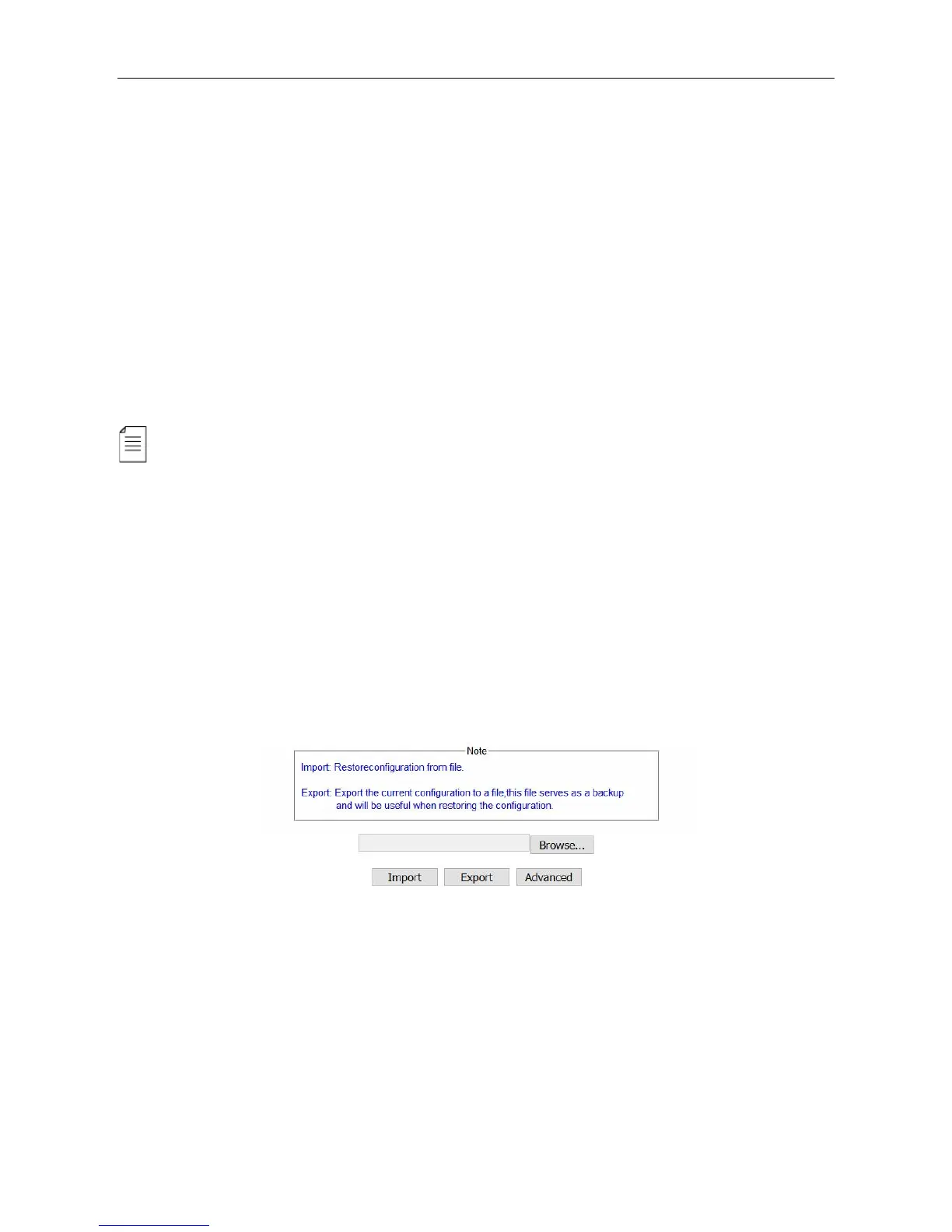
Export the configuration of a unit, then you can Import it to this unit for fast configuration recovery
when needed. To import the whole configuration from the sample unit to other duplicate units, the
module types and their positions in the duplicate units should be exactly the same with that in the
sample unit.



 To Next Page