DMP900 User Guide
8
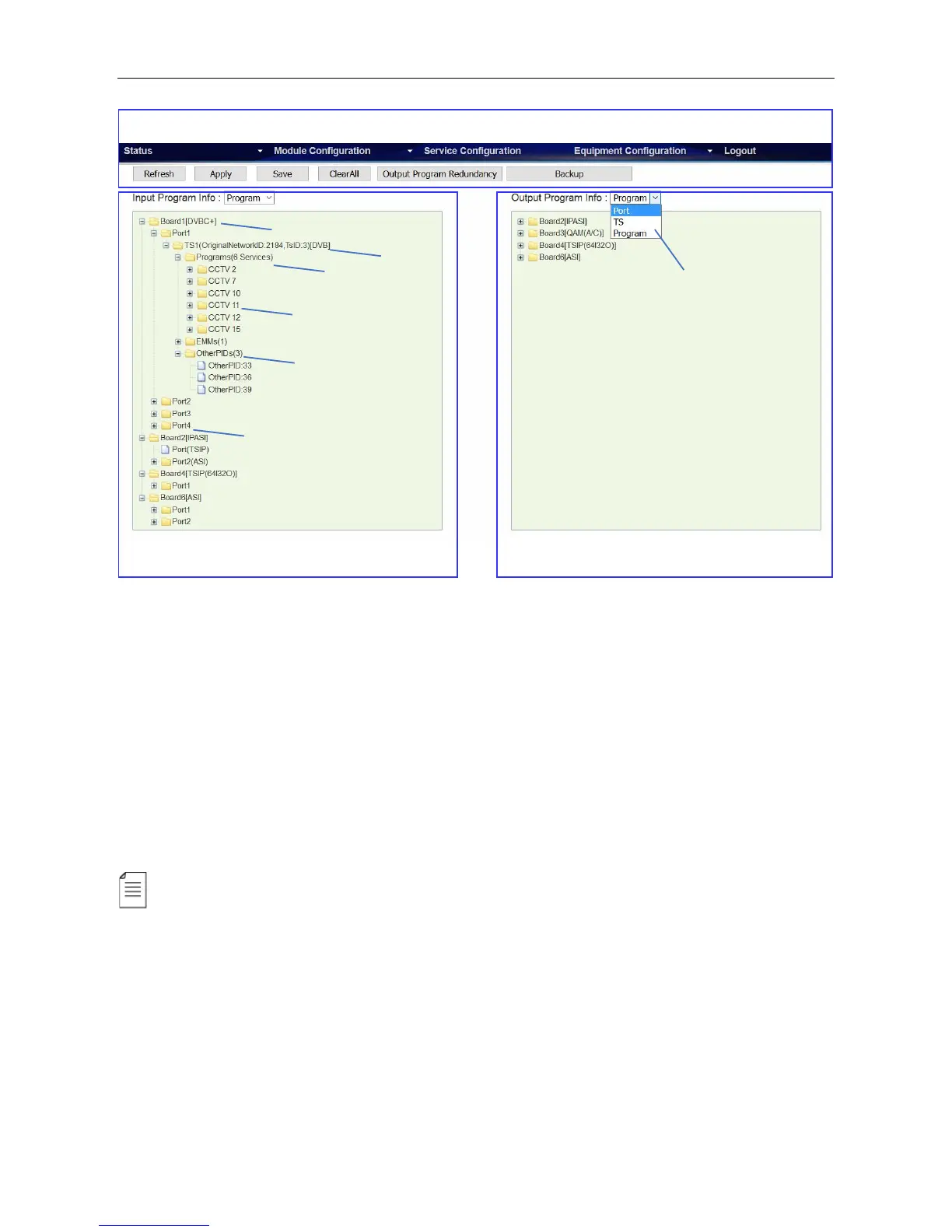
Functions of the Main Buttons In this page:
Click Refresh to refresh input and output configuration or parameters. There are also Refresh
buttons of the same function in other pages.
Click Apply to apply the configuration you have just done. There are also Apply buttons in other
pages. Click Apply buttons every time you complete the settings in these pages.
Click Save to save all the configurations into the flash memory. Only in this way will the DMP900 be
able to restore all the configurations after power recycling.
Click Clear All to erase the configurations in Service Configuration. This operation does not
remove the configurations saved in flash memory unless you click Save after Clear All is done.
The login session will expire in 5 minutes without any active operation. Please click Apply at
least once every 5 minutes; otherwise, your work in the last few minutes might be futile because the
login session has stopped without notice.



 To Next Page