DMP900 User Guide
45
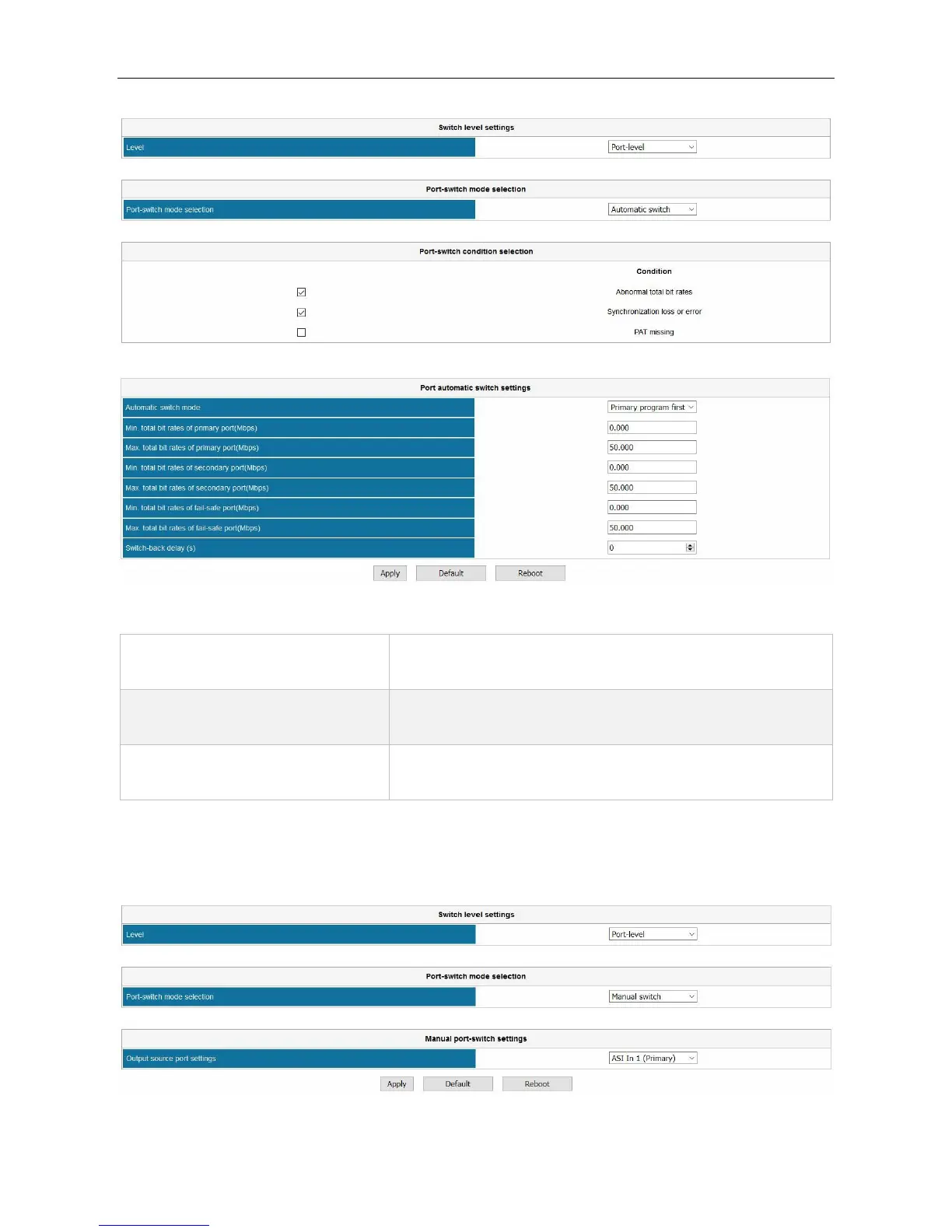
Some options in Port automatic switch settings:
Use Primary program first, this module will activate switch
function. Select Switch Lock to disable this feature.
Min/Max total bitrate of primary,
secondary and fail-safe port
Configure Minimum and Maximum rates to define the
normal rate ranges for the input ports.
Once the primary recovered, this module will switch to
primary input after a scheduled period.
If you use Manual switch for Port switch mode selection, the UI will be the following image.
DVBCommunity - cообщество профессионалов ЦТВ
https://dvbcommunity.ru/



 To Next Page