ATA Web user guide
46 / 114 2015/1/8
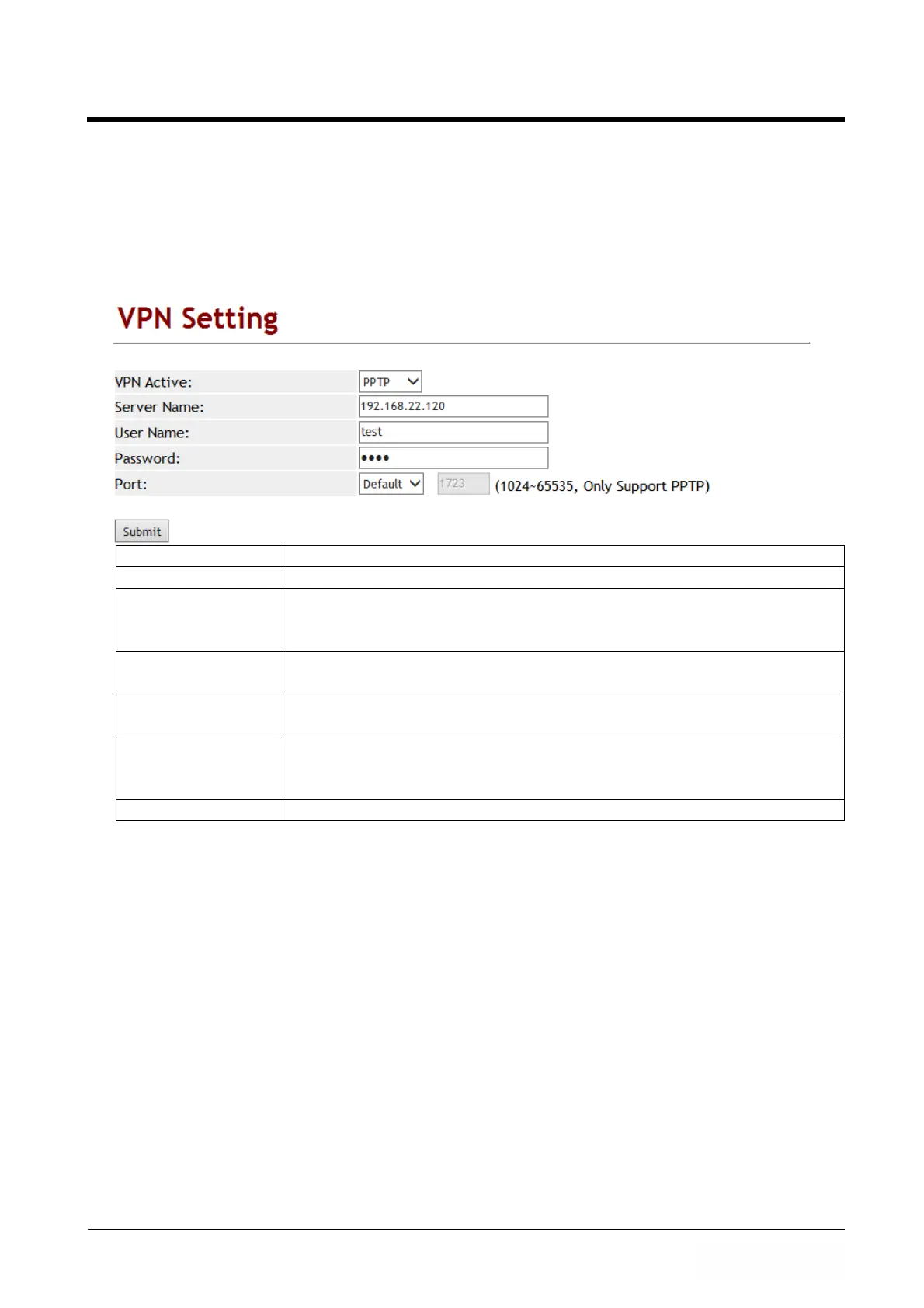
7.4 VPN (PPTP/L2TP connection)
7.4.1 Function
Provide [PPTP or L2TP] configuration. Note: After you have enabled the VPN
functions, you could login in LP399 to configure via LAN port.
7.4.2 Instruction
Item Decription
Type Default is Disable. Provide PPTP/L2TP connection mode.
Server Name Enter PPTP/L2TP Server information which can be IP Address or
Domain Name. Format is : xxx.xxx.xxx.xxx. Maximum length is
63 digits.
User Name Enter PPTP/L2TP Server user’s name or IP address which can be
number or strings. Maximum length is 63 digits.
Password Enter PPTP/L2TP password which can be numbers or strings.
Maximum length is 63 digits.
Port Number Default PPTP Port is 1723. Prodive 2 options: Default, Customer
(User define port) and the range is 1024~65535. Only number
and length is 5 digits.
Submit [button] Save the configuration.



 To Next Page