ATA Web user guide
93 / 114 2015/1/8
10.4 New Firmware
10.4.1 Function
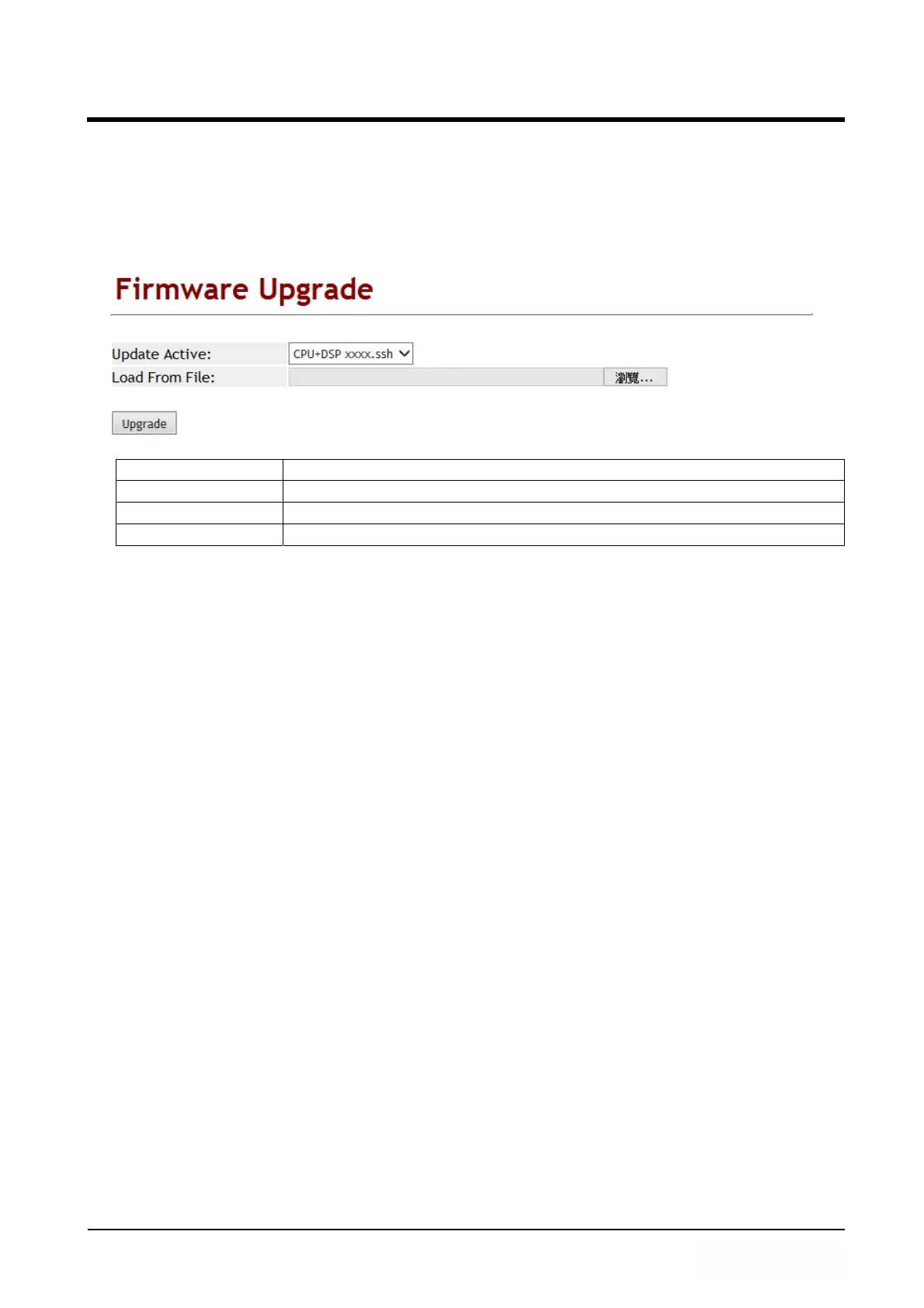
The Firmware upgrade only support .ssh format.
10.4.2 Instruction
Item Decription
Update Active Default: CPU+DSP xxxx.ssh; Upgrade file format.
Load From File The location of the updating file.
Upgrade [Button] Execute updating firmware.
PS:It takes 2 or 3 minutes when you start update firmware. User can’t make call
during the upgrade. Please don’t turn off the power.
Caution : ATA171plus, ATA172plus firmware are different with ATA-171, ATA-172,
please only use correct firmware for these models.



 To Next Page