ATA Web user guide
8 / 114 2015/1/8
5. Instruction of Web Environment
5.1 Default setting
5.1.1 Default network setting
Netwrok Mode: Default NAT Mode
WAN Port: DHCP Client Mode
LAN Port: DHCP Server Enable, IP Address: 192.168.123.1
5.1.2 Web login
VoIP Web Login default link, http://192.168.123.1:9999
Account Login :
Administrator: Login Account: root, Password: test
System: Login Account: system, Password: test
Normal: Login Account: user, Password: test
5.2 ATA network connection
Please connect PC Ethernet cable to LAN port, and set PC to DHCP mode. Default IP address
is 192.168.123.150.
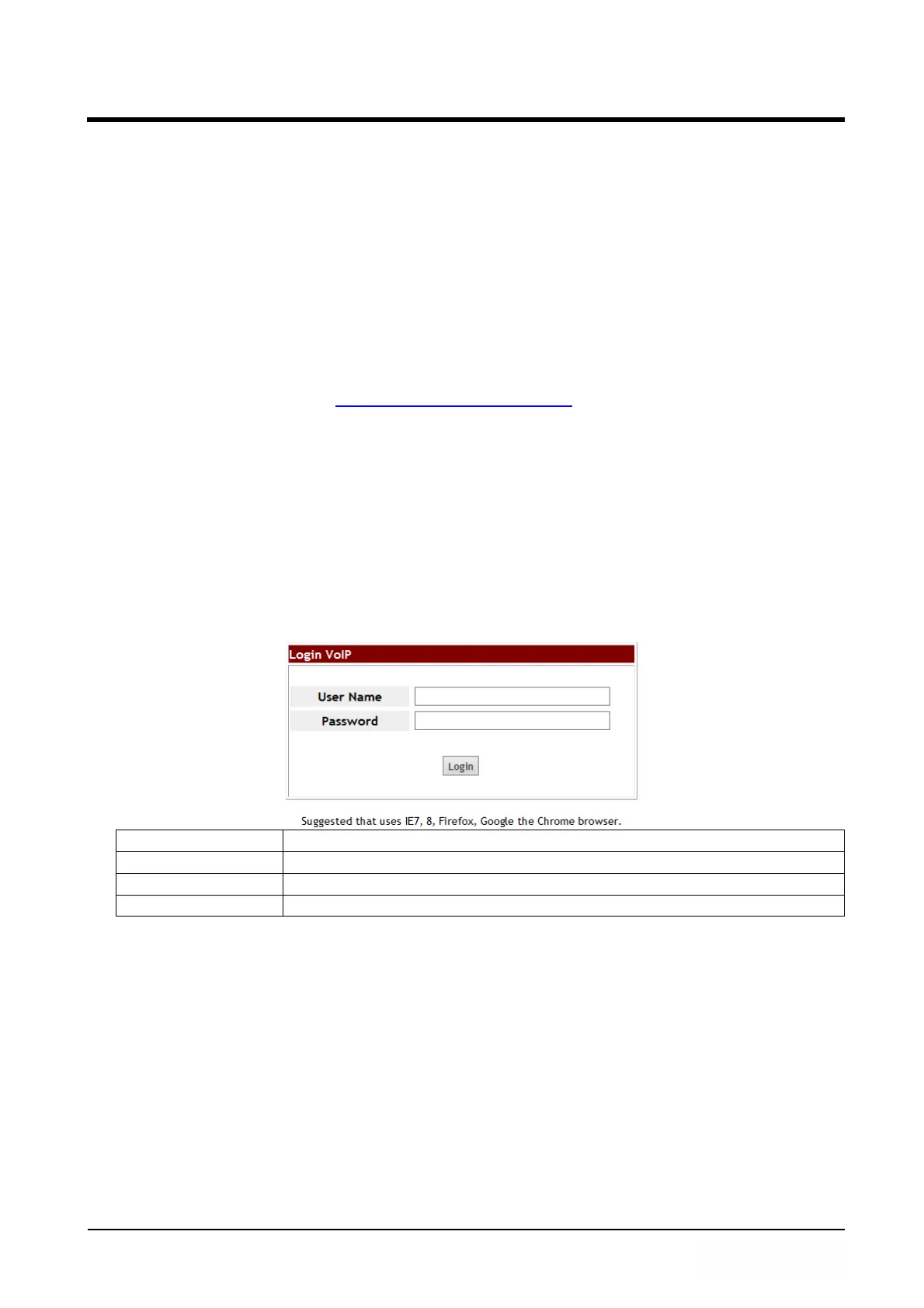
5.3 Login VOIP Web page
Provide login system management page.
User Name Input user’s name, it can be numeral or letters.
Password Input password, it can be numeral or letters.
Login [button] Login to the ATA
Clear [button] Clear all informations
5.4 VoIP main setting page
5.4.1 Function instructions
Provide below function [Information (system information), Phone (phone
environment), Network (network environment), NAT (local network), SIP (SIP
parameter setting), Management (enhance setting), Save & Reboot , Logout ].



 To Next Page