ATA Web user guide
27 / 114 2015/1/8
Description 1:
When dialing these digits [0800024365], it matched content [0800] of
[Routing Rule]. ATA dials these digits from FXO port.
Description 2:
When dialing these digits [00986123456], it matched content [009] of
[Routing Rule]. ATA dials these digits from FXO port.
Description 3:
When dialing these digits [00782280220], it matched content [D007] of
[Routing Rule]. ATA will drop [007] first and then dial remaining digits
[82280220] from [FXO] port.
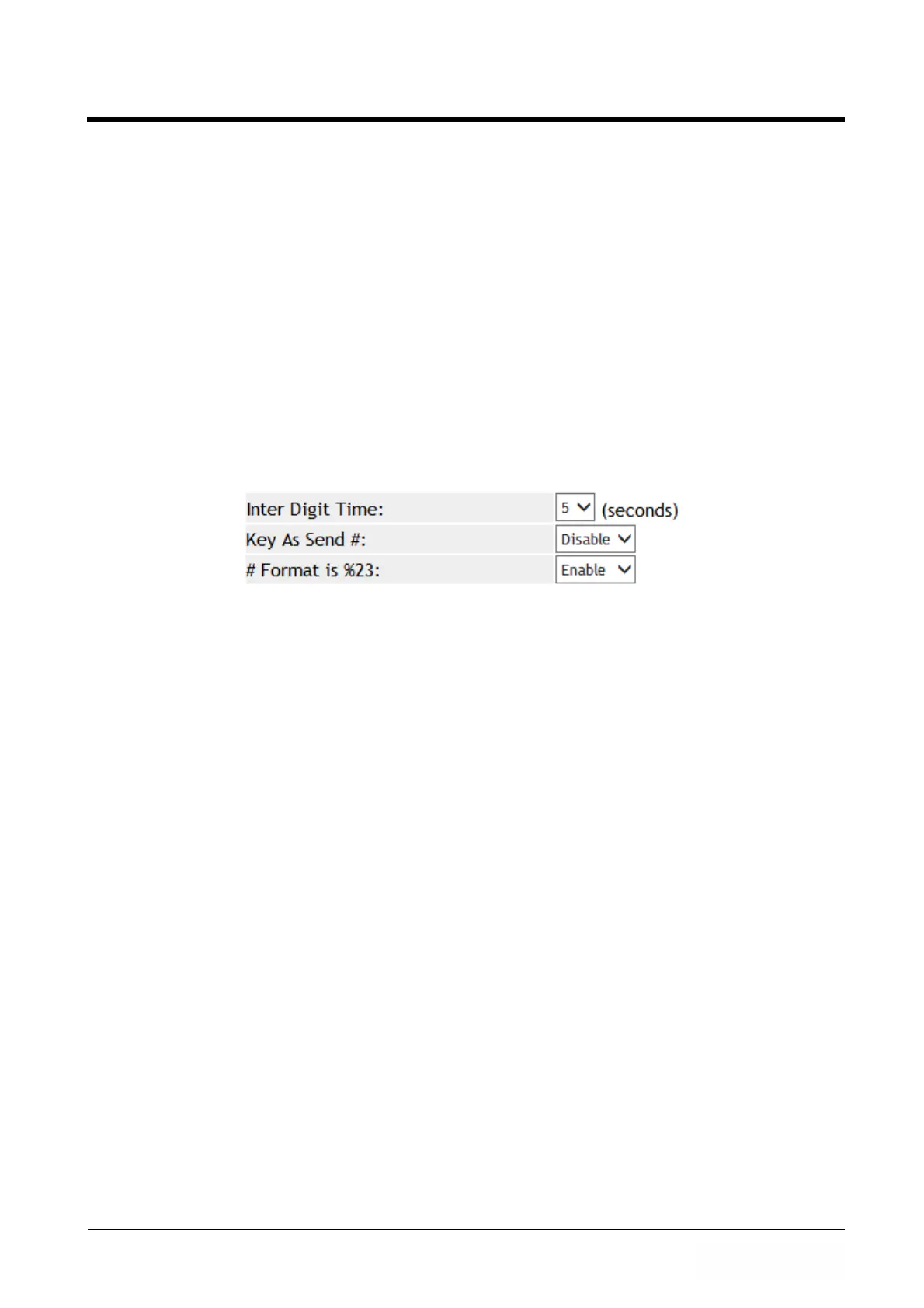
Example 4: # Format is %23 Function
Step 1: In [Dial Plan Setting] web page, Setup [Key As Send#: Disalbe, # Format is
%23: Enable] (See Figure 4).
(Figure 4)
Step 2: Pick up the handset, Dial [123#], the correct dialing content is [123%23].
6.3 Call Services
6.3.1 Function
Provide Forward, Hotline, DND, Alarm function.
6.3.2 Instruction
Example 1: 1FXS, 2FXS and 1FXS+1PSTN ATA devices.
Figure 1 : 1FXS for ATA171plus and ATA-171.



 To Next Page