ATA Web user guide
52 / 114 2015/1/8
LAN IP Address Default: 192.168.123.1.
The type is xxx.xxx.xxx.xxx of 15 bytes.
LAN MAC Address Show LAN MAD ID address.
Enable DHCP
Server
Default: Enable; When you Disable this function, LAN Port will
not be a DHCP Server.
Provide options: Enable, Disable.
IP Address Default: 150~200; Setup the IP address range of DHCP Server.
This column can only be numbers; maximum length is 3 bytes
with the range of 1~254.
Lease Time Default is 1440 (min), IP address rented deadline. Only use
number, Data setting range is 10~17820, maximum length is 5
bytes.
Submit [Button] Save the Settings.
Index Shows the serial number.
Assign IP Address LP399 DHCP server appoint IP address.
MAC Address Connect ATA LAN port device’s MAC address.
Lease Time(sec) LAN port device connection time.
Refresh [Button] Reload DHCP device status.
8.1.3
Operate Instruction
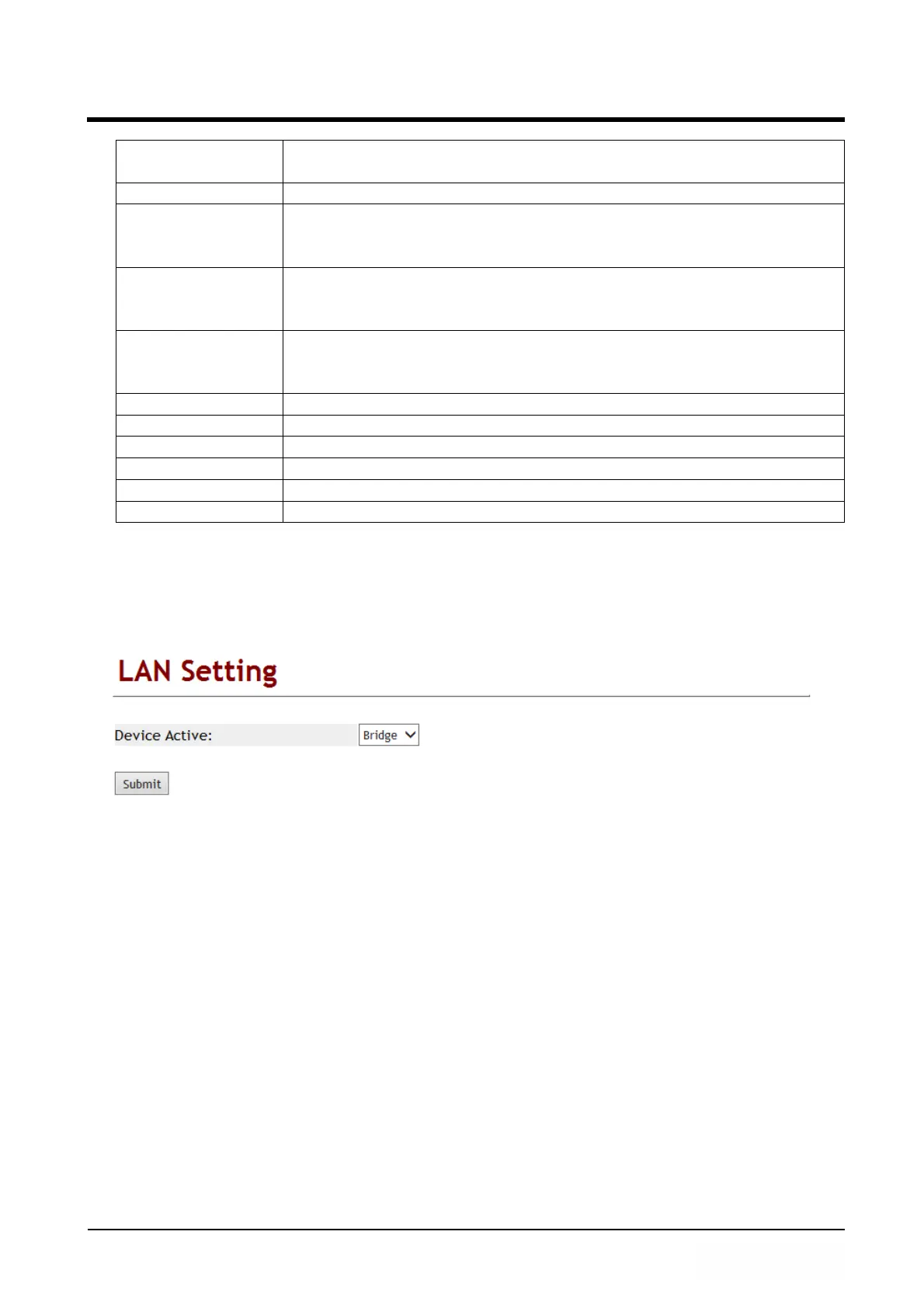
Example 1: LAN Mode: Bridge
Step 1: In [LAN Setting] web page, Setup [Device Active: Bridge] (See Figure 3).
(Figure 3)
Step 2: In [System Status] web page, [LAN Inofrmation] was no show. (See Figure 4).



 To Next Page