ATA Web user guide
79 / 114 2015/1/8
Item Description
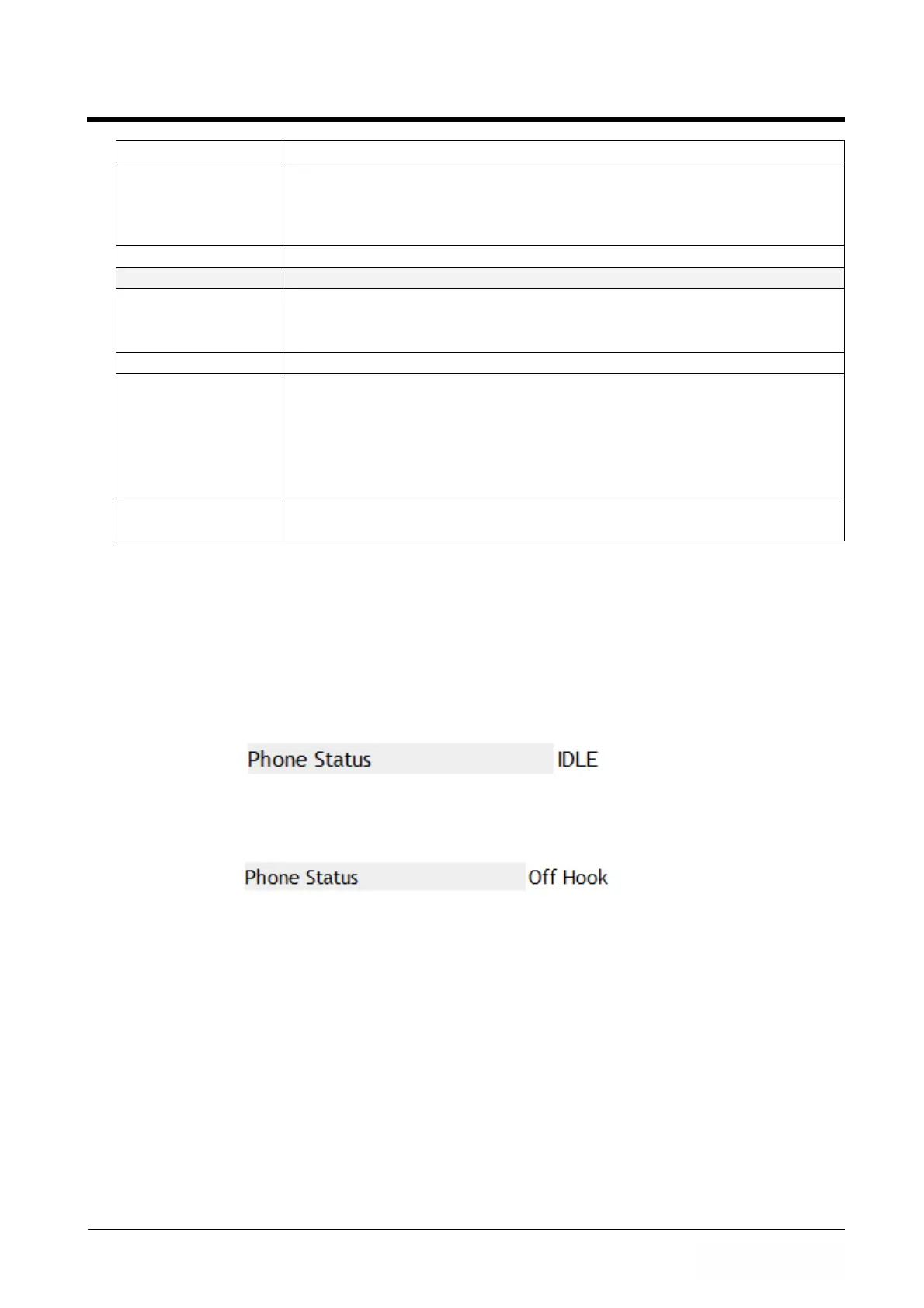
Phone Status Show the Phone user status now; The status has: IDLE,
Off-Hook.
IDLE: Ready
Off Hook: in use.
Refresh [Button] Refresh the Phone status.
Status Log System work status message.
Page Default: 1 (Page 1), Select page. Provide drop-down
options:1~xx; The page increases to next one in accordance
with the amount of data to increase automatically.
Index Show index number.
Message Show the information of the system.
Example:
<2014-02-10 11:49> Get Time from SNTP server, Succeed!
<2014-02-10 11:49>: Show the time of message.
Get Time from SNTP server, Succeed! : Shows the content of
message.
Export System
Log [Button]
Save [Stauts Log] data to log file; System default file name is
Syslog.log.
10.1.3 Operate Instruction
Example 1: Check Phone Status
Step 1: In [Status Log] web page, When the phone don’t in use, [Phone Status] will show
[IDLE] (See Figure 1).
(Figure 1)
Step 2: When pick up the handset, In [Status Log] web page, Press [Refresh] button,
The [Phone Status] show [Off Hook] (See Figure 2).
(Figure 2)
Example 2: Check System Log
Step 1: In [Status Log] web page, Select web page, the page will show other pages data.
(See Figure 3).



 To Next Page