WERSI SONIC USER MANUAL
WERSI DIRECT LTD - 0800 084 2013 - www.wersidirect.com - info@wersidirect.com
20.3 Line In
The Line In setting is where you can set the volume for Line Input (Stereo).
EQ Settings
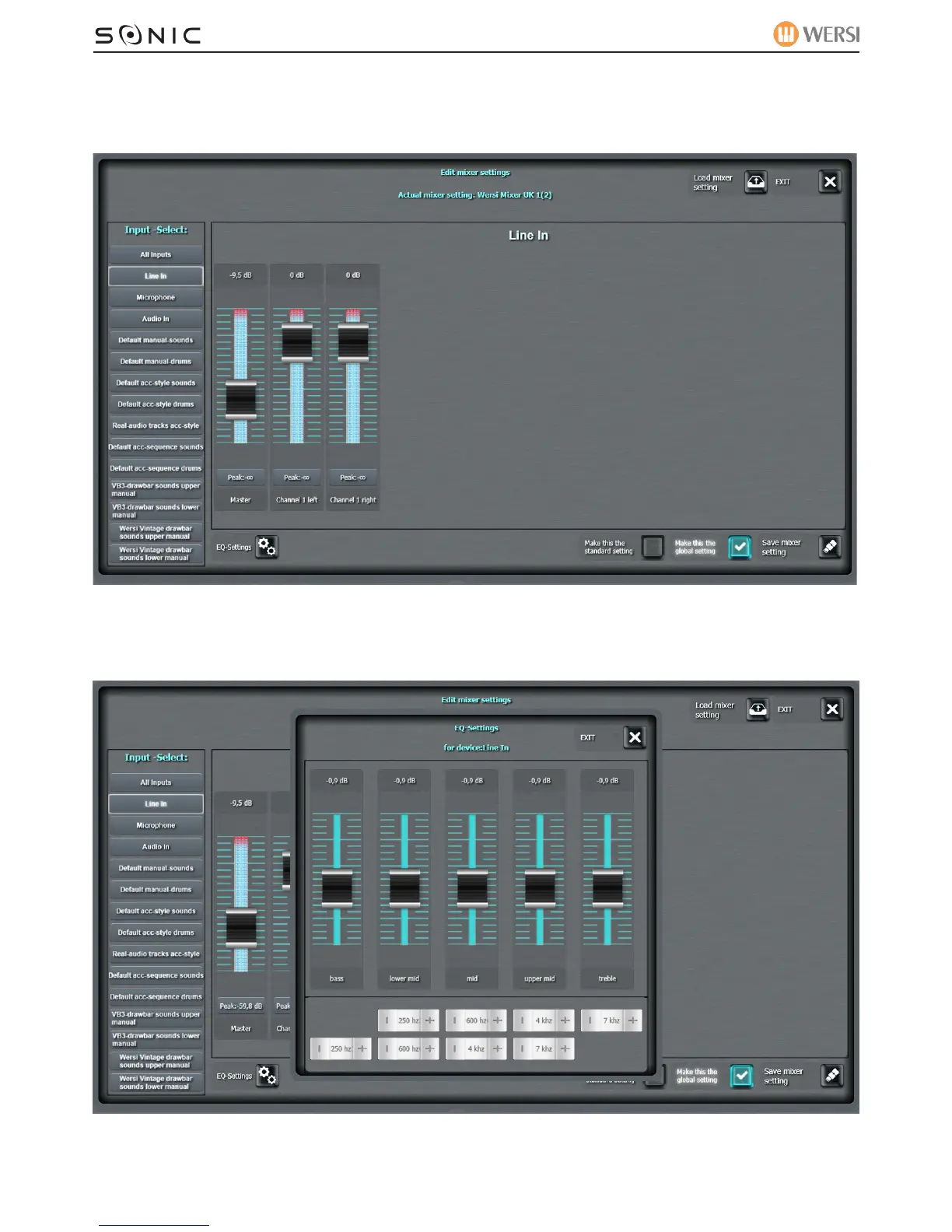
Every Input has a 5 band EQ setting. The Line In Input EQ is as below:
The volume sliders control the intensity of the EQ for:
BASS, LOWER MID, MID, UPPER MID and TREBLE.


 To Next Page
 Loading...