WERSI SONIC USER MANUAL
WERSI DIRECT LTD - 0800 084 2013 - www.wersidirect.com - info@wersidirect.com
21.2 Loading an Output Mixer Setting
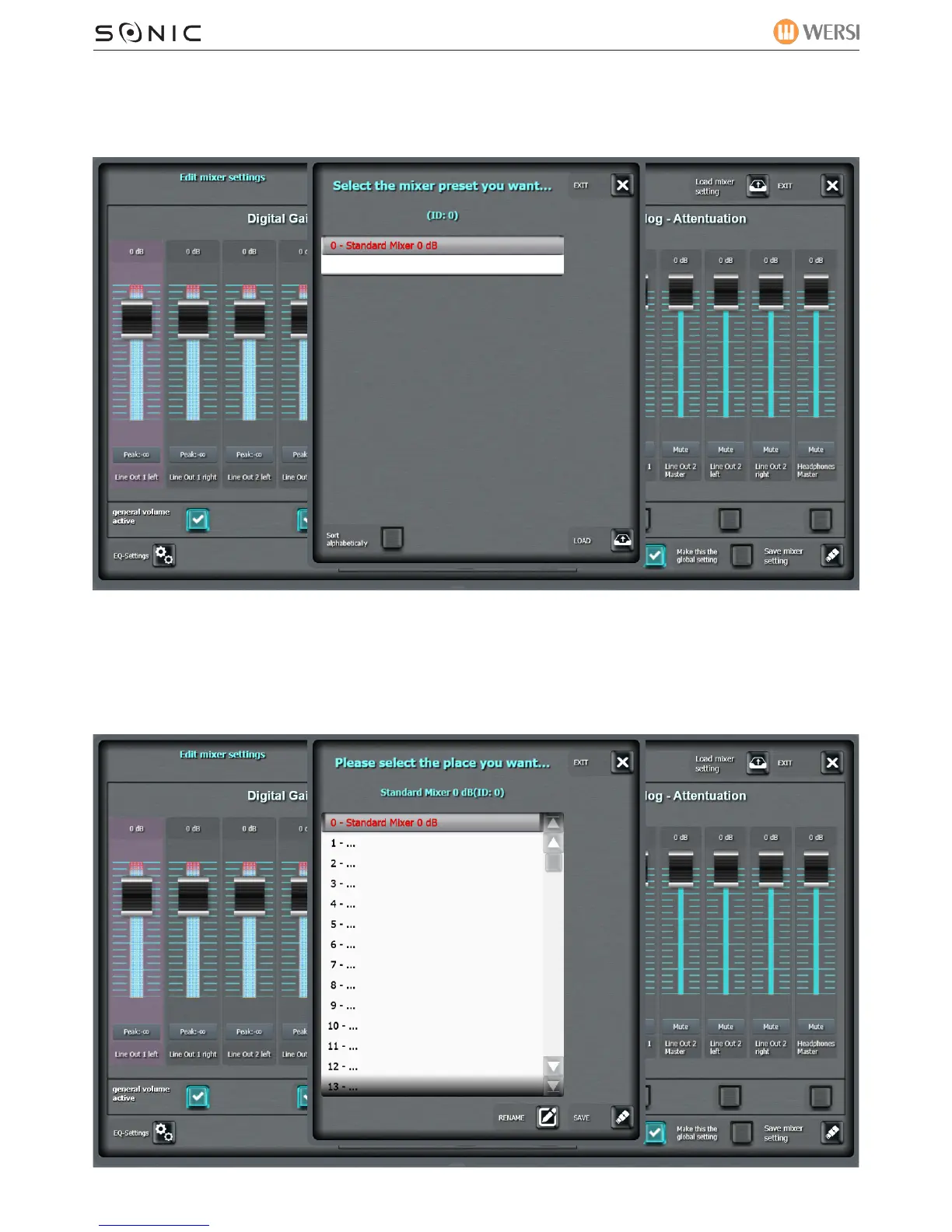
Press the ‘Load Mixer Setting’ at the top of the display:
Select a Mixer Preset and press ‘Load’.
21.3 Saving an Output Mixer Setting
Press the ‘Save Mixer Setting’ at the bottom of the display:


 To Next Page
 Loading...