User Guide
5. System Management
5.1 Firmware Upgrade
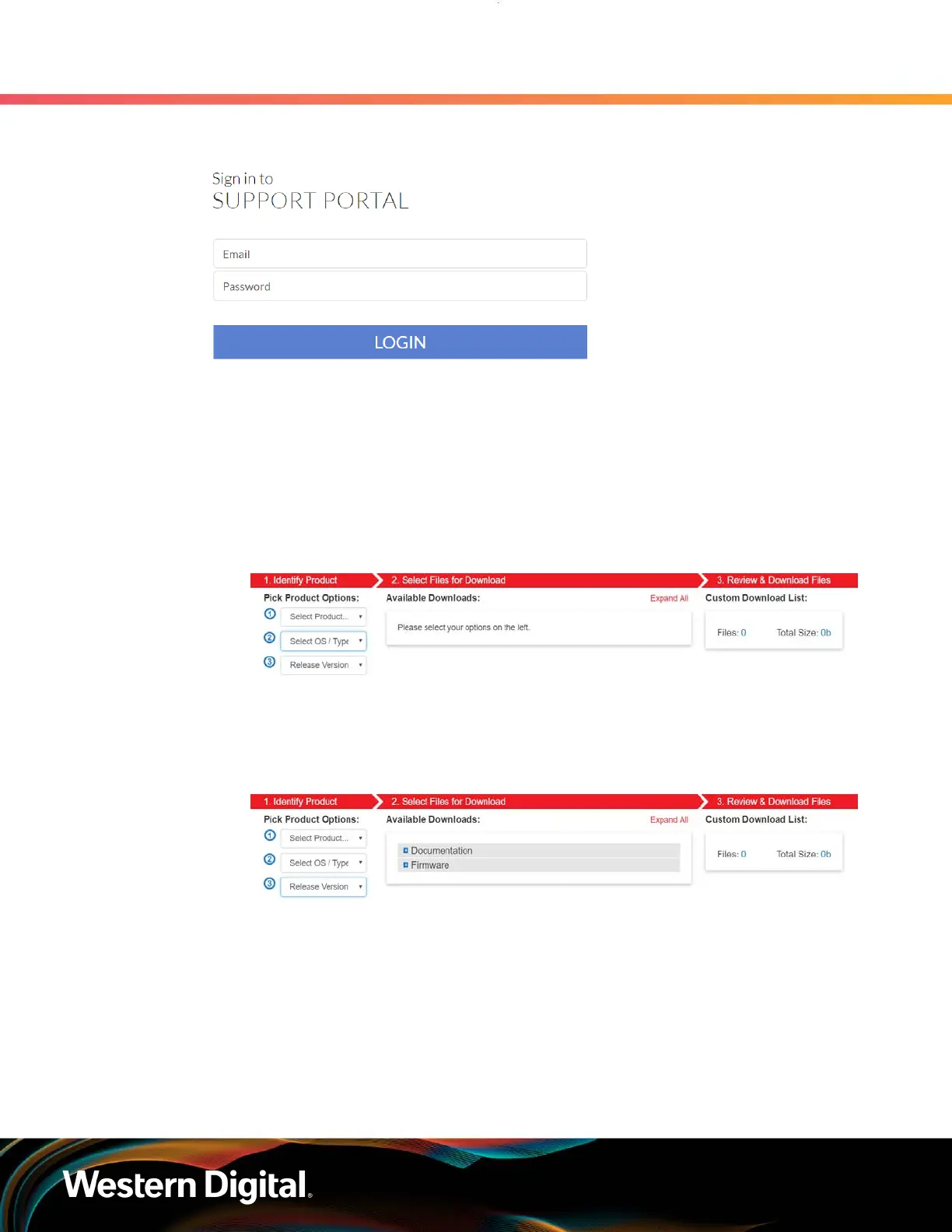
Figure 209: Logged into the Western Digital Enterprise Support Center
Step 3 : Click the Downloads option.
The Western Digital downloads page will appear.
Step 4 : Locate and download the firmware update for your product.
a. From the Identify Product section, select the Product, Operating System / Type, and
Release Version.
Figure 210: Identify Product section
b. From the Select Files for Download section, expand the Firmware section and select the
check box for the firmware file(s).
Figure 211: Select Files for Download section
c. From the Review & Download Files section, review the selected files and click
DOWNLOAD FILES to download the entire file selection from that section.
182















 To Next Page