User Guide
1. Overview
1.7 LEDs
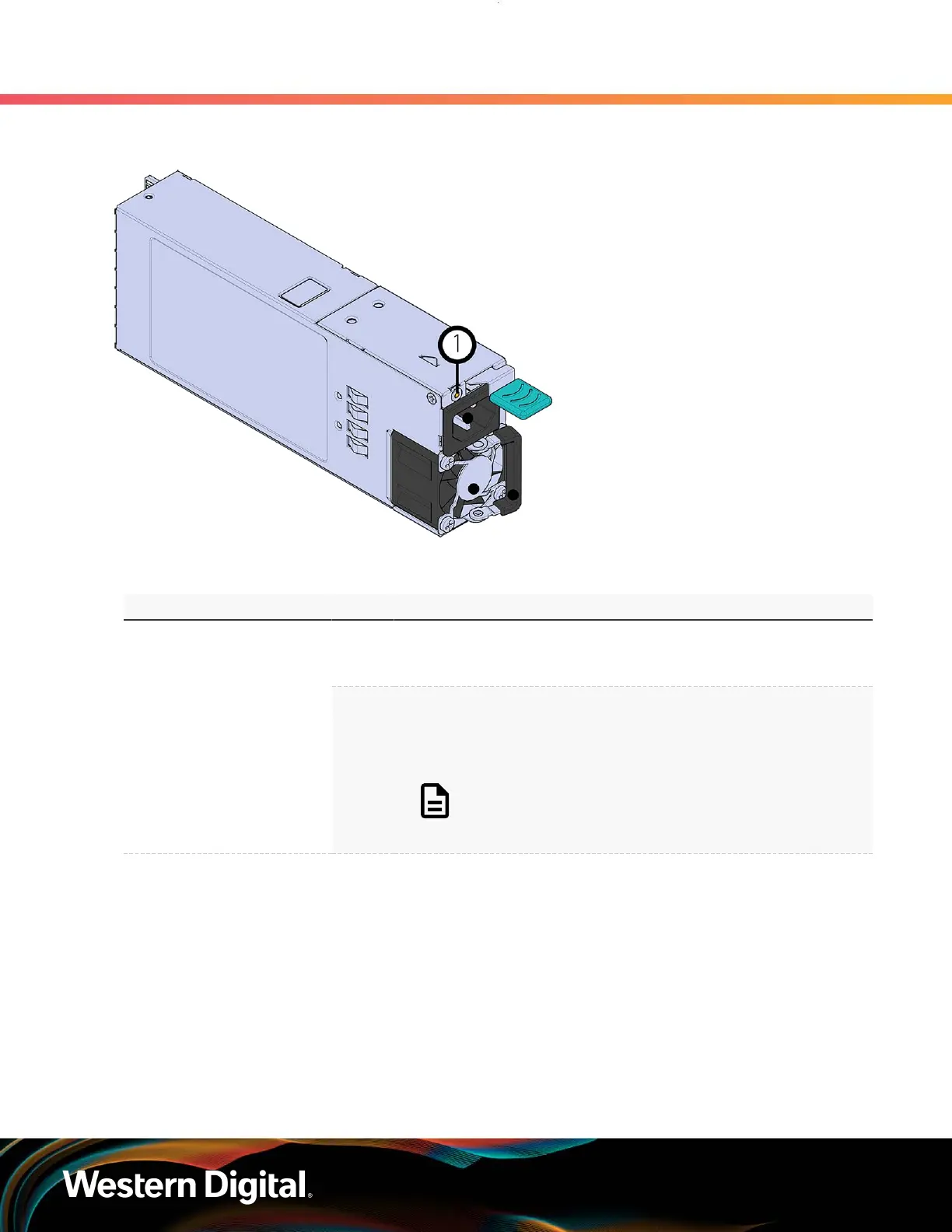
Figure 10: PSU LEDs
Table 11: PSU LED Identification
LED Name Color Behavior
Green
Solid – PSU is on and reporting no faults
Blink @ 2Hz (50% duty cycle) – PSU in firmware update mode
Off – PSU is disconnected from power
PSU Multi-function LED
Amber
Solid – PSU is disconnected from power
or critical fault causing a shutdown failure
Blink @ 0.5Hz (50% duty cycle) – PSU reporting warnings
Off – PSU is reporting no faults
Note: LEDs have a 50% duty cycle (On
for 2 seconds, off for less than a second).
1.7.5
Rear Fan LED
The Rear Fan has a single LED that has three distinct states, one for a fault condition, one for Identification,
and off.
12















 To Next Page