User Guide
3. Component Overviews
3.8 CMA Lite Description
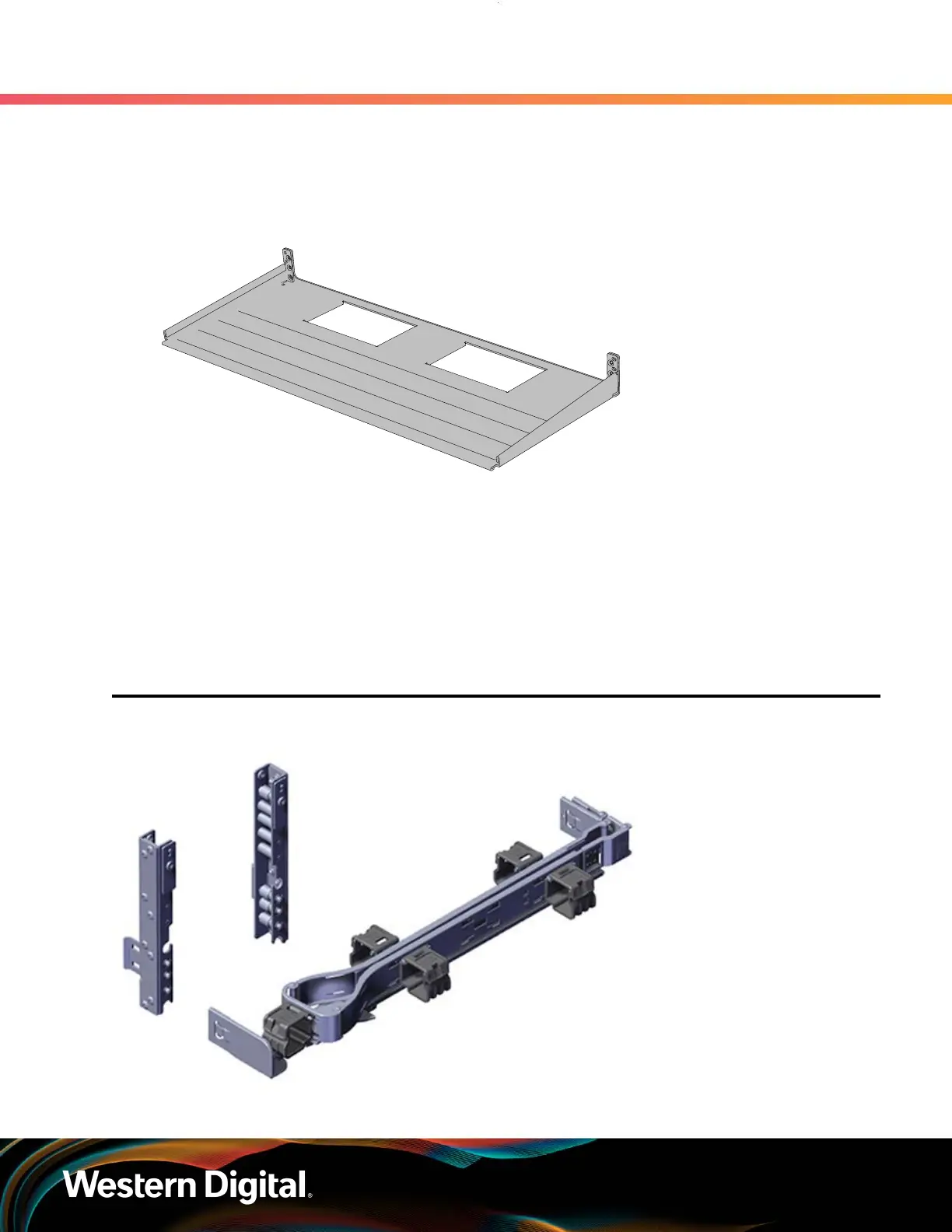
Figure 31: Overview Image
The cable management assembly (CMA) comes with an optional CMA tray that is used to support cable
loads greater than ten (five per arm). This tray is mounted at the bottom of the chassis using four M3 x 8mm
T10 Torx screws (two per side). Use this cable tray in cases where cables might interfere with the lower U
space beneath the chassis.
3.8
CMA Lite Description
Figure 32: Overview Image
55















 To Next Page