User Guide
4. Part Replacement
4.5 IOM Fan Replacement
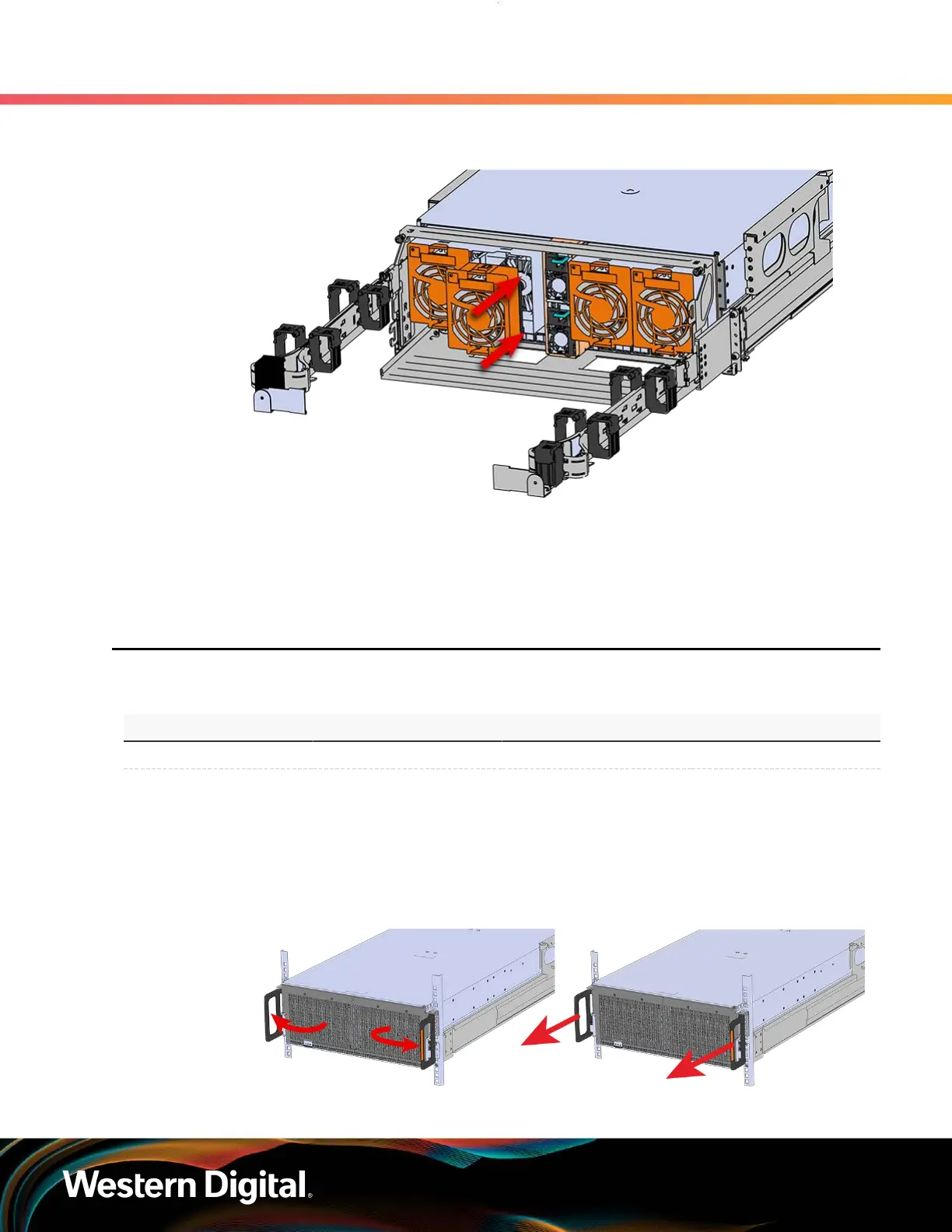
Figure 56: Installing the Rear Fan
Step 4 : Make sure the CMA(s) is in operational position by folding the arm(s) in toward the enclosure and
attaching the elbow end(s) to the connector(s) attached to the rail. Verify that all of the cabling is
in functional order and does not bind or catch.
4.5
IOM Fan Replacement
Table 41: Replacement Procedure Info
Required Tools # of People Required Time Required Replacement Window
None 1 60s 5 Minutes
Step 1 : Grasp both handles at the front of the enclosure and pull with even pressure to extend the
chassis out of the rack until it is stopped by the safety latches. The safety latches will prevent the
enclosure from coming out of the rack completely and the cover will remain in the rack attached
to the rear alignment brackets.
Figure 57: Chassis Handle Operation
74















 To Next Page