3-7
USING THE REMOTE CONTROL
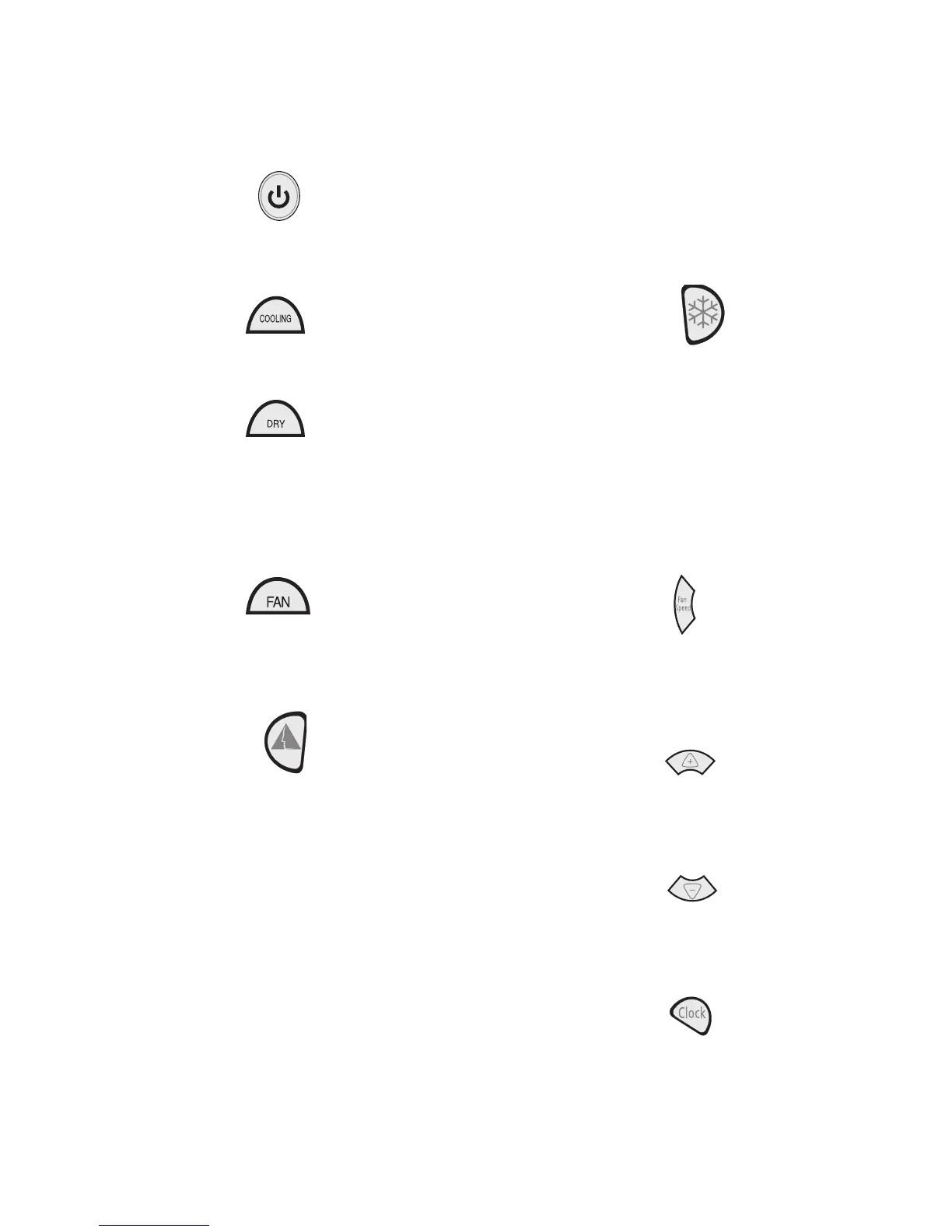
To turn the air conditioner on or off:
Press the power button.
Mode
1. Press COOLING to cool the room.
2. Press DRY to remove moisture from the
room without cooling.
NOTE: Dry operates on Low fan only.
Fan Speed button will not operate in this
mode.
3.
Press FAN to run fan without cooling. Press
FAN SPEED to choose High or Low.
ComfortMode
™
Control
1. Press ComfortMode
™
control. The temper-
ature and fan speed set automatically.
2. Press the up or down arrow button to in-
crease or decrease the set temperature
4°F (2°C).
3.
Press FAN SPEED to alternate between
High and Low speeds each time Fan Speed
is pressed.
RapidCool
™
Mode
Used for fast cooling. Automatically sets
fan speed to high and temperature to 64°F
(18°C).
NOTE: ComfortMode
™
control button does not
operate in RapidCool
™
mode.
1. Press RapidCool
™
mode. The temperature
will automatically set to 64°F (18°C).
2.
To turn RapidCool
™
mode off, press either
ComfortMode
™
control, COOLING, DRY,
FAN, the power button or the plus or minus
buttons.
Fan Speed (in Cooling or Fan Only
modes only)
1. Press FAN SPEED.
2. Choose Auto, High or Low.
Temperature
To raise the temperature:
Press the plus button to increase the tempera-
ture 2°F (1°C).
To lower the temperature:
Press the minus button to decrease the tem-
perature 2°F (1°C).
Time of Day
1. Press and hold CLOCK. “12:00” will be
displayed.
2.
Press the plus or minus button to set the
time.



 To Next Page