4-4
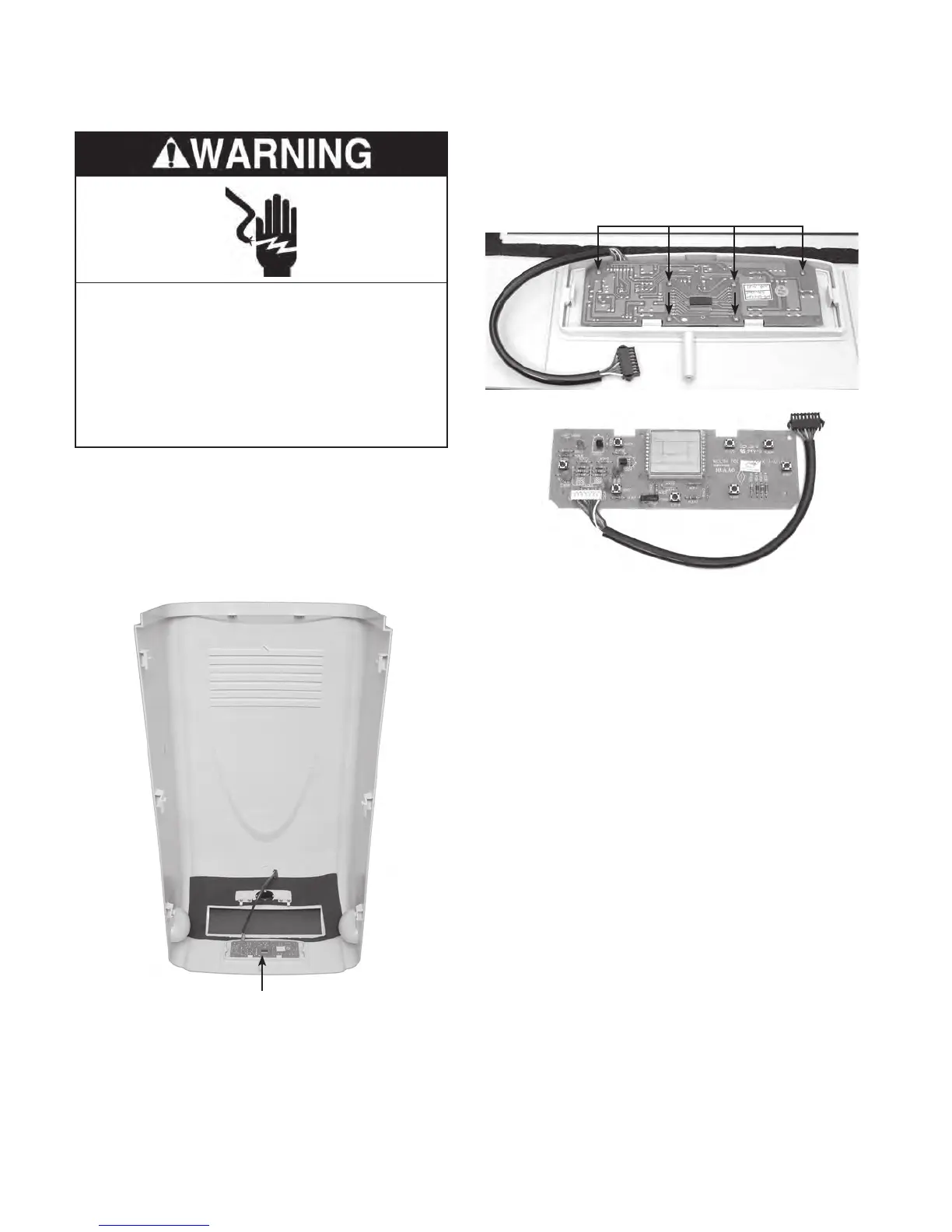
REMOVING THE USER INTERFACE BOARD
1. Unplug air conditioner or disconnect power.
2. Remove the cabinet from the unit (see
page 4-2 for the procedure).
3.
Position the cabinet front upside down so
the user interface board is accessible.
4. Remove the six screws from the user in-
terface board and remove the board from
the cabinet front.
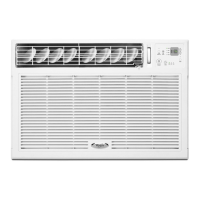
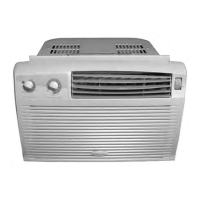
User Interface Board
User Interface Board
User Interface Board 6 Screws
Electrical Shock Hazard
Disconnect power before servicing.
Replace all parts and panels before
operating.
Failure to do so can result in death or
electrical shock.



 To Next Page