4-3
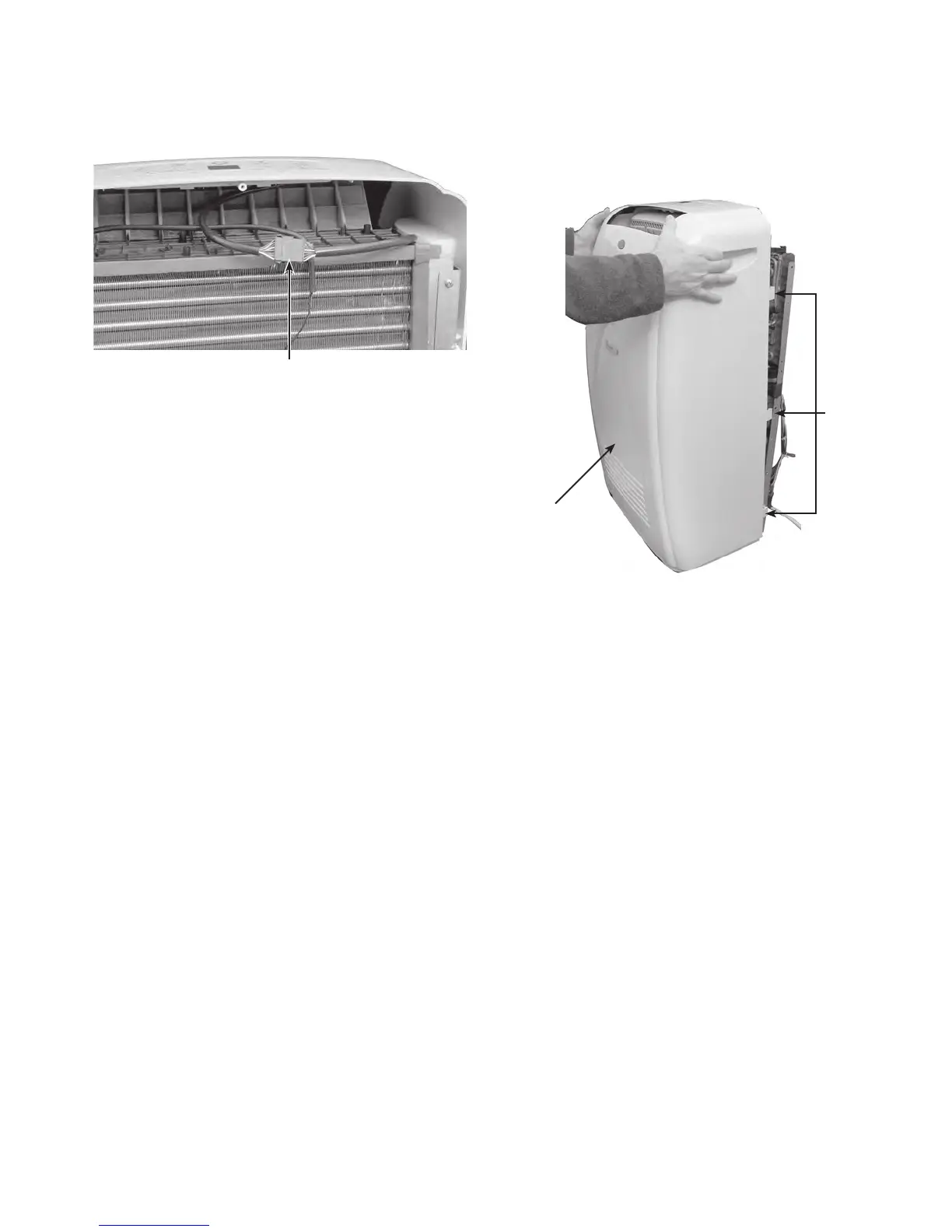
5. Disconnect the user interface connector
from the main harness.
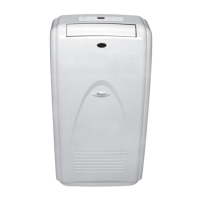
6. Unsnap the cabinet front tabs from the
sides of the chassis, then lift the cabinet
to clear the vent opening, and remove
the cabinet from the unit.
User Interface Connector
3 Tabs
Cabinet Front



 To Next Page