73
■
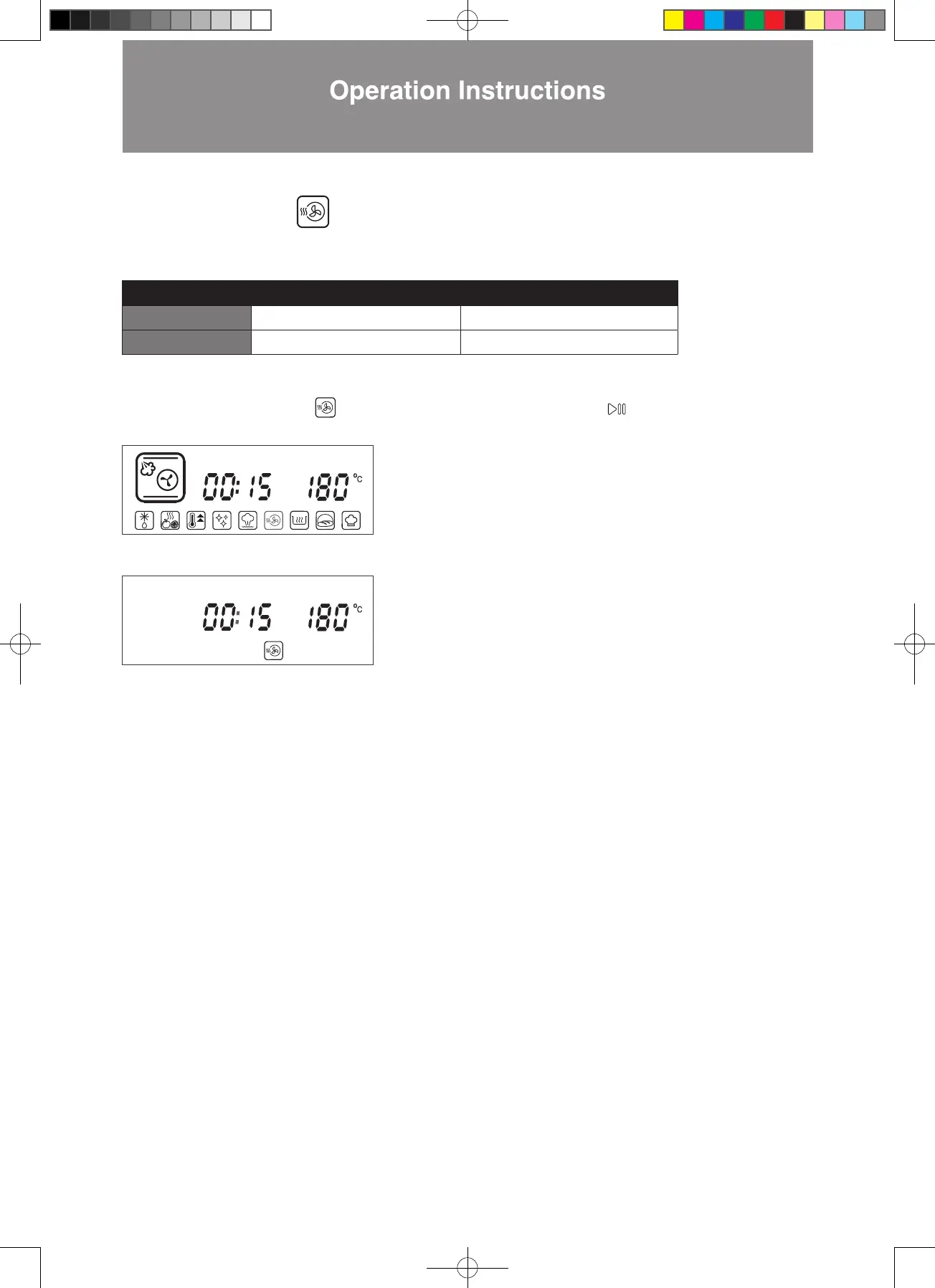
Cavity Drying Mode
In this mode, the oven is heated to a high temperature so any excessive moisture and steam are evaporated. This function is
used for drying the oven after any steam cooking modes.
Temperature Time
Default Setting 180°C 15 mins
Setting Range Cannot be adjusted Cannot be adjusted
Steps:
1.
In standby mode, press < to Cavity Drying Mode. The icon will flash. Press to confirm (as shown in the
diagram below).
2. The combi steamer will start cooking (as shown in the diagram below).
Important:
1. The function of “Combination Button: Cavity temperature display” is not available in this mode.
2. The function of “Adjust or Increase the Cooking Time during/after Cooking is Completed” is not available in this mode.
W3MS450_18Jan2022_OL.indd 73W3MS450_18Jan2022_OL.indd 73 18/1/2023 上午12:0718/1/2023 上午12:07




 To Next Page