76
Preset Function
You must set the clock before using the preset function. For instructions on clock setting, please see “Setting the Clock” on
page 55 of this instruction manual.
Example: The current time is 16:30. You want to preset cooking time for the Bottom Grill Mode. Cooking time is 40 minutes
and temperature is 210°C. Cooking will stop at 18:00.
Steps:
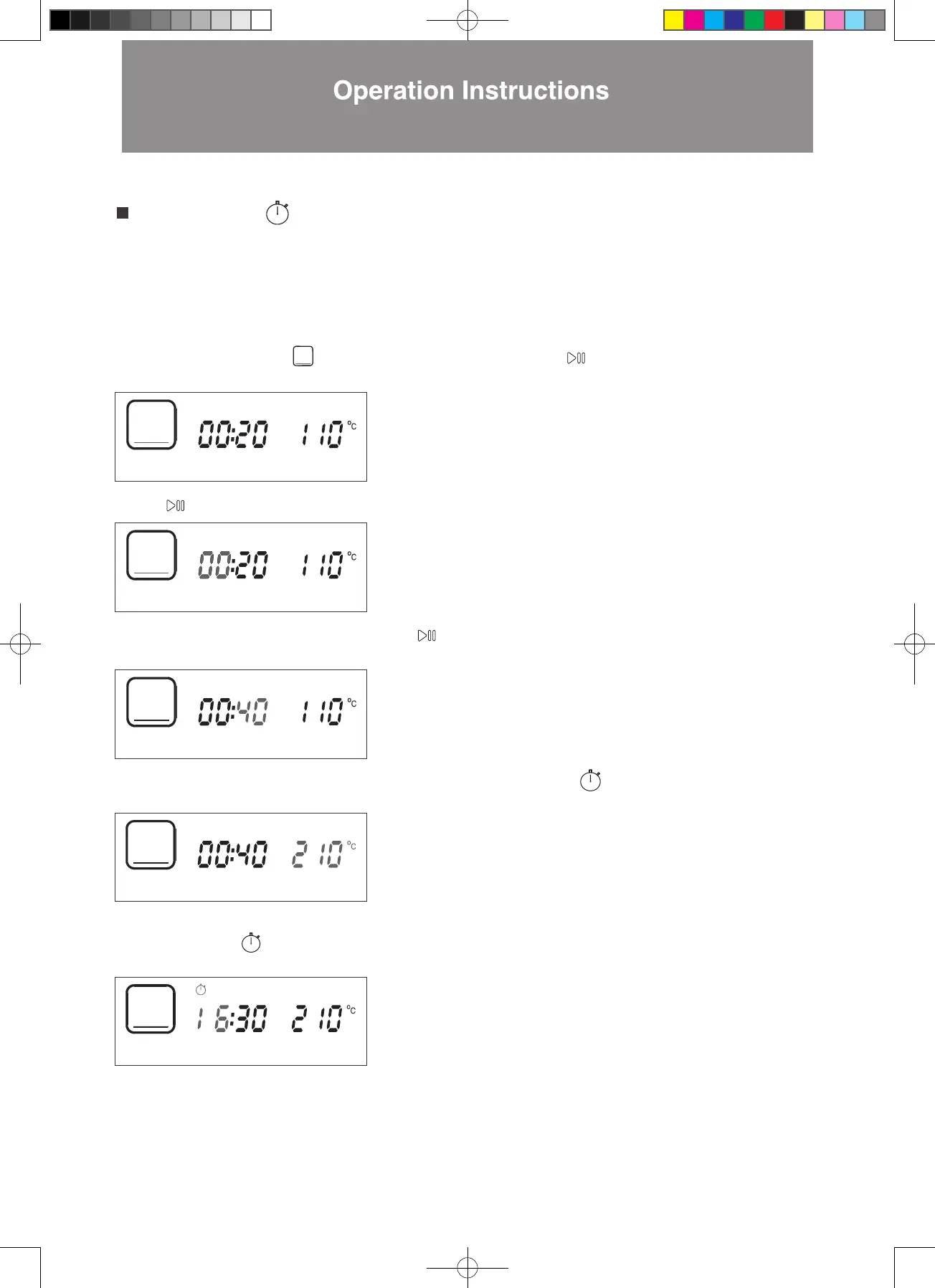
1. In standby mode, press > to Bottom Grill Mode. The icon will flash. Press to confirm (as shown in the diagram below).
2. Press to confirm the 00 hour setting (as shown in the diagram below). The display will jump to minute setting automatically
3. Press < > until the minute display shows 40. Press to confirm (as shown in the diagram below). The display will jump to
The display will jump to hour setting automatically.
temperature setting automatically.
4. Press < > until the temperature display shows 210°C. Press the clock button to confirm (as shown in the diagram
5. The screen for preseting the finishing time will be seen. The clock will go back to current time display, i.e. 16:30. The “16”
below).
process (as shown in the diagram below).
digits will flash. The preset function icon at the top of the display panel will also flash to indicate preset setting is in
W3MS450_18Jan2022_OL.indd 76W3MS450_18Jan2022_OL.indd 76 18/1/2023 上午12:0718/1/2023 上午12:07




 To Next Page