Kunststoffschweißtechnik
Operating an Indicating Elements Chapter 4
17.02.14 Working Instructions WIDOS 5500 Page 18 of 48
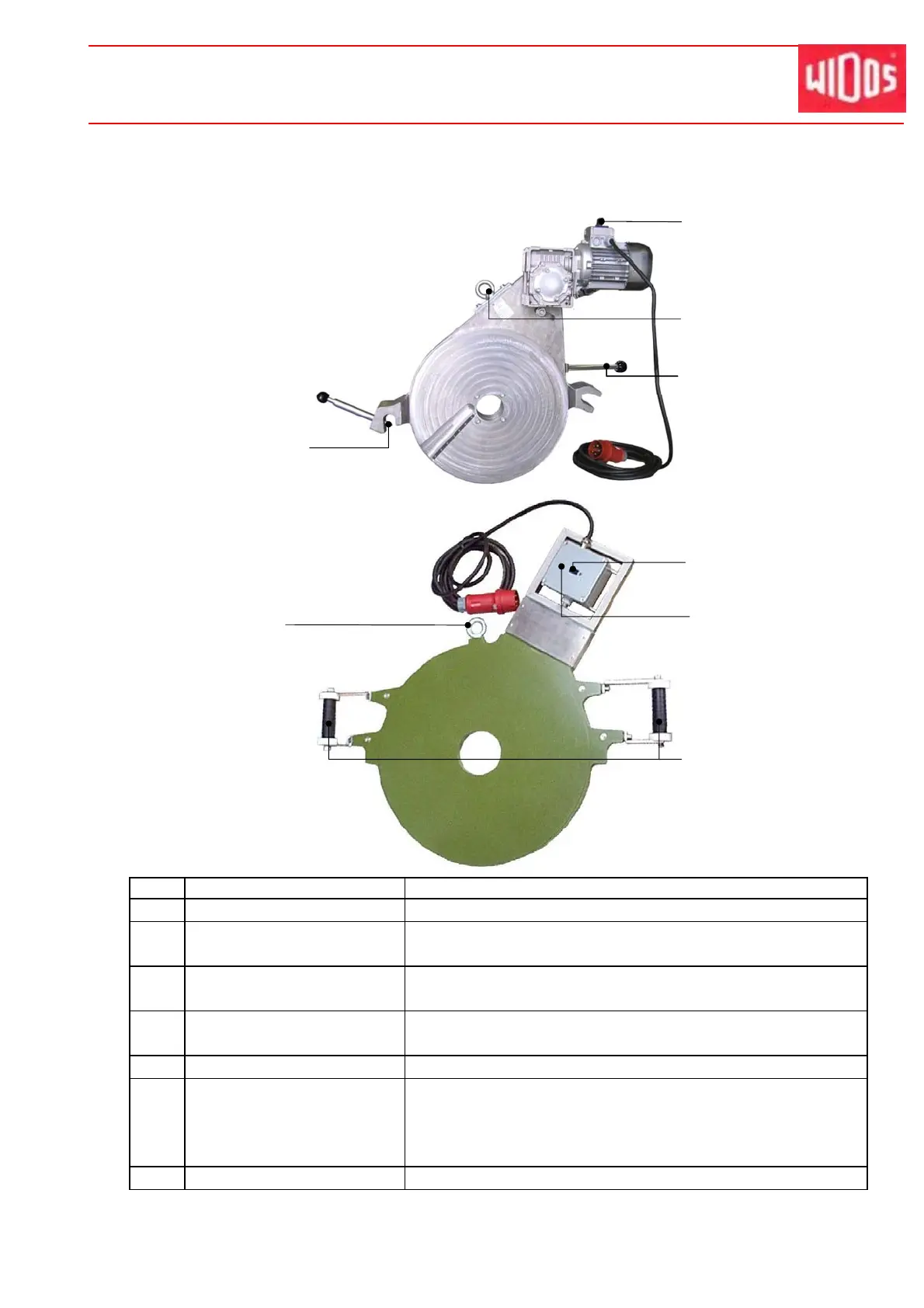
4.4. Elements at the Heating Element and the Planer
No. Name Function
10 Locking device - Locking the planer into basic machine by planing
11 On/off switch for planer - For switching on/off the planer.
- Switch off the planer after use.
12 Lifting screw - For lifting/inserting the heating element / planer with the
lift-off device.
13 Lever - For holding the planer when lifting / removing.
- Lever can be screwed off.
14 Thermostat - For setting the required temperature.
15 Display of temperature - Digital display of set heating element temperature. Three
different displays are possible.
- For meaning of the displays please refer to chapter 5.4,
Setting the Heating Element Temperature
16 Grip - For holding the heating element when lifting / removing.
11
12
10
15
14
12
16
13



 To Next Page