Kunststoffschweißtechnik
Starting and Operating Chapter 5
17.02.14 Working Instructions WIDOS 5500 Page 21 of 48
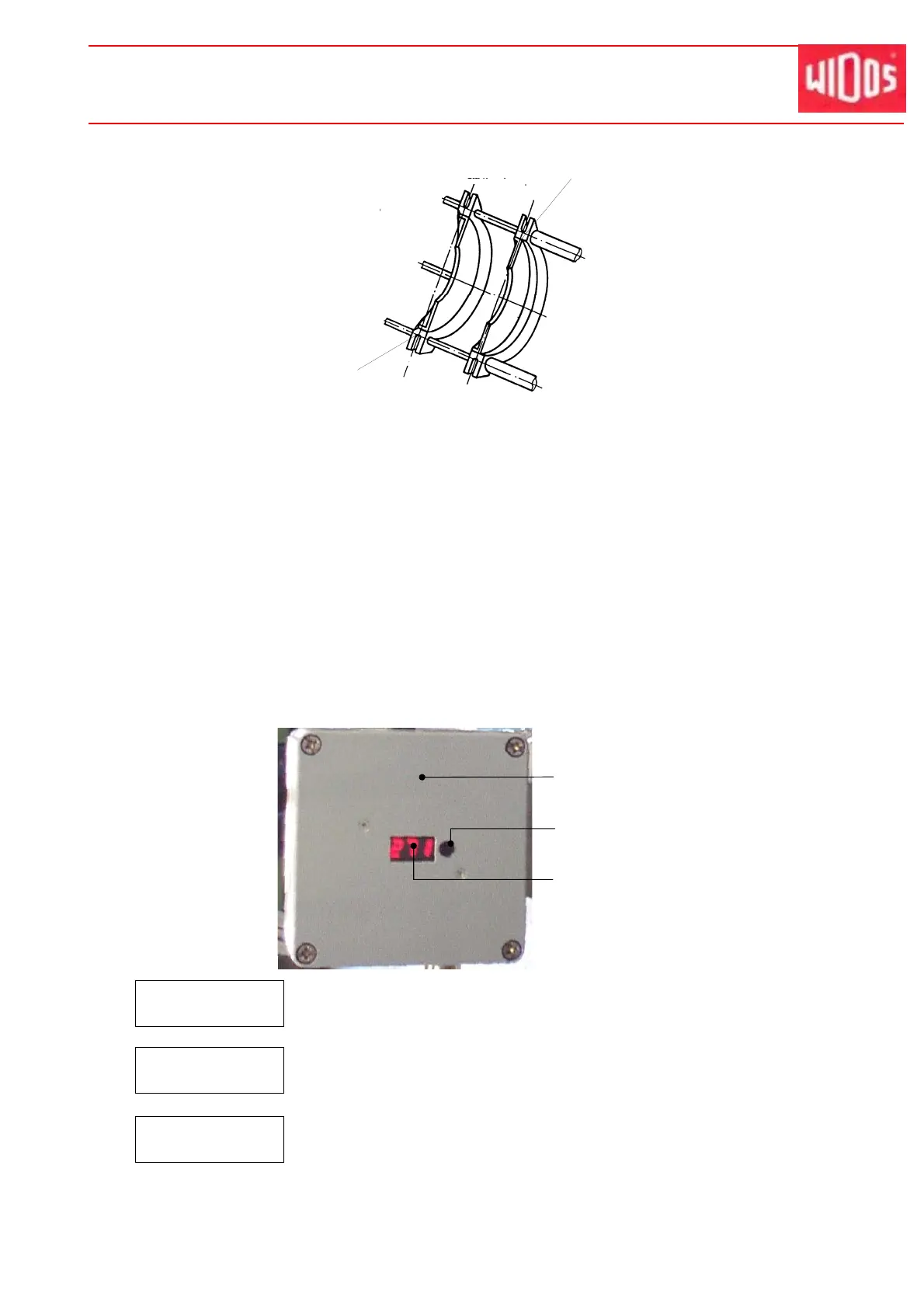
Small reduction insert, centered (for pipes)
Large Reduction Inserts
They are mainly used for a good tightening and are generally mounted on the inner
clamping devices.
Super large reduction inserts have a specially high guidance quality and are mainly
used during the welding of fittings with long legs which can only be clamped with a single
clamping tool.
5.4. Setting the Heating Element Temperature
As soon as the heating element is connected to the mains (400 V / 16A), it starts heating up to
the desired temperature. Set the temperature with a screw driver at the adjusting knob.
2.2.0
Display: DESIRED temperature + blinking points between the numbers.
The heating element is being heated up, the desired temperature is not yet
reached. This display disappears after short time, followed by three lines.
- - -
Display: Three lines.
The heating element is being heated up, the desired temperature is not yet
reached.
1 8 0
Display: ACTUAL temperature (without blinking points).
Appears as soon as a temperature of > 170 °C / 338 °F is reached and
rises continuously to DESIRED temperature. The desired temperature is
maintained by a certain pulse-position ratio.
Terminal box with
control
Display
Temperature adjusting knob
Shown here:
Small reduction insert,
flush to the inside
(for bends, T-pieces)



 To Next Page