WiDRIVE DX-325 User’s Guide
Copyright © 2010 EDSLAB Tech. Inc.
8
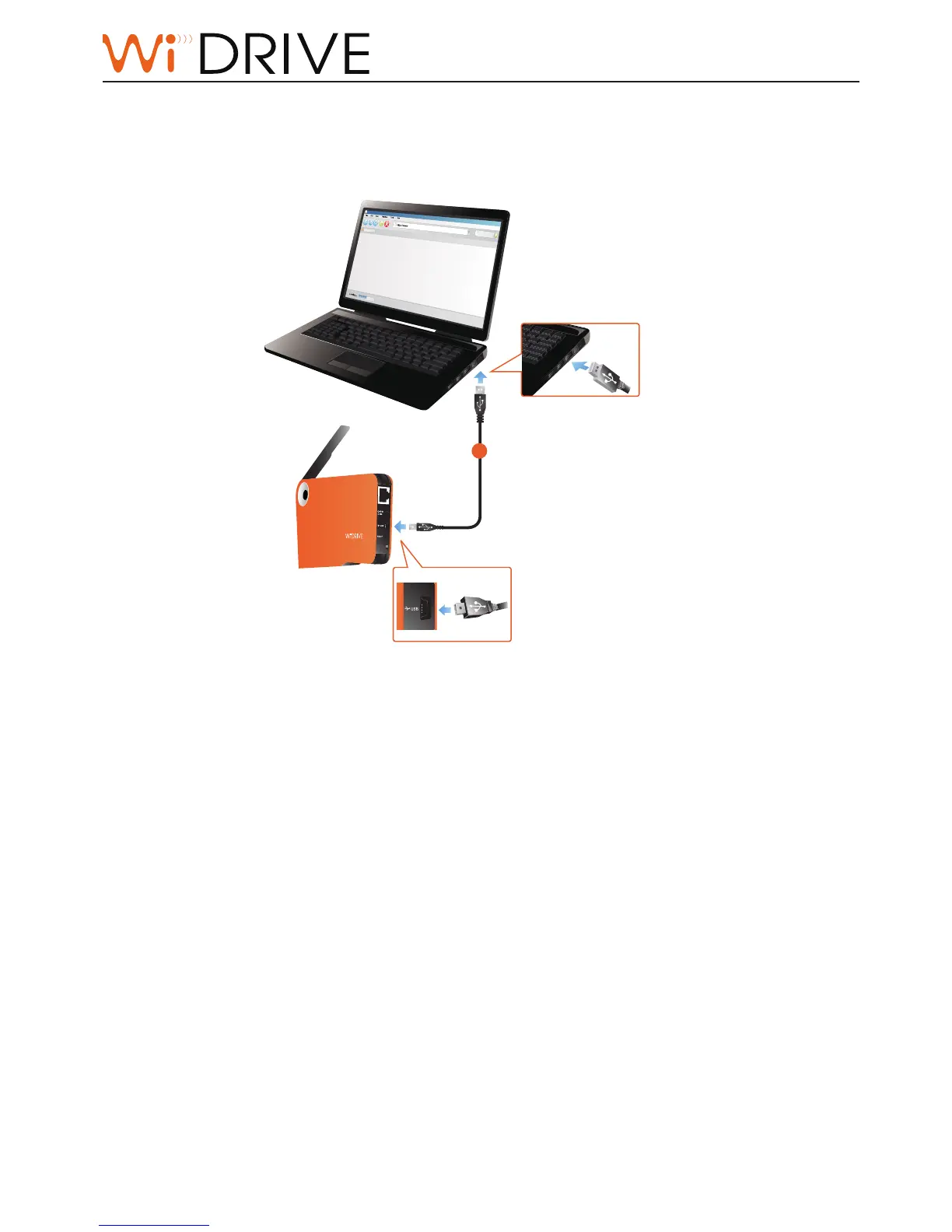
USB Mode Setup
Connect your device to WiDRIVE with an USB cable, your WiDRIVE automacally switches to USB
mode and performs as an external mass storage device.
Note!
The network funcon switches o automacally once the USB cable connects to your WiDRIVE.
Noce!
Shutdown your WiDRIVE before switching to USB mode.
Noce!
Run Safely Remove Hardware process before you unplug WiDRIVE from computer to ensure the data
completeness.
1
CLIENT SCAN
AP



 To Next Page