WiDRIVE DX-325 User’s Guide
Copyright © 2010 EDSLAB Tech. Inc.
28
5 WiDRIVE Applications
You can visit our ocial website for the latest release.
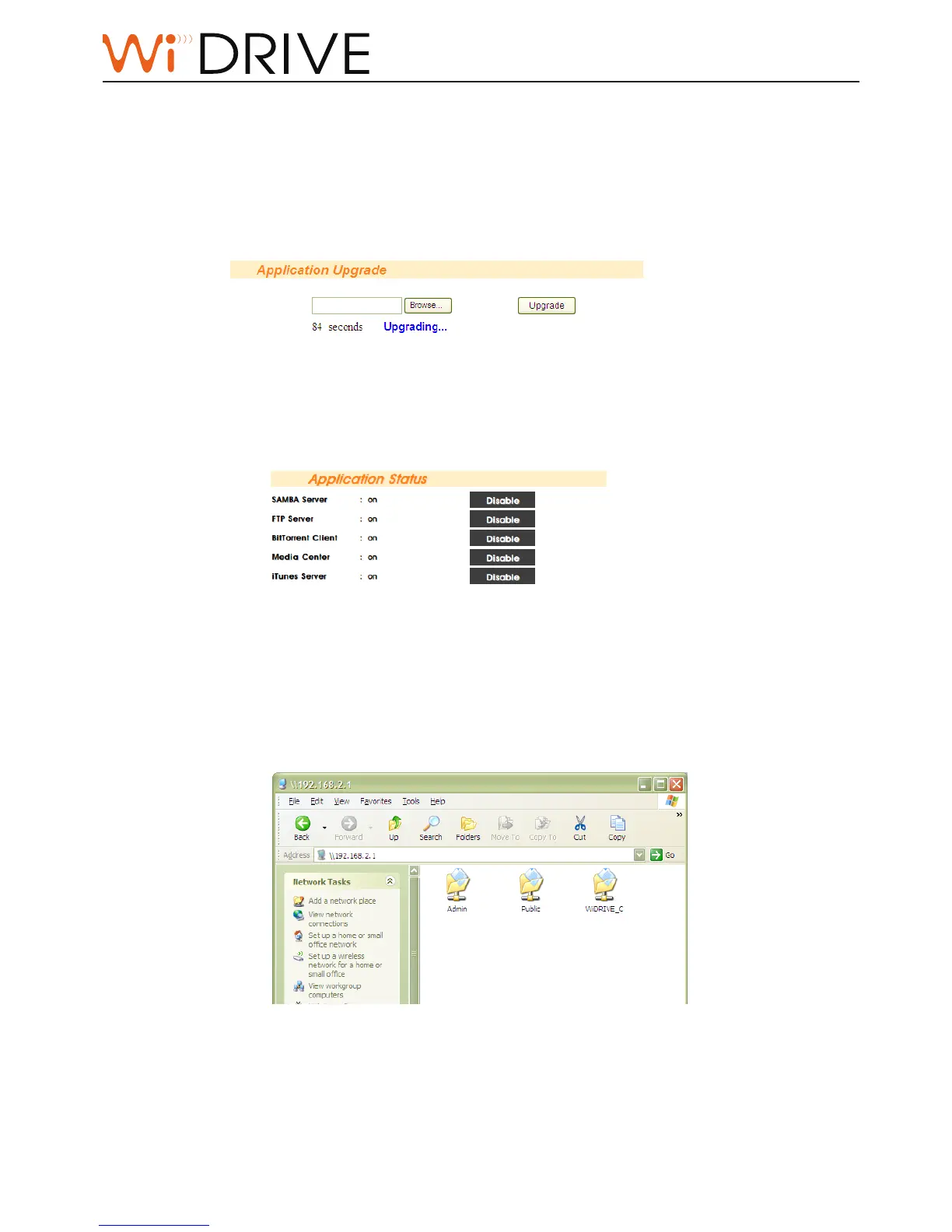
Install the applicaons
1. Upload the applicaon package downloaded. See “Applicaon Upgrade” on page 26 for operaon
guide.
2. Press the “Install“ buon on System Status to install the applicaon.
Enable/disable the applicaons
Press “Enable” buon to enable the installed applicaon. See “Applicaon Status” on page 25 for
operaon guide.
The Default Applications in your WiDRIVE
SAMBA Server
You can access data in your WiDRIVE via My Network Space in Windows operaon system. Type
“//WiDRIVE IP“ in the address box of the File Manager in your Windows OS and then type your
WiDRIVE account and password to log on.



 To Next Page