WiDRIVE DX-325 User’s Guide
Copyright © 2010 EDSLAB Tech. Inc.
29
FTP Server
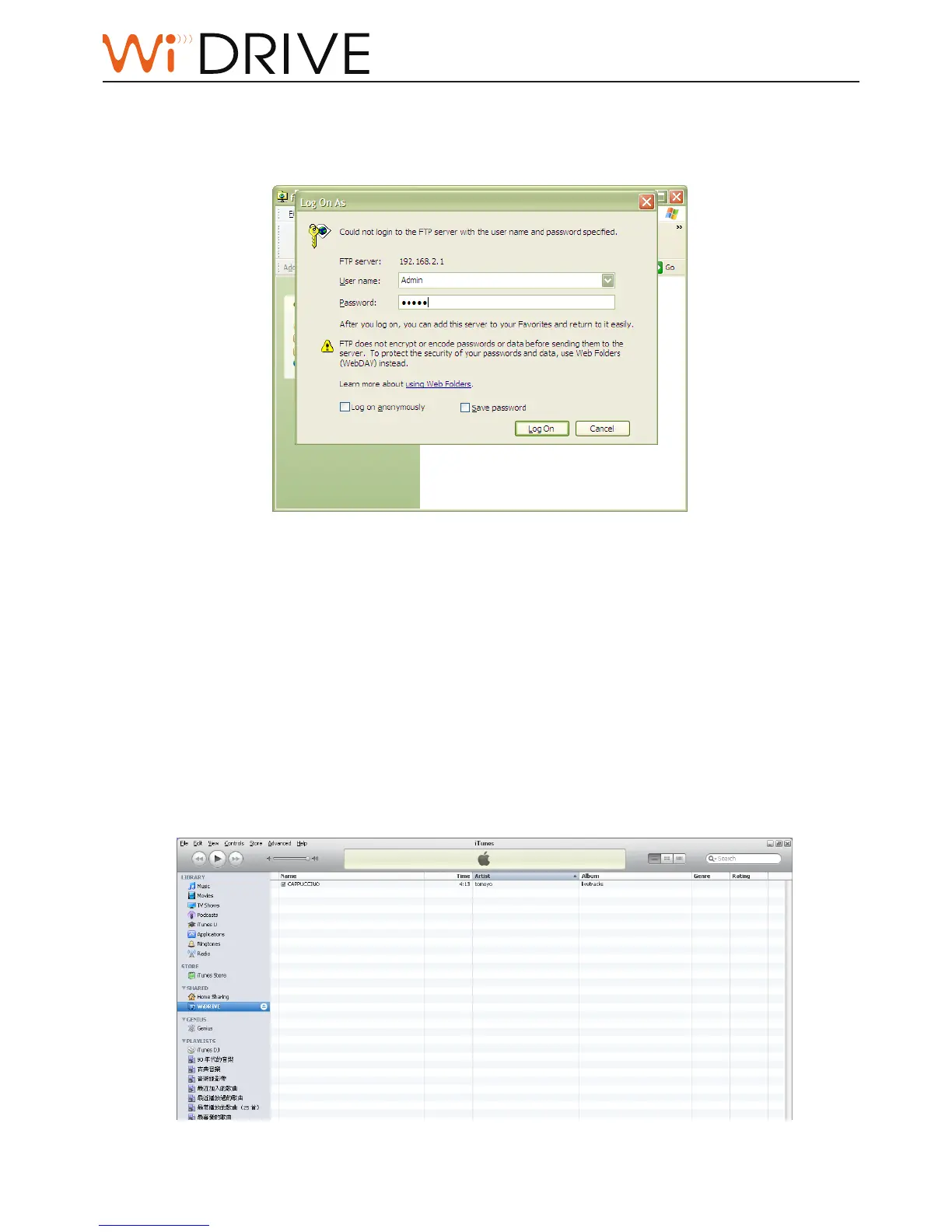
You can access data in your WiDRIVE via File Transfer Protocol (FTP) directly. Type “p://WiDRIVE IP”
in the address box of the web browser or your FTP soware and then type your WiDRIVE account and
password to log on. The port is set to 21.
BitTirrent Client
Enable BitTorrent Client to acvate the BitTorrent page. Please refer to BitTorrent on page 17 for more
operaon guide.
Media Center
You can stream media les from your WiDRIVE to a UPnP supported home entertainment device such
as SONY® PSP and XBOX® 360.
iTunes® Server
iTunes® on your computer automacally detects and add your WiDRIVE to the Shared list.



 To Next Page