WiDRIVE DX-325 User’s Guide
Copyright © 2010 EDSLAB Tech. Inc.
25
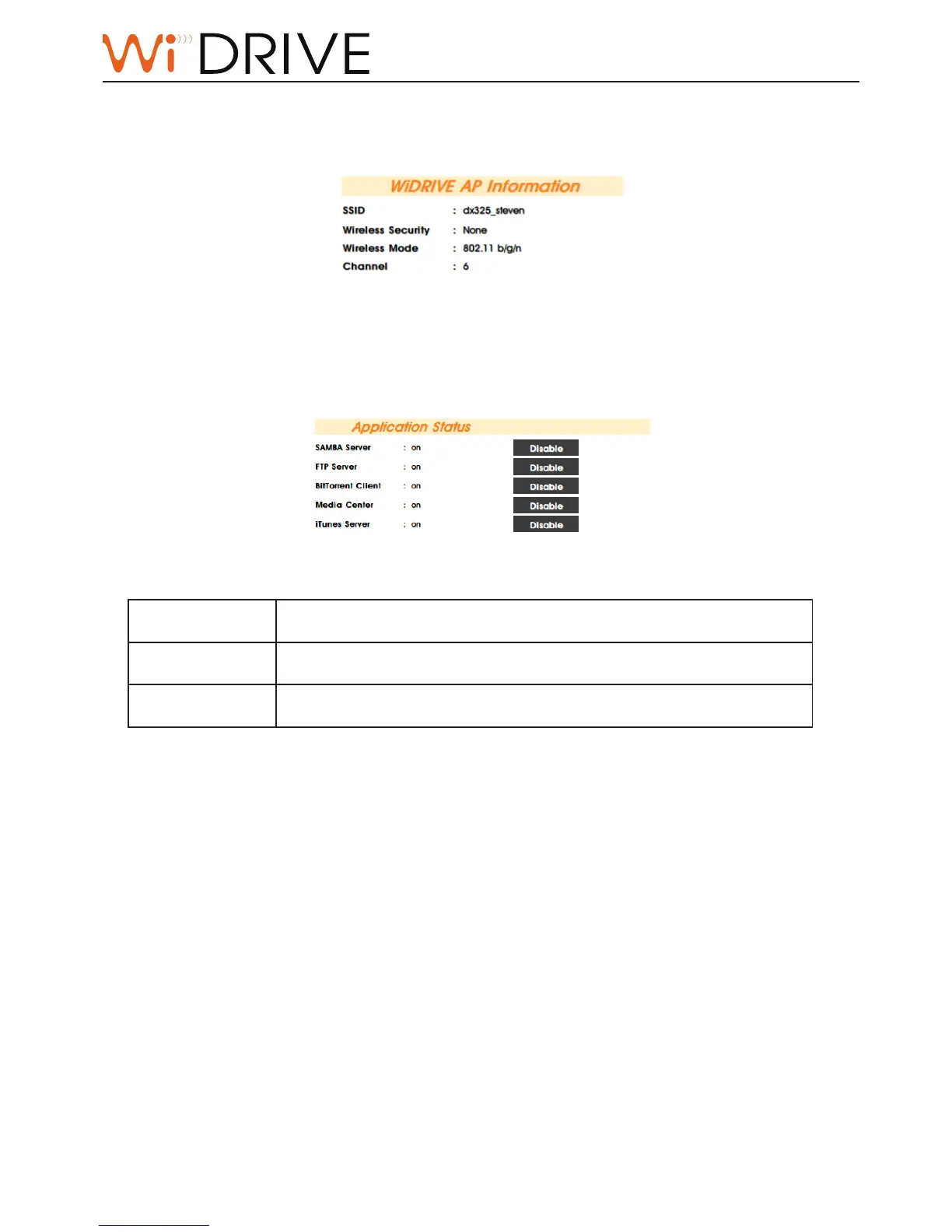
WiDRIVE AP Informaon
This secon appears only in AP mode to indicate the relevent conguraon.
Applicaon Status
Indicates the status of applicaons supported by your WiDRIVE.
Not installed
The applicaon has been downloaded to your WiDRIVE but not yet
installed. Press “Install“ buon to install the applicaon.
ON
The applicaon has been installed and is acvated. Press “Disable“
buon to de-acvate the applicaon.
Disabled
The applicaon has been installed and is de-acvated. Press “Enable“
buon to acvate the applicaon.



 To Next Page