www.williamspianos.com
Digital Piano Users Manual
’
Instant Select Piano Voice
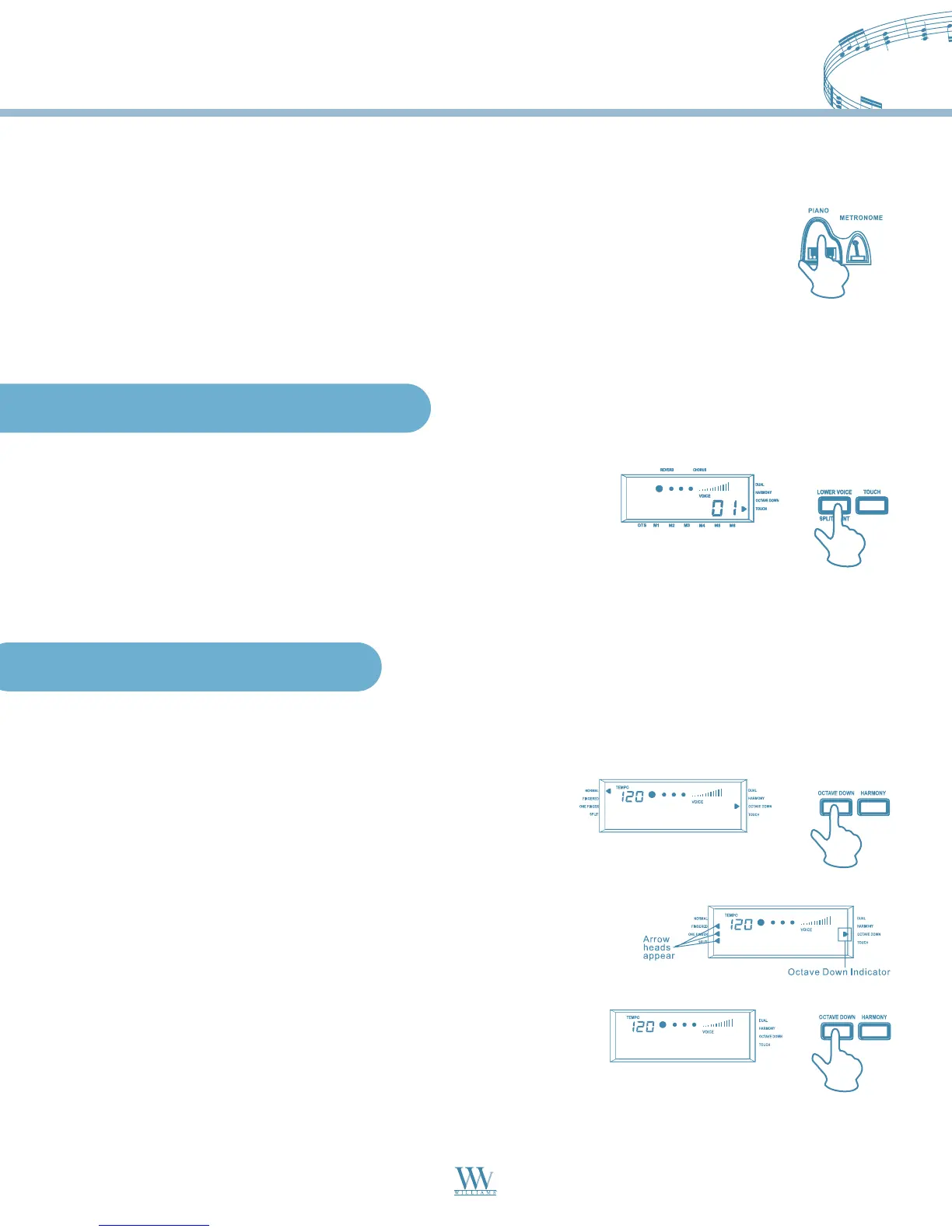
You can select the piano voices immediately by pressing the PIANO button. When you
press the PIANO button, the digital piano turns into Normal status automatically, and
the Dual voice function is de-selected.
Press the PIANO button again to exit the PIANO mode and return to the previously
selected voice. If you select a voice directly in the Piano status, the PIANO status will
exit automatically.
The keyboard on this digital piano is velocity sensitive. This means
the harder you play on the keys, the louder the sound becomes, just
like an acoustic piano. The touch response can be turn on and off at
any time. At the default, the touch response is turned on. Press the
TOUCH button to turn the touch response on and off as desired.
In Normal mode, press the OCTAVE DOWN button, and the octave
down indicator appears in the display. Now, the entire keyboard will
shift down one octave.
When you are playing in Normal mode, you can shift the current voice down one octave in real time. In the
Fingered, Single Fingered and Split mode, only the right side of the keyboard will shift down one octave.
In Fingered, Single Fingered and Split mode press the OCTAVE DOWN
button, and the octave down indicator appears in the display. Now the
right section of the keyboard will shift down one octave.
To cancel the octave down function, press the OCTAVE DOWN
button again and the octave down indicator turns off.
Octave Down Control
Touch Response Keyboard
11
Williams_Concerto-2_Q5.qxd 8/3/04 11:03 AM Page 11


 To Next Page