16
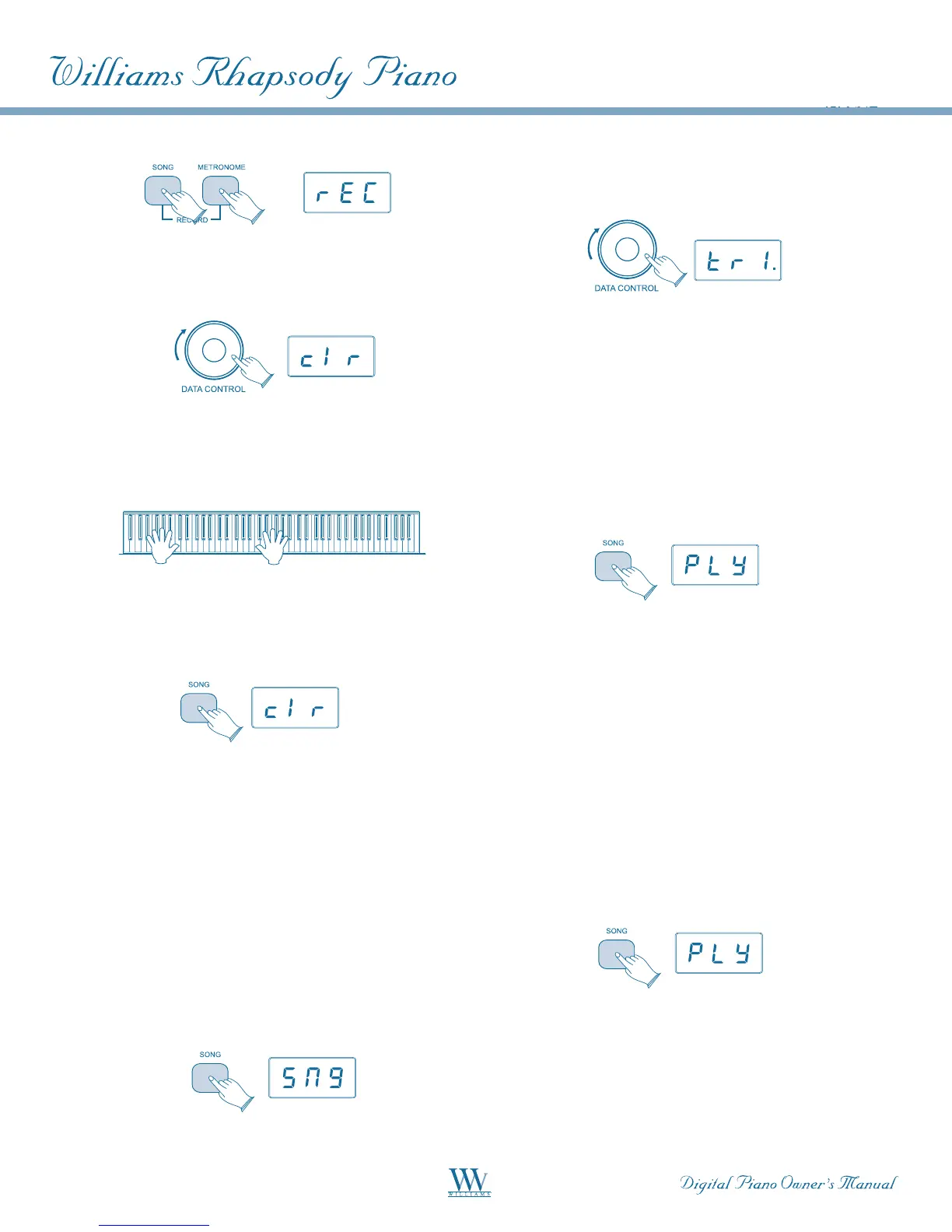
Turn the [DATA CONTROL] knob until the LED
displays: CLR.
Begin playing the keyboard. All previously recorded
data on tracks 1 and 2 will be cleared, and the notes
you are now playing will be recorded on track 1.
To clear all data on tracks 1 and 2 without
recording anything new, after step 2, press the
Song button twice.
You will then be back in Performance Mode, with
all data cleared from the Song Recorder.
NOTE: The Clear function always erases recorded
notes from both tracks. For instructions on how to
erase data from only one of the two tracks, please
read the earlier section, "To Erase a Single Track
in the Song Recorder."
To Play Back Your Song Recorder Tracks:
From Performance Mode, press the [SONG] button
to enter Song Play Mode.
Use the [DATA CONTROL] knob to select one of
the following:
SNG: Playback of both of the Song Recorder
tracks simultaneously.
TR1: Playback of Song Recorder track 1.
TR2: Playback of Song Recorder track 2.
Press the [SONG] button to start playback.
While the Song is playing, the LED display will
show: PLY.
NOTE: If there is nothing recorded on either of the
tracks (1 or 2), then the Song will not play. Rather,
the Song LED will flash 3 times quickly, and the piano
will exit Song Play Mode and resume Performance
Mode, with the LED display showing the currently
selected voice.
To Stop Playback and Exit Song Play Mode:
Press the Song button. Song playback will stop,
and the piano will exit Song Play Mode and resume
Performance Mode with the LED display showing
the currently selected voice.















 To Next Page