6 General operation
6.1 Display (touch screen)
Operate the screen only with your fingers; do not use any sharp objects.
The display is a touch screen, which responds to touch. Each touch of a button is confirmed by a beep. Events
such as the end of the programme or malfunctions are indicated by a sequence of tones.
INFO The authorised service technician can deactivate the beep and the sequence of tones.
If pressing the buttons no longer functions perfectly, the display must be recalibrated ( 11.3).
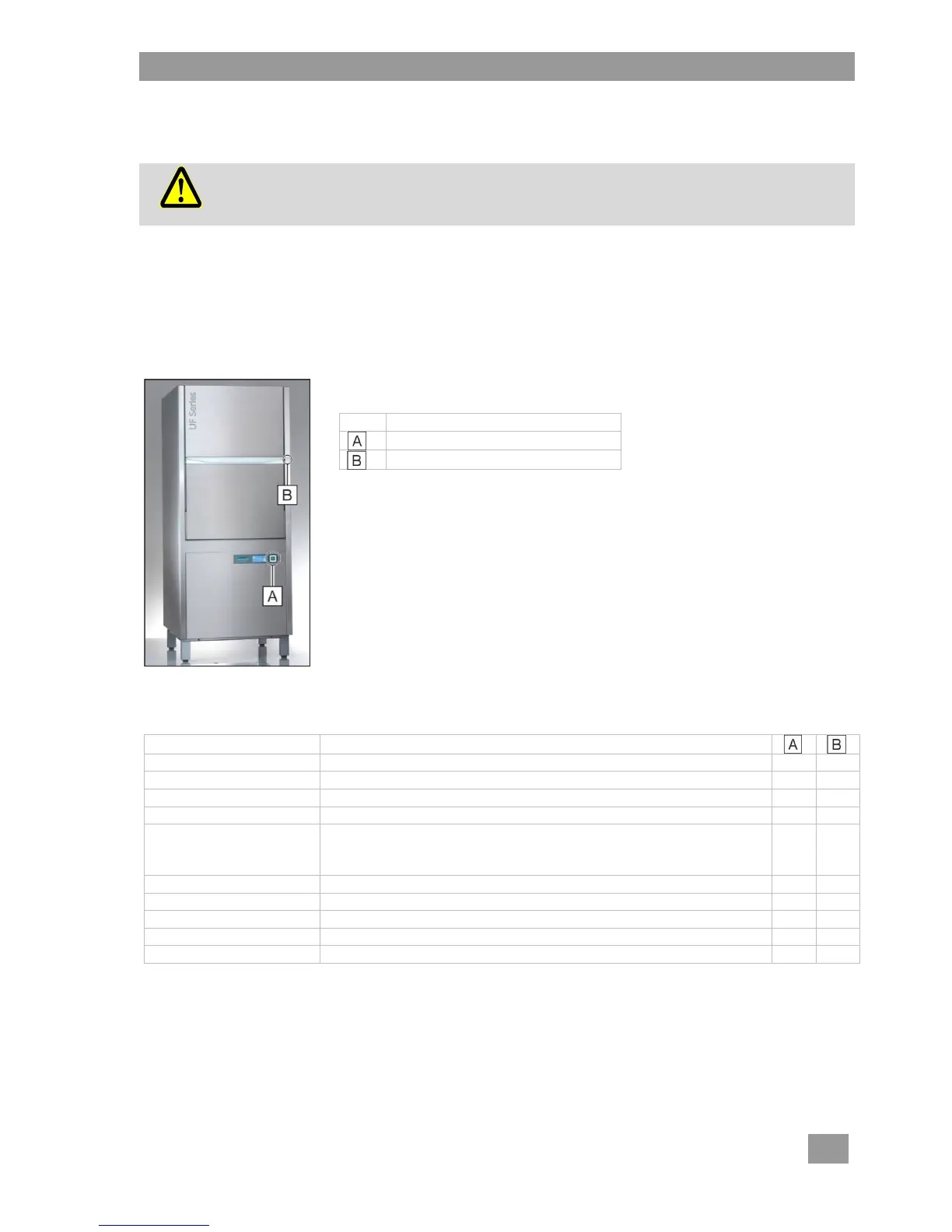
6.2 Start button and quick start button
Both buttons have the following functions:
Start washing programme
Cancel washing programme
Start intensive programme using a "double click" ( 9.3.2)
The start button changes colour for the subsequent programme. The colours have the following meanings:
Machine is not yet ready for use
Machine is filling and heating up
Washing programme is ended; door has not been opened yet
Only for the Energy version:
Vapours being extracted. The washing programme has not
completely finished.
Soaking phase in the soaking programme
Washing programme is running
Self-cleaning programme is running



 To Next Page