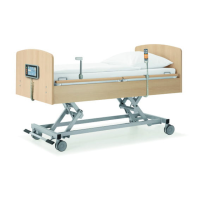
Product: Latera
Version: 01
Set the position as follows:
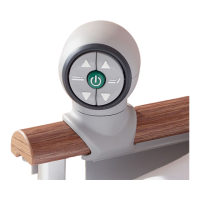
Activate the keypad by pressing the GO button.
Press and hold the function button until the desired position is reached.
NOTE The nursing staff must decide whether the patient can adjust the bed.
If the patient’s condition requires it, preventing the patient from adjusting the bed is possible by:
Disabling functions.
NOTE An adapter for the handset is available. The adapter enables quick mounting and dismounting (e.g.
replacing a defective handset, using the handset for another bed).
Foot Control Height Adjustment, Examination Position
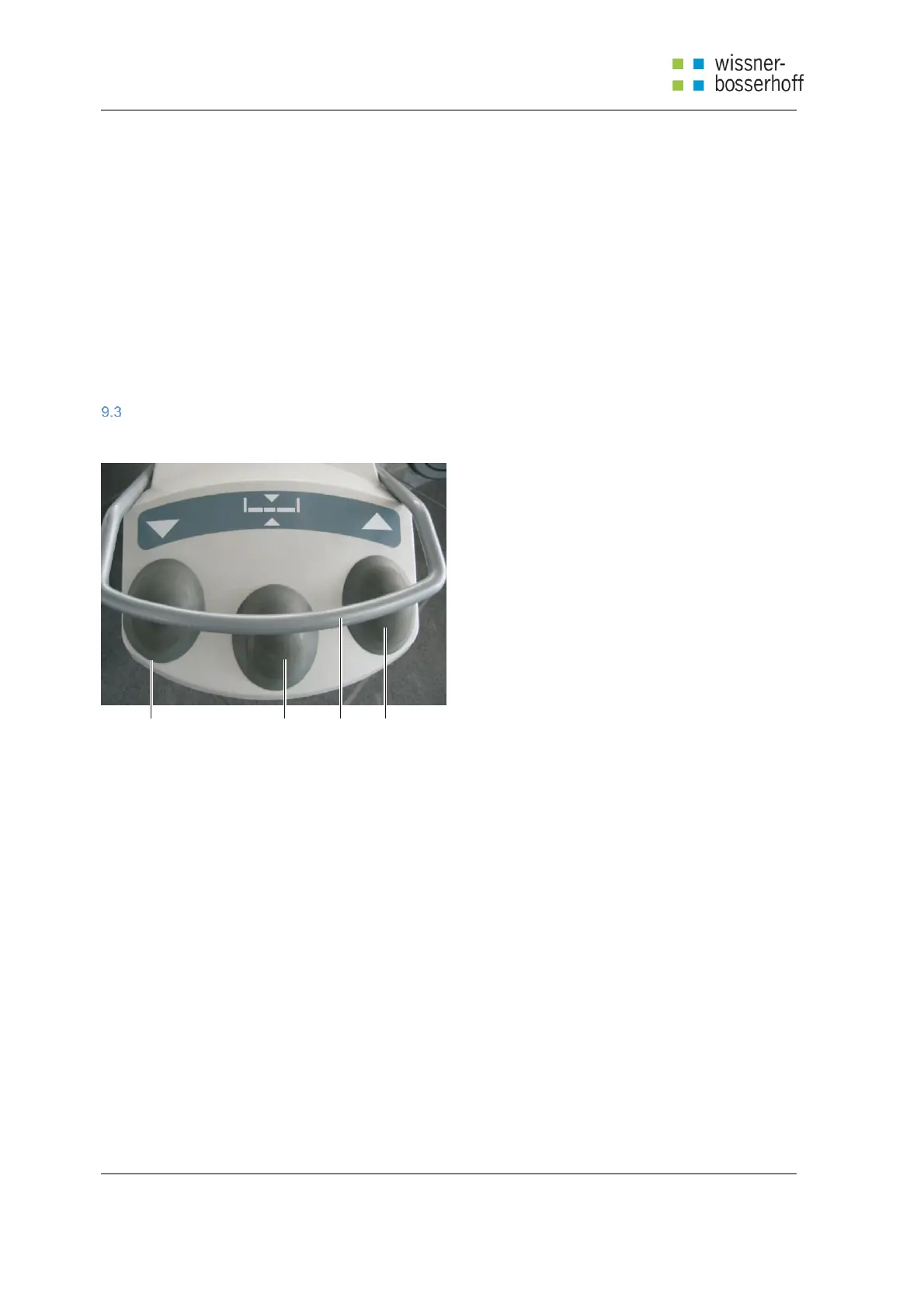
The foot control is optional and allows you to set up the height of the bed with your feet.
1 2 3 4
Fig 6 Foot Control Height Adjustment, Examination Position
1.
Lower Mattress Platform Foot Switch
2.
Examination Position Foot switch
3.
Protection Frame against Unwanted Activation
4.
Raise Mattress Platform Foot Switch
Set the position as follows:
Activate the keypad by pressing the GO button.
Press and hold the foot switch until the desired position is reached.



 To Next Page