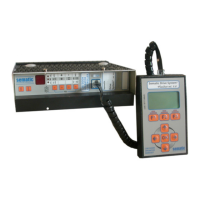
Door Drive
MIDI / SUPRA
Operating instructions
Blatt/
sheet
D823MGB.021
Datum/
date
01.03.2004
Stand/
version
B-18.12.2008
Geprüft/
approved
WAT/MZE
EXCELLENCE IN COMPONENTS
Änderungen vorbehalten! Subject to change without notice!
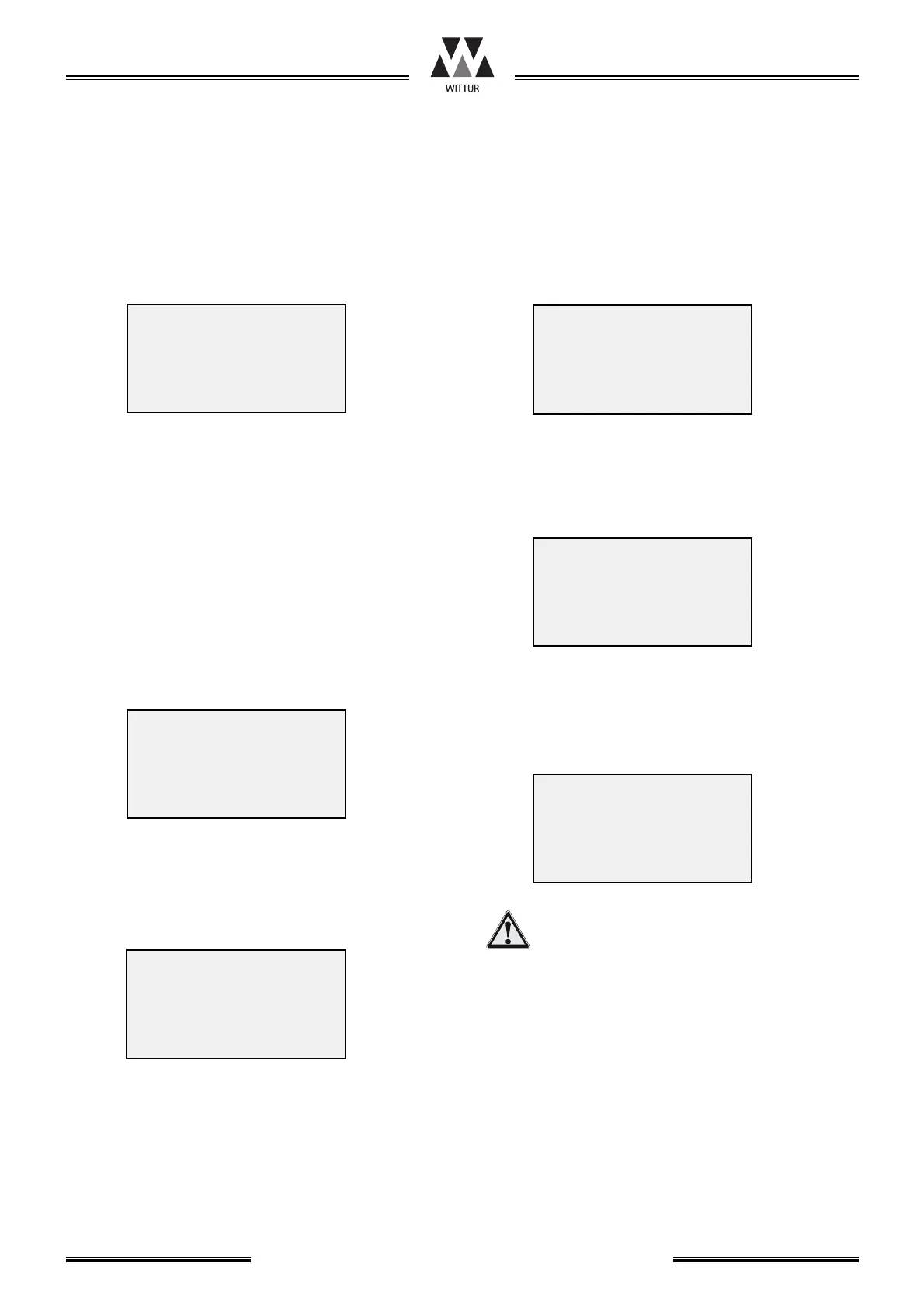
11.4.2 ‘F2’: Profile Data
This menu allows you to call up 2 further casca-
ding menus: ‘F1’ Door Movement (11.4.3) und ‘F2’
Coupler Movement (11.4.5).
11.4.2.1 ‘F3’: Reopen Time
Reopen Time is the waiting period after the re-
open in open end, before the door close again.
By pressing ‘F3’ the parameter Reopen Time can be
watched and changed.
To enter a new value press the number keys, after
that press ‘ENTER’. This value is taken over in a
buffer and carried out.
By leaving this menu with ‘F8’ you will be asked if
the entered value shall be stored permanently to
the memory.
By pressing the keys ‘YES’ / ‘NO’ the value can be
used / rejected.
11.4.2 ‘F4’: Next (Profile Data)
The door parameter are resetted to its initial value
by pressing the button ‘F1’.
11.4.2.2 ‘F1’: Reset to default
By pressing the ‘YES’ button all the adju-
sted parameters are cleared and overwrit-
ten by default values.
Before resetting the door electronic to default
values the two items 9.2, clause 3 and 4 must be
followed (manual closing of door panels without
opening of coupler!).
After the “Reset to Default” is done, continue the
start-up procedure like described in item 9.2 clau-
se 2 to 6
F1 Door Movement
F2 Coupler Movement
F3 Reopen Time
F4 F8 Back
Reopen Time:
0000.0 s
ENTER Ch. F8 Back
Reopen Time:
0001.5 s
ENTER Ch. F8 Back
Use changed Value?
YES/NO F8 Back
F1 Reset to Default
F2
F3
F4 F8 Back
Reset to Default?
YES/NO F8 Back



 To Next Page