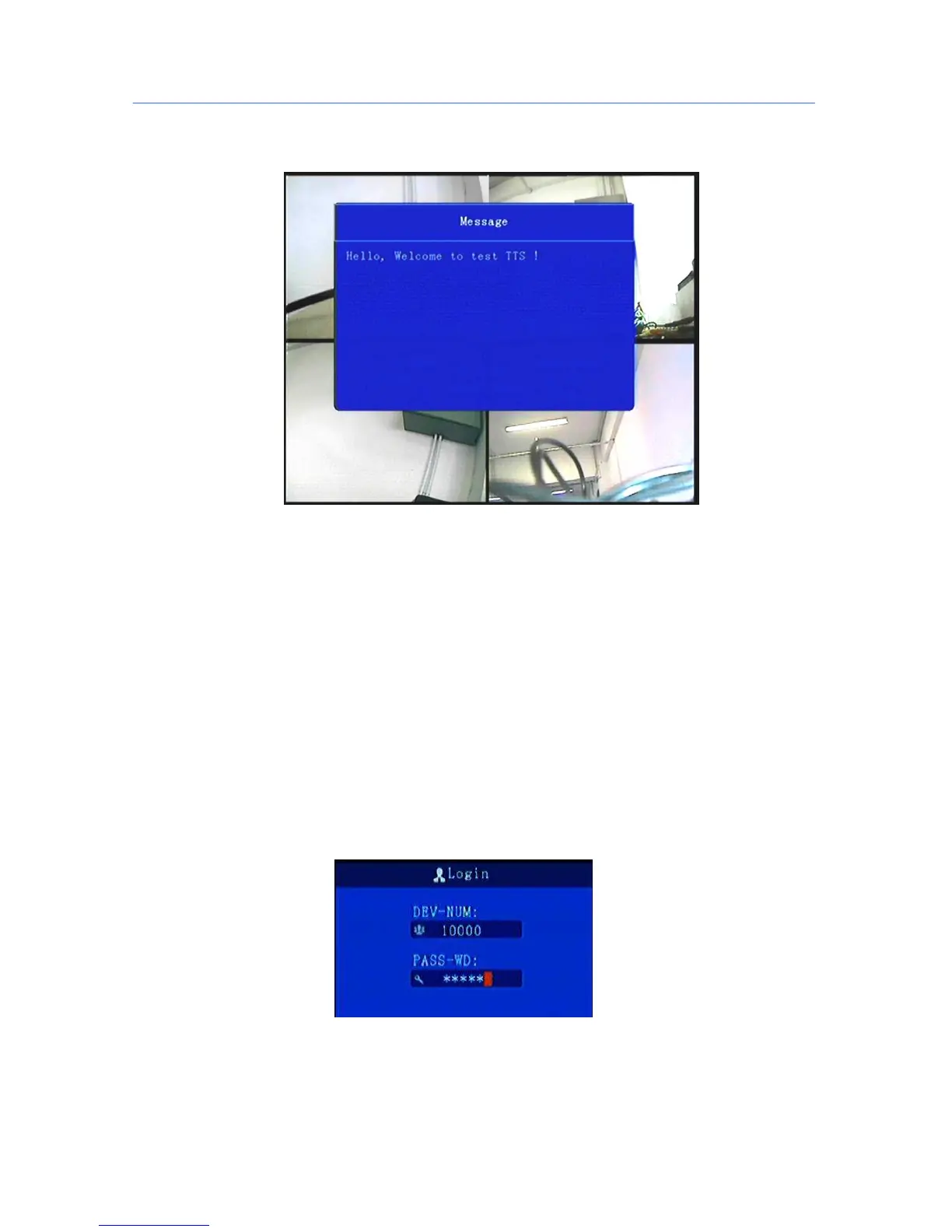
Text scheduling real-time interface displays :
*******************************************************************************************
Preview screen, press the remote control - on - next - right, will lock remote control, there will be an underscore
prompts between the date and time;
Press the remote control - on - next - left to unlock. Video loss or reboot the device will unlock;
*******************************************************************************************
5. Operation Interface Setup
5.1 User Loading
When the password switch is set to “Off”: The host start and press [OK] key, will direct access to the
main menu..
When the password switch is set to “On”: Move the cursor to "landing" column, Press [OK] key, then
can enter the main menu.
**********************************************************************************
The administrator default password is 666666 (or device number –before changed the password available);
User default password is 000000, only have query permissions;



 To Next Page