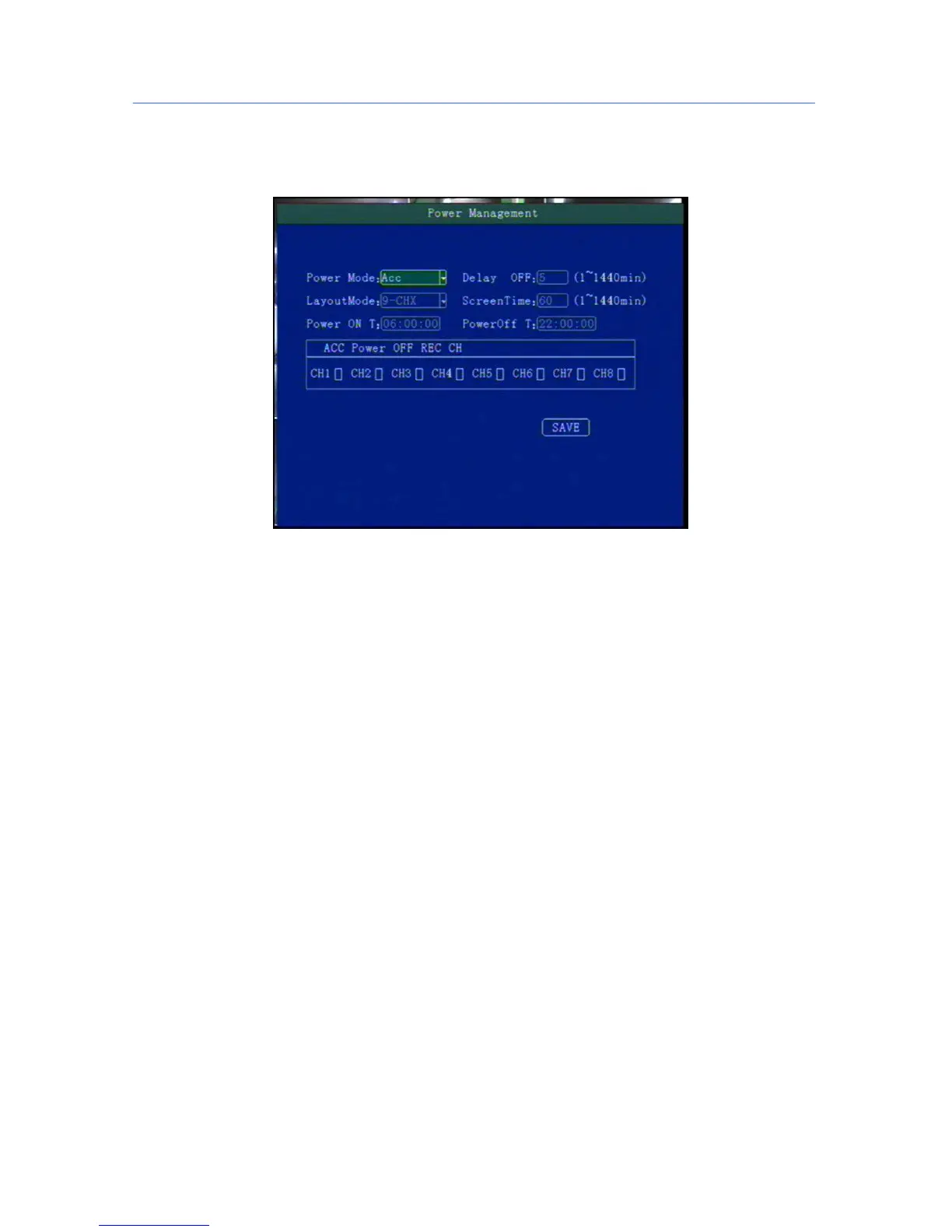
5.4.1Power Management
This menu is to setup Power management modes and power distribution.
"Power mode":press the number keys to select the type, the default is ignition mode.
"Delay Off": Press the number keys to enter the time, the default is 5 minutes, can be set to 1440 minutes
"Screen time”: Press the number keys to enter the time, the default is 60 minutes, can be set to 0-1440
minutes
"Power On": Press the number key to enter time, setup the timer start time
"Power Off": Press the number key to enter time, setup the timer off time
" Layout": optional: Support to select default displaylay out when switch on, single channel zoom,
multi-channels and so on



 To Next Page