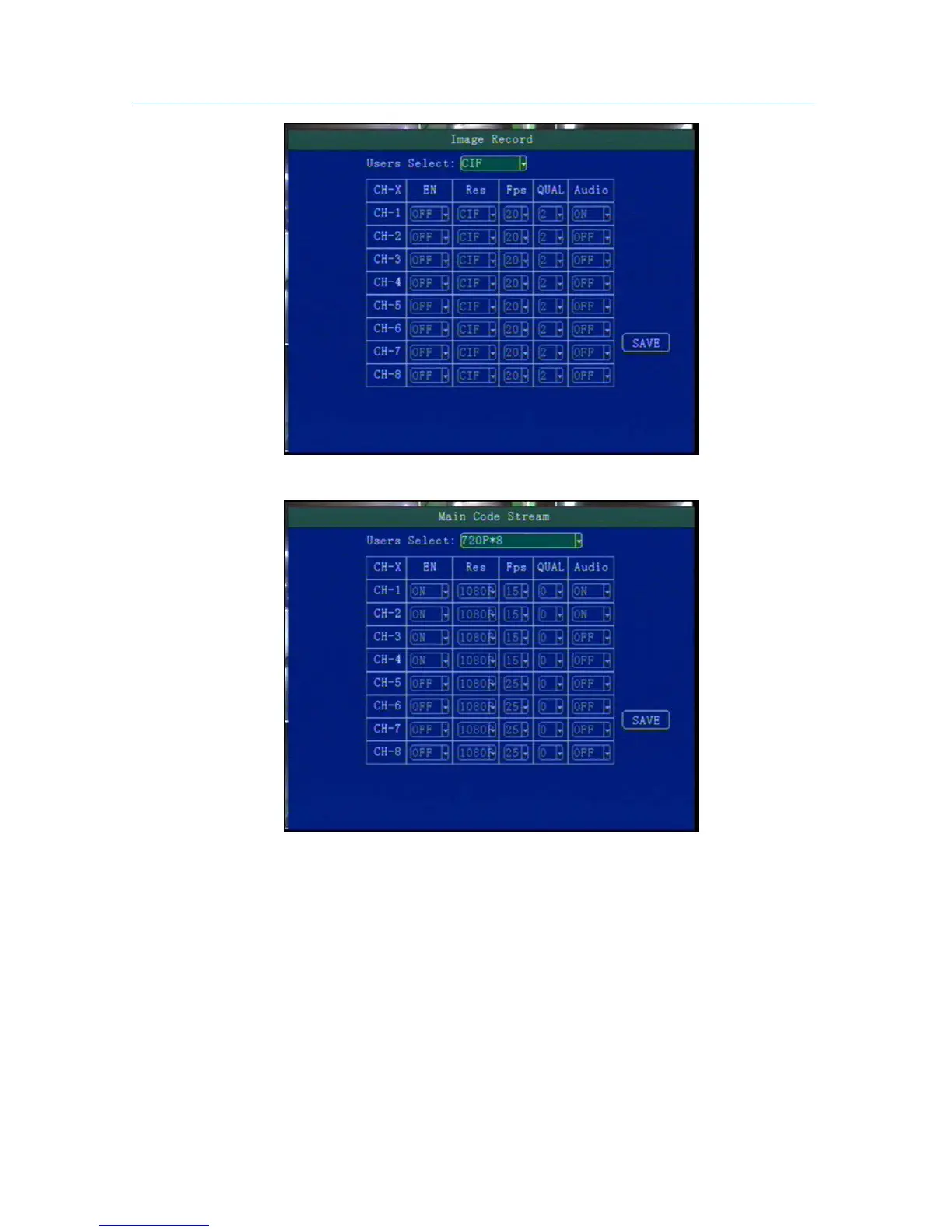
5.5.3 Main Stream
his manual is to setup the code stream and definition of video channel.
"Enable": open or close the channel of pre-recording function, press [OK] key to select.
"Resolution": CIF, HD1, D1 ,720P,1080P resolution for choosing, press [OK] key to select.
"FPS": 1-25 frame (P standard), 1-30 frame (N standard) channel recording frame rate for choosing.
"Image quality" setup video quality under different resolution, 0-7 levels adjustable,
0 is the highest level,
7 is the lowest level.
"Audio" setup the audio recording on or off.
**** According to the storage space and quality requirements, the resolution of each channel and stream can
be configured individually ****



 To Next Page