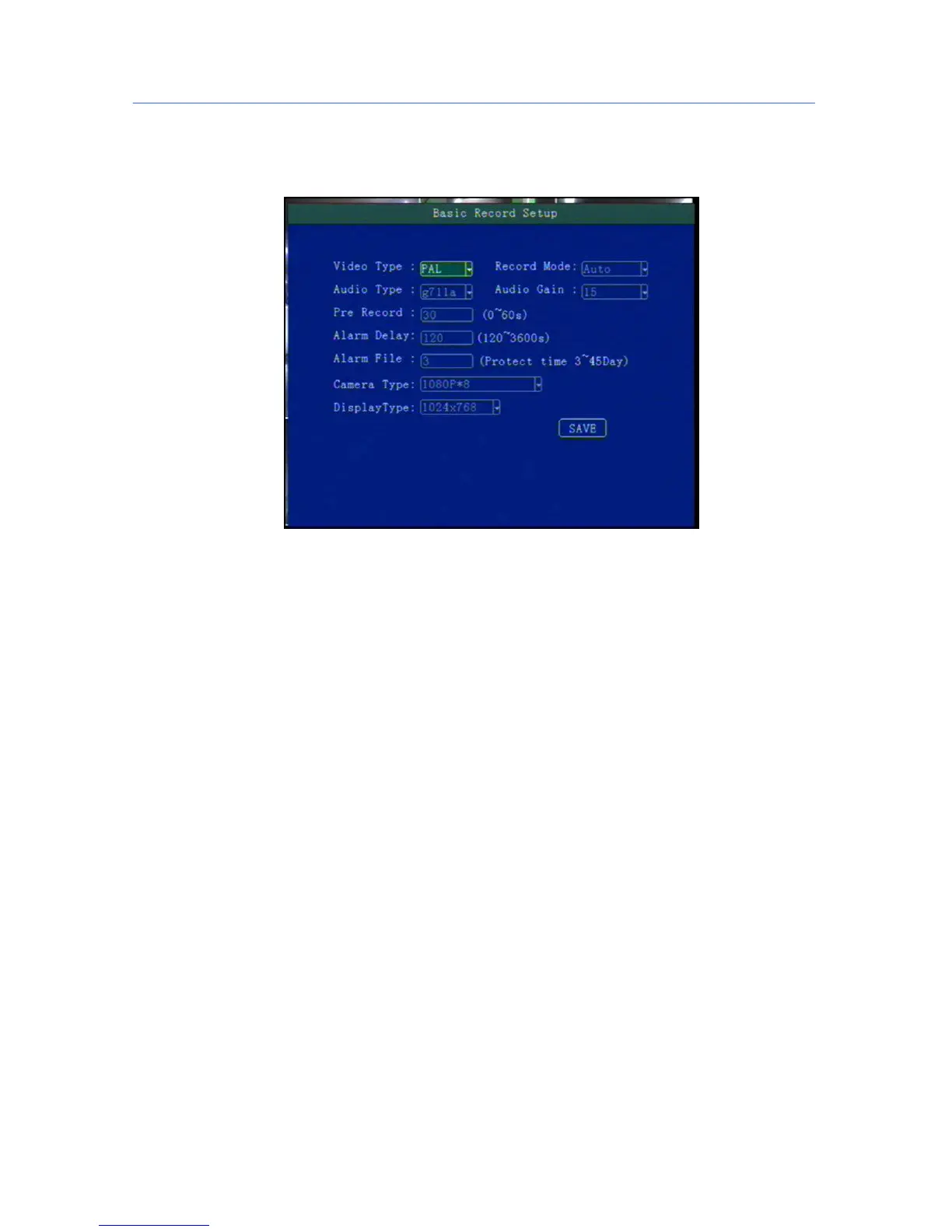
5.5.1 Basic Setup
This menu is to setup the basic video, audio and video parameters and can change into standard
definition, AHD high definition and mixed mode.
"Video Type": PAL / NTSC, press [OK] key to select.
"Record Mode": Auto / timer / alarm recording, press [OK] key to select.
"Audio Type": G711a audio format.
"Audio Gain": 1-20 gain level to select (Reserved).
"Alarm pre-recorded": pre-recorded alarm recording time of 0-60 seconds to setup, press number keys to
setup.
"Alarm delay": alarm delay recording time, 120-300 seconds to set up, press number keys to setup.
"Camera Type ": Can switch into AHD720P or AHD1080P camera input.
**** If the camera type and host channel Settings mode do not match , the input will be no image display.
1080P mode cant connect to 720P camera****
5.5.2 Mirror Record
When there is dual storage in device, you can choose one as a mirrored video memory. And setup the
recording parameters.



 To Next Page