Attention:
“Enable” function cannot be repeated, otherwise it will lead to abnormal alarm report.
5.7.2 Speed Alarm
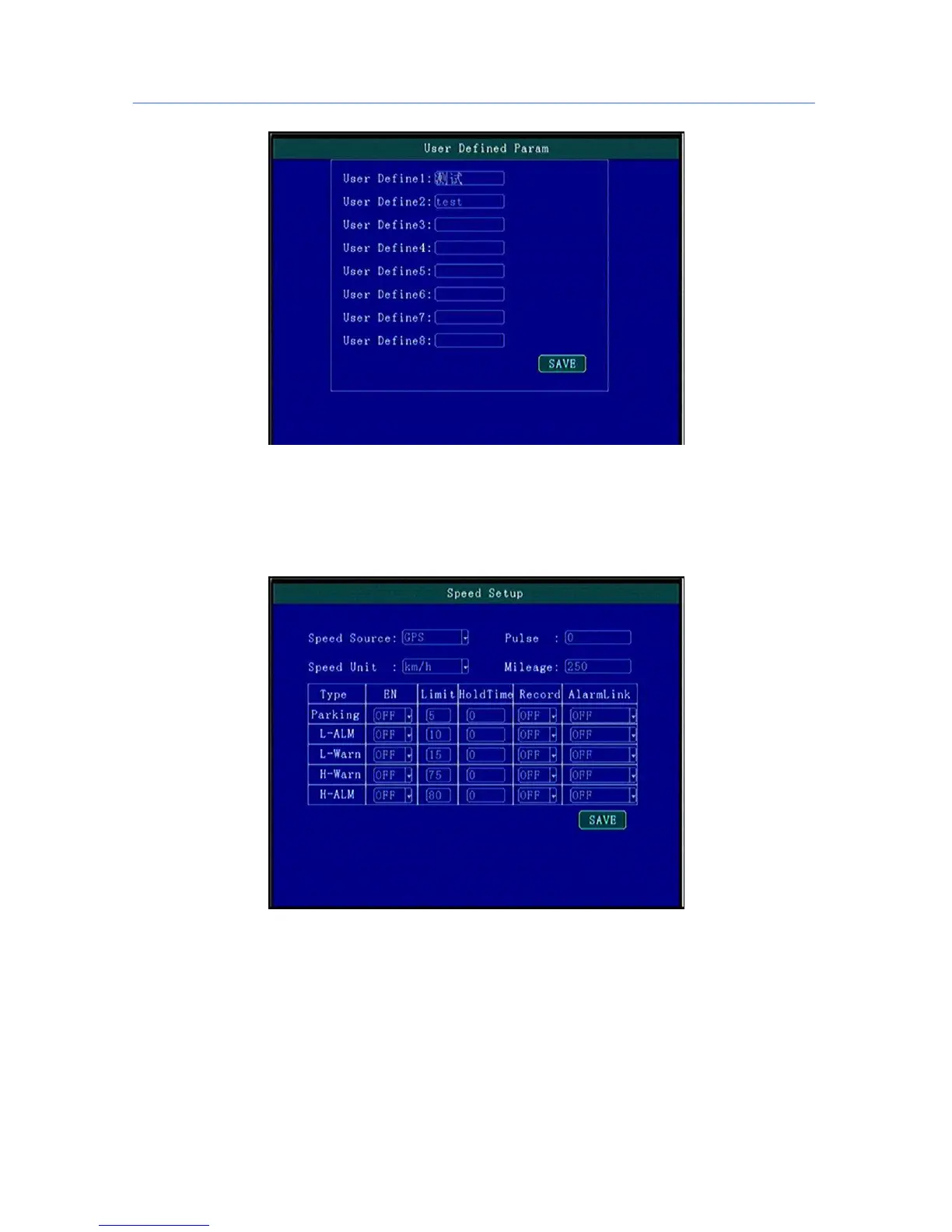
High/Low Speed or illegal driving alarm can be set.
.
“ Speed Source”: The method to get speed, GPS/Pulse Signal Optional, Press [OK] for changing;
“ Pulse Number”:Must set Pulse factor for the standard if using Pulse to get car speed information,press
Numbers for changing,can search vehicle data or constant speed by several times setting for a certain number
“ Unit”: Driving Speed Unit,Press [OK] For Changing Setting
“Timeout Parking”\“Low Speed Alarm” \“Low Speed Warning”\“High Speed Warning” :by Enable to
open or close alarm function,Level setting for alarm trigger response speed and time; Delay: alarm
time ;Record: if recording when alarm appear;Linkage: When alarm occurs if linkage with alarm output;
5.7.3 Temperature Alarm



 To Next Page