25 / 47
If the battery is not flat. WKS I inverter will discharge the battery.
6
.4. Menu
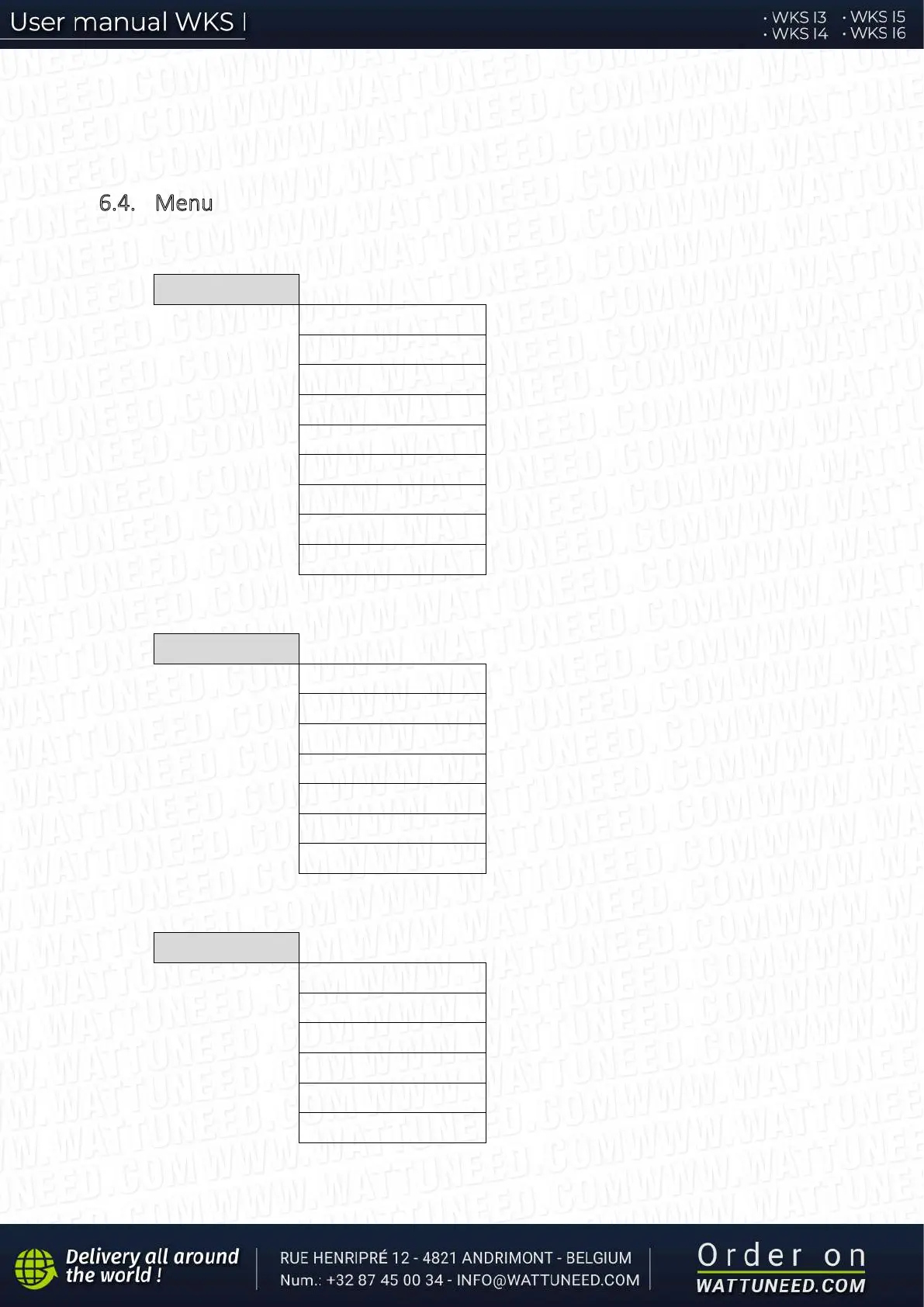
In the main interface, press “Down” button to enter grid/battery parameters page:
Main Interface Press “Down”
3.Frequency
6.Batt DisChrg Curr.
9.Batt Temp.
In the main interface, press “UP” button to enter PV parameters page:
2.PV1 Current
5.PV2 Current
In the main interface, press “back” button to enter main menu. The main menu has the following five options:
Main Interface Press “Back”
“Up” ↑
“Down”
↓
3.Event List
6.Software Update


 To Next Page