2.4 Shift button (optional)
Each beverage button may be doubly allocated.
Level 1 always active.
Press the shift button 2x
Level 2 activated.
Press desired beverage button
Level 1 is active again after dispensing a beverage at
Level 2.
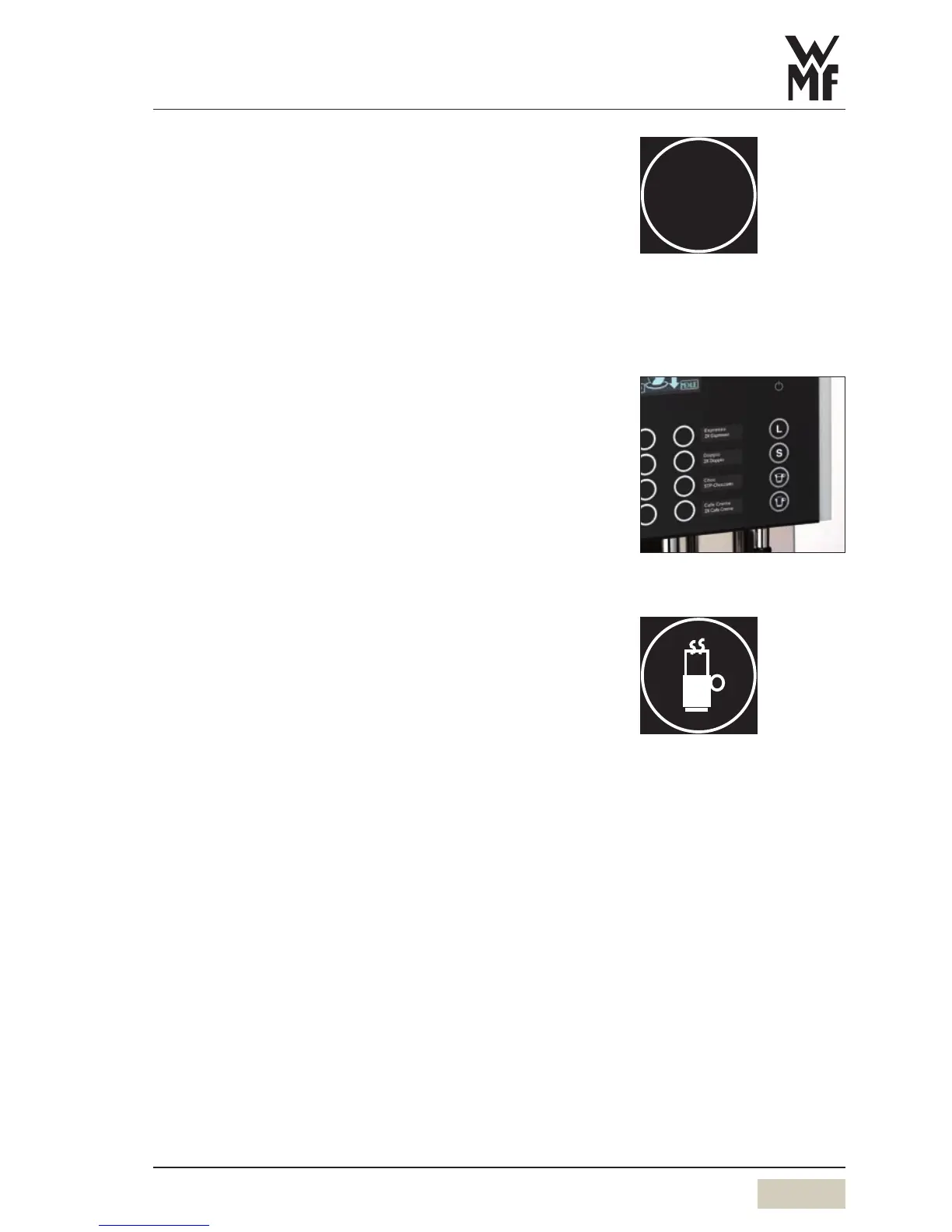
Special buttons (optional)
Special buttons for beverage sizes S and L are optionally
available on the operator panel. These are preselection
buttons which establish the desired amount of the
beverage before selection of the beverage.
M = amount of the beverage set, no preselection
S = approx. 25 % less than M
L = approx. 25 % more than M
2.5 Dispensing hot water
Press the hot water button
Dispensing occurs.
If less water is required than the pre-set dispense amount,
dispensing can be stopped by pressing the button again.



 To Next Page