Other settings
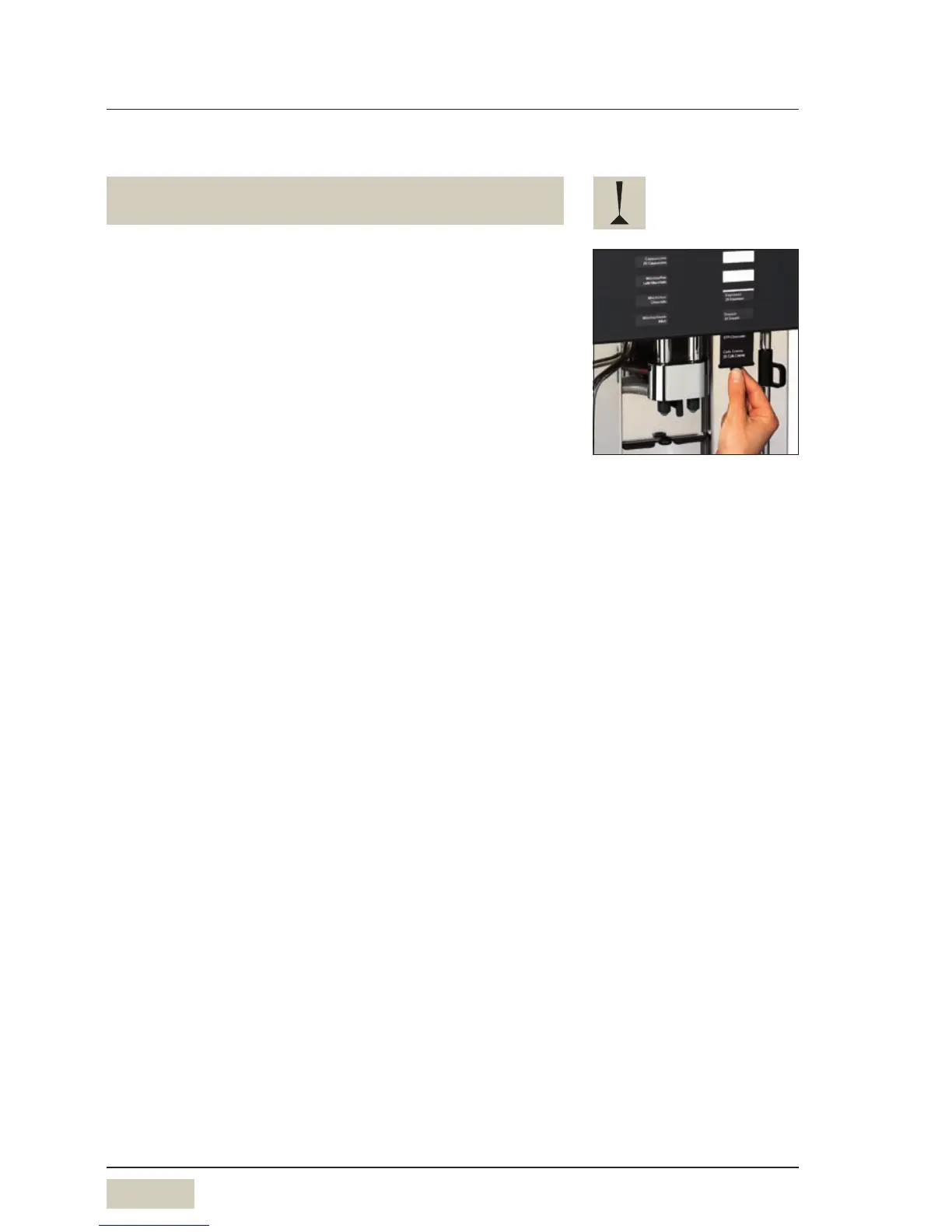
4.2 Labelling of beverage buttons
First switch off coffee machine in order not to trigger
dispensing inadvertently.
Pull out existing labelling behind front glass in a
downward direction
Write on label stickers as desired using the WMF
template
Stick on label mount and re-insert behind the front
glass panel
Print-out of the template is possible on adhesive labels or
paper.
Stick paper to label mount using an adhesive sticker.
Free download of WMF label
template from
www.servicecenter.wmf.com
Matching adhesive labels:
Zweckform-Avery No. 3659



 To Next Page