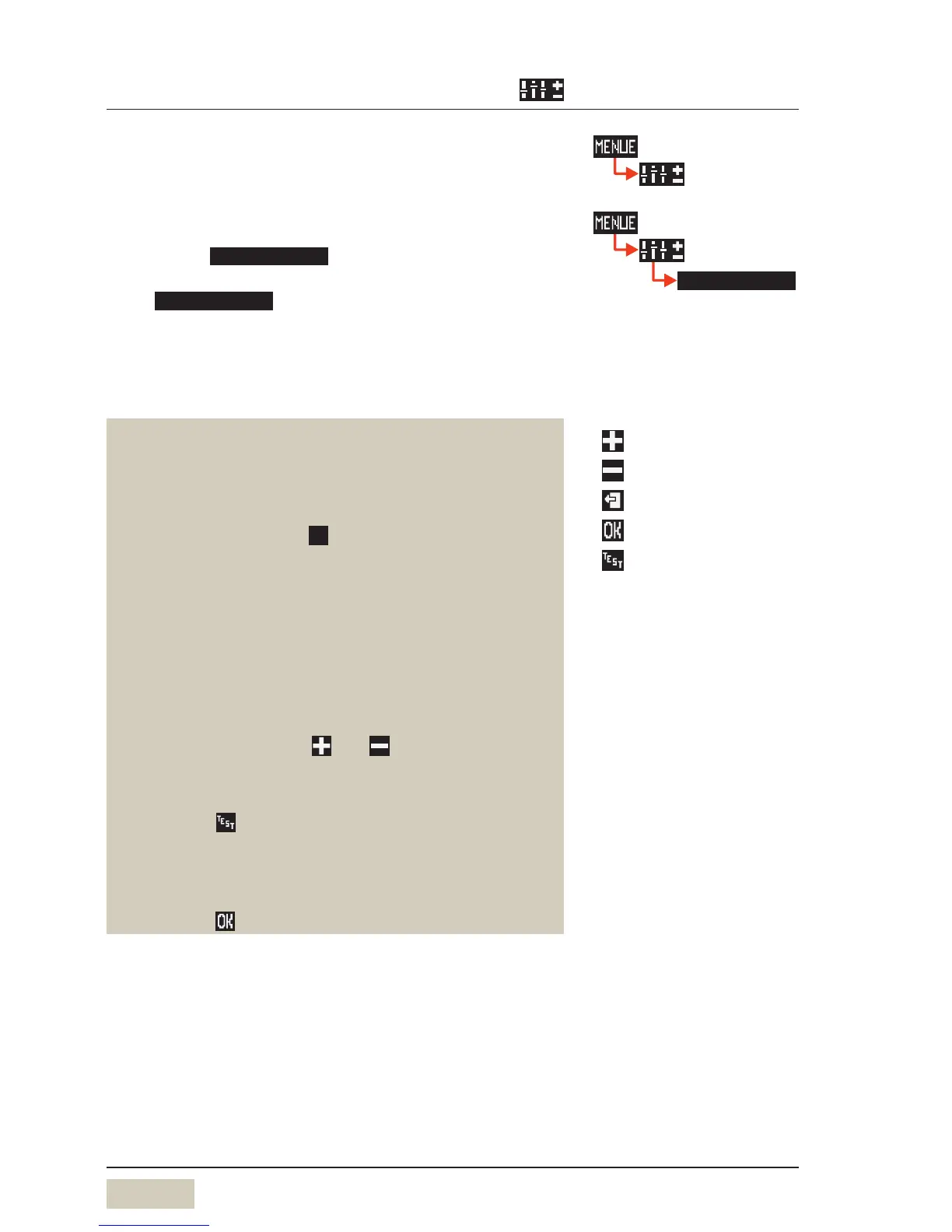
shows the options:
Cup volumes•
Change recipes•
Button allocation•
Weigh grounds•
Selecting the beverage button when setting
Press the desired beverage button
Selecting the beverage button on the 2nd Level
Press the shift button
Press the desired beverage button
Selecting the beverage button in conjunction with
one of the preselection buttons S, L or decaf
Press the desired preselection button
Press the desired beverage button
Adjust values
Adjust values with the and pads
Start a preparation test with the current values
Touch the pad
The values are not saved yet.
Save setting
Save with



 To Next Page